Wholesale Order Form Template
A wholesale order form is how a stockist places a bulk order with you. It carries their business details, the products and quantities they want, the trade price that applies to them, and where and when to ship. Use the free template below, or build your own in a few minutes. Every order arrives totaled and complete, with nothing for you to re-type.















































What a Wholesale Order Form Should Include
A wholesale order form is a document a retailer or other B2B buyer uses to place a bulk purchase order with a supplier. It records who is buying, what they want, the agreed trade price, and where and when it ships. Use the table below as a sample to copy. A trade order needs more than a retail one, and every field here saves you an email later.
| Field | Why it belongs on the form |
|---|---|
| Your brand name & logo | Your logo, business name, email, phone and address at the top. Buyers know whose form they are filling in. |
| Company name & account number | Tells you which stockist is ordering, so you can match the order to their trade account. |
| Contact person & details | Name, email and phone of the person ordering. Validation catches a mistyped email, so your confirmation arrives. |
| Products with quantity & price | Every product with its own quantity and wholesale price. You get a line total for each and a grand total for the order. |
| Minimum order quantity (MOQ) | Set a minimum on the quantity field and an order below your MOQ cannot be submitted. You can cap the maximum too. |
| Case pack or unit size | Singles, inners or cases. Get this wrong and you ship 12 units when the buyer wanted 12 cases. |
| Pricing tier or trade discount code | The wholesale rate for this stockist. They enter their own code and the discount comes off the total. |
| Resale or tax certificate number | Needed for tax-exempt trade sales in many US states. Easier to collect now than to chase later. |
| Buyer's PO number | Their own purchase order reference, so your invoice matches what their accounts team expects. |
| Shipping method, terms & address | Preferred carrier, your shipping terms, and the delivery address - which is often different from the billing address. |
| Requested delivery date | A date picker instead of "ASAP", so production and dispatch can plan. The order date is stamped on every submission. |
| Payment process | Collect the full amount or a deposit with the order, so payment is settled as it is placed. Or leave payment off and invoice later. |
| Approval & signature | A terms checkbox or e-signature confirming the quantities and prices before you start picking the order. |
The wholesale-specific bit
Enforce Your Minimum Order Quantity
A minimum order quantity is what separates a wholesale order form from a retail one. It is also the rule buyers most often miss. Putting it in the small print does not stop small orders arriving, and you still have to email the buyer and start again.
To enforce it, build the quantity as a Number field and set a minimum value in its validation rules. The form will not submit below that number. Put the MOQ in the field's help text too, so buyers see the rule before they hit the error.
Around that quantity field you add the other three elements in the cards here. A choice field carries the products, a calculation field works out the total, and conditional logic shows only the parts that apply. Together they give you a trade order form that polices your own rules. Prefer to skip the setup? The Products field below does the whole order process in one element.
1. Number field for quantity
Set a minimum value on it and the form will not submit below your MOQ - six per style, for example, or twelve per color. See the number field docs.
2. Choice field for products
A single choice or multiple choice field shows each product as a card with its own image, and carries a price for every option.
3. Calculation field for totals
Multiplies quantity by price and adds the lines up, so the buyer sees the order total before they submit. See the calculation field docs.
4. Conditional logic
Show or hide any section based on an earlier answer, so each buyer only sees the products and prices that apply to them. See the conditional logic docs.
Trade Pricing and Approved Buyers
Wholesale prices are not for everyone who finds the link. Three ways to keep trade rates with trade accounts.
A trade code per stockist
Give each approved account its own discount code, percent or fixed, with its own usage limit and expiry date. The buyer enters their code and the wholesale rate comes off the total straight away.
Catalog for trade buyers only
Ask for the trade account number first. Conditional logic keeps the whole catalog hidden until it is filled in, so your wholesale prices never sit in the open. How to set the rule.
Lock the trade form
Keep the wholesale form on a link you share only with approved accounts, and add password protection so retail customers cannot open it. How to switch it on.
Wholesale Order Form vs Line Sheet vs Purchase Order
Short version: a line sheet shows what you sell, a wholesale order form is how the buyer orders it, and a purchase order is their own paperwork committing them to buy. They arrive in that order, and each one is made by a different person.
1. Line sheet
You make it. Your catalog. One page per range showing each product, its wholesale price, case pack and MOQ. You send it so buyers know what is available and what it costs.
2. Wholesale order form
You make it, the buyer fills it in. They pick products and quantities against your terms. This is the document this page is about, and the step most brands still do by email.
3. Purchase order
The buyer makes it. Their paperwork. Issued from their own system with a PO number, committing them to buy. Collect that PO number on your form so the two records match.
The usual routine is line sheet out, order back by email, someone re-types it into a spreadsheet. Putting the order form online removes that last step. The quantities the buyer typed become the order record, already totaled and already legible.
"I really appreciate FormNX for its simplicity and intuitiveness. It's easy to use and just works perfectly for my needs. The form builder is especially straightforward, and I've found the OTP function to be a great feature. Setting it up was extremely easy, and I was able to have a form ready within an hour."

Excel or PDF Template, or an Online Order Form?
Most brands start with a Word, Excel, PDF or Google Sheets wholesale order form template. Here is what changes when you move to online wholesale ordering.
| What happens | Excel / PDF template | Online wholesale order form |
|---|---|---|
| Buyer fills it in | Downloads, edits, emails it back - or prints and scans | Opens a link on any device and submits |
| Your MOQ | Written in the notes and regularly missed | Enforced by the field - it will not submit below the minimum |
| Order totals | Formulas that break when a buyer edits a cell | Calculated on submission, every time |
| Trade pricing | A separate file per pricing tier to maintain | One form, the buyer's own discount code applied |
| Version control | Buyers keep using last season's file | One live link - always the current range and prices |
| Getting it into your system | Someone re-keys it | Export to Excel or CSV, sync to Google Sheets or a webhook (paid plans) |
| Your record of the order | An email attachment, somewhere | Every order in one dashboard, plus a branded PDF on paid plans |
If your buyers genuinely prefer a spreadsheet, you keep that too. Paid plans export every order to Excel or CSV, so your warehouse works from the file it always has.
The quickest way to build it
Let Stockists Order From Your Catalog
The Products field handles the whole order in one element. You drop it on the form once and it brings your catalog, a cart and the checkout maths with it. There is nothing to wire together and no formula to write.
Each product becomes a card with a photo, a description and its wholesale price. Size, color and case-pack options go in as variant groups, and FormNX builds every combination for you. A large in navy can carry a different price from a small in white. Any product or single combination can be marked out of stock, and you can cap how many units one buyer takes on a limited line, or leave it unlimited.
Buyers set a quantity per line and watch the order build. Tax and shipping are worked out as they go, and when a stockist enters their trade discount code the total updates on the spot. The grand total is what carries through to payment or your invoice. The Products field is included on every Pro plan.
Setting it up: the Products field documentation walks through the General, Products and Basket Settings tabs, variant groups, and the discount code panel.
Use the Products field when
You want the fastest build. Your catalog, variants, a cart, tax, shipping, discount codes and payment all come from one element.
Build it from fields when
You need a minimum order quantity enforced, or a made-to-order run with spec uploads and free-text notes. Use the four elements above.
How to Create a Wholesale Order Form
Identify the buyer
Business name, account number, contact details, and a resale or tax certificate number where you need one.
List your products
Drop in the Products field and add each product with its photo, wholesale price and size or color variants.
Set tax, shipping & discount codes
In Basket Settings pick your currency, then switch on tax, shipping and a trade discount code per stockist.
Delivery & terms
Shipping method, delivery address and requested date, a terms checkbox, and payment for the basket total.
Share with stockists
Publish for a link and embed code. Every order lands in your dashboard. Paid plans export to Excel or Google Sheets and add a PDF per order.
The same build covers a bulk order form, B2B order form, trade order form or distributor order form - only the labels change. It works just as well as a wholesale product order form for any range, or a wholesale clothing or apparel order form where case packs and size runs matter most. And because the form lives on its own link with an embed code, it drops into a Shopify, WooCommerce, WordPress, Squarespace or Wix site without a plugin. For the wider ordering workflow, from order through payment to fulfillment, see the online order form builder. Or browse order form templates and product ordering forms to start from a ready-made one.
From Order to Delivery in One Form
A wholesale order form on FormNX is not just a way to collect the order. It runs the whole order process: a reference number for every order, payment taken with the order, a confirmation email with the PDF, and order tracking from packed to delivered. Here is the sequence, in the order it happens.
Stripe payments start on the free plan. Reference numbers, confirmation emails with the PDF, order tags and integrations are included on every Pro plan.
The order arrives with a reference number
Every order gets its own unique ID the moment it is submitted. You choose the format: a prefix like ORDER-, a start number and a minimum number of digits. You and the buyer quote the same order reference number from then on. How reference numbers work.
Payment is collected with the order
The basket total is charged as the order is placed - the full amount or a deposit. Every order then shows a payment status of Paid or Due in your dashboard, so you never have to check a bank statement to know where an order stands. Payment process setup and payment status.
An abandoned payment is recovered in one click
If a buyer closes the checkout or their card fails, the order is saved and marked Due. Regenerate the payment link from that order and resend it. The buyer pays, the status flips to Paid, and nobody re-enters the order. How to resend a payment link.
The buyer gets an order confirmation email
A confirmation email goes to the buyer automatically, with the order details filled in from their answers. A PDF of the order is attached - designed as an invoice in the PDF builder if you like. A copy lands in your inbox too. Set up the confirmation email and attach the PDF.
Each order is tagged as it moves
From the responses dashboard, tag an order packed, then shipped, then delivered, and filter the list by tag to see what is still waiting. Star the urgent ones. It is simple B2B order management without a separate system. Tagging and filtering orders.
Orders flow into the tools you already use
Sync every order to Google Sheets, post it to Slack, or push it to your warehouse or accounting system with a webhook. Export the lot to Excel or CSV whenever you need the file. See all integrations.
Skip the blank canvas
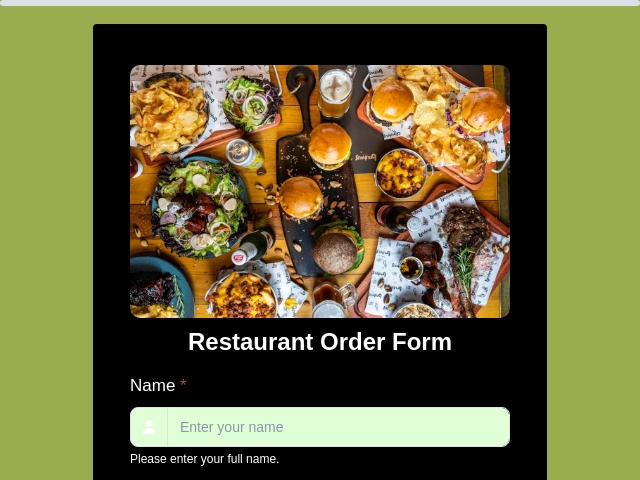
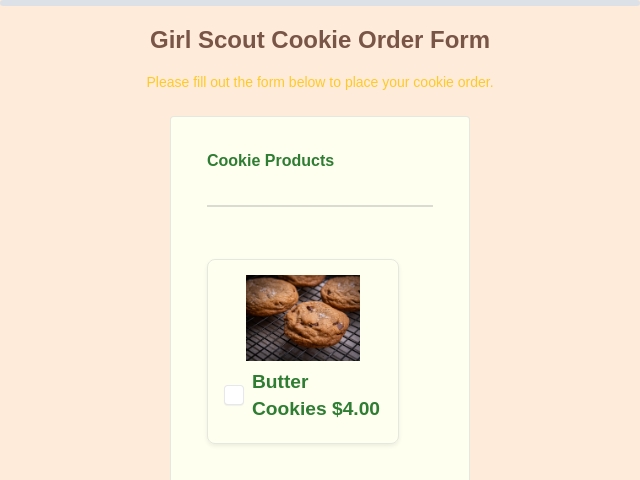
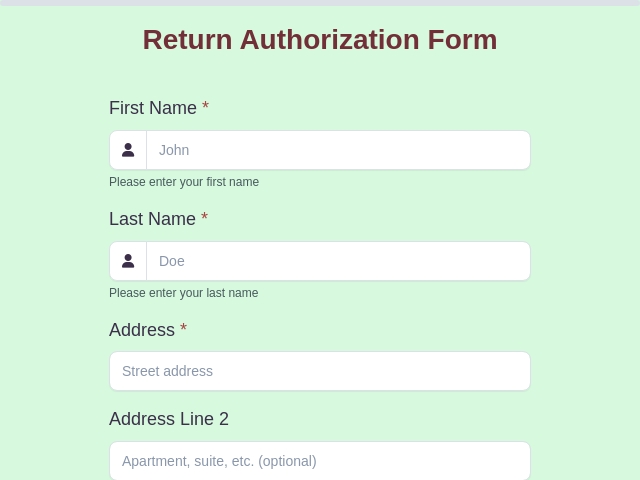
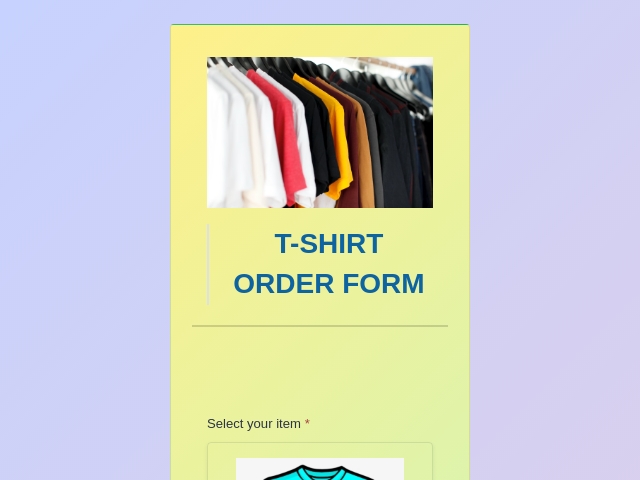
More Order Form Templates to Start From
Every template is fillable online, works on any device, and can be renamed for wholesale, bulk or B2B ordering.


Wholesale Order Form: FAQs
-
How do I create a wholesale order form?
To make your own wholesale order form, open the drag-and-drop builder and add the fields a trade buyer needs. Start with the company name, buyer account number and contact details. Then add your products with a quantity field for each, the pricing tier or trade discount code, the preferred shipping method and delivery address, and the requested delivery date. Add a minimum order quantity where you need one, a PO number field, and your payment terms. Publish to get a link you can send to stockists or embed on a trade page. Every order then arrives in your dashboard instead of an inbox.
-
What should a wholesale order form include?
At minimum it needs the buyer's company name, account number and contact person. Then product names or SKUs with a quantity per item, the pricing tier or discount code for that stockist, the shipping method and delivery address, and the requested delivery date. A wholesale form should also carry your minimum order quantity and your shipping and payment terms. Add a resale or tax certificate number where your state requires one, the buyer's PO number, and a signature or approval checkbox confirming the order. Put your own brand name and logo at the top so the buyer knows whose form it is.
-
How do I set a minimum order quantity (MOQ) on the form?
Use a Number field for the quantity and set a minimum value in its validation rules. The form will not submit below that number, so a buyer cannot place an order under your MOQ. Do this per line for a per-product minimum, or on a single order-total field for a whole-order minimum. State the MOQ in the field's help text too, so buyers see it before they hit the error.
-
Can I show trade prices only to approved stockists?
Yes, a few ways, and you can combine them. Give each approved stockist their own trade discount code. Every code can be a percentage or a fixed amount, and can carry its own usage limit and expiry date, so one stockist's rate never reaches another. The wholesale rate comes off the total as soon as the buyer enters their code. You can also ask for their trade account number up front. Conditional logic then keeps the whole catalog hidden until it is filled in, so prices are never on show to the public. Build the form from individual fields instead and you can go further, showing a different price list to each tier. And you can keep the trade form on an unlisted link you share only with approved accounts, with password protection so retail customers cannot open it.
-
Is the wholesale order form template free?
Yes. The free plan gives you unlimited forms and unlimited orders. It also includes the drag-and-drop builder, number-field validation to enforce your MOQ, file uploads, conditional logic, password protection and signature fields. You can even take payment with Stripe on the free plan. So a working online wholesale order form costs nothing to run. Paid plans add the Products field, PayPal and Razorpay, a branded PDF of every order, and exports to Excel, CSV and Google Sheets.
-
Is there a free wholesale order form template in Word, Excel or PDF?
If you came looking for a wholesale order form PDF, a Word template, an Excel file or a free download, here is the better option. The free template on this page is a fillable online form, and that is the point. A downloaded file gets edited, emailed back and re-typed. An online form is filled in on any device and the order arrives complete, so there is nothing to re-key. You still get your files: paid plans export every order to Excel or CSV, sync to Google Sheets, and turn each order into a PDF.
-
What is the difference between a wholesale order form and a line sheet?
A line sheet is your catalog. It shows each product with its wholesale price, case pack and MOQ, and you send it to buyers so they know what is available. A wholesale order form is how the buyer actually places the order. Many brands send a line sheet and then take orders by email, which means re-typing every one. An online order form replaces that last step. The buyer picks quantities and submits, and the order arrives already totaled.
-
Can stockists order from a product catalog with images and prices?
Yes. The Products field (Pro) shows your range as product cards with photos, descriptions and wholesale prices. Size, color or case-pack options go in as variants, and each one can carry its own price and stock status. Set a maximum number of units one buyer can take on a limited line, or leave it unlimited. Buyers set a quantity per line and the cart keeps a running total, adding tax and shipping as they go. The trade discount comes off as soon as they enter their code.
-
Can I export wholesale orders to Excel or Google Sheets?
Yes, on paid plans. You can search and filter your orders, then export them to Excel or CSV. You can also sync submissions to Google Sheets, or push them to your own system with a webhook. See the export docs and the Google Sheets setup guide. Orders flow into the spreadsheet or ERP your warehouse already works from, and nobody re-keys anything.
-
Can I take payment or a deposit on a wholesale order?
Yes, and you can start on the free plan. Connect Stripe and take the full amount or a deposit as the order is placed. Every order is then marked Paid or Due, and a Due order can be sent a fresh payment link. The Pro plan adds PayPal and Razorpay, lets you run more than one gateway on the same form, and charges a 0% platform fee. Many trade accounts are invoiced on net 30 terms instead. To do that, leave payment off and use the form purely to capture the order.
-
What happens after a wholesale order is submitted?
The order is saved with its own reference number and, if you take payment, marked Paid or Due. The buyer receives an order confirmation email with a PDF of the order attached, and a copy reaches you. If a payment was abandoned, you regenerate the payment link and resend it. From the dashboard you tag the order packed, shipped and delivered, and it syncs to Google Sheets, Slack or your own system by webhook. The whole wholesale order management flow runs from the one form.
-
Can buyers reorder without filling everything in again?
Yes, on any plan. Pre-fill the form with a link that carries the buyer's details, so their company name, account number and delivery address are already filled in. The URL pre-fill documentation shows how to build that link. They only enter quantities. That turns a repeat order into a thirty-second job, which is what keeps stockists reordering.
-
Does this work as a bulk order form or B2B order form too?
Yes. Bulk order form, B2B order form, trade order form, wholesale order sheet, distributor order form and stockist order form all describe the same document. The same structure covers every one of them: who is buying, products with quantities, the agreed pricing, delivery details, and terms. Build it once and rename the labels to match the language your industry uses.
Take Wholesale Orders Without the Email Thread
Free to start - unlimited orders, MOQ enforced, every order totaled and exportable. No credit card required.
Build Your Wholesale Form Free
 Reviews on Trustpilot
- Alternatives
- Jotform Alternative
- Typeform Alternative
- Google Forms Alternative
- SurveyMonkey Alternative
- Contact Form 7 Alternative
- Paperform Alternative
- Microsoft Forms Alternative
- Fillout Alternative
- Tally Forms Alternative
- Gravity Forms Alternative
- Cognito Forms Alternative
- Formstack Alternative
- Wufoo Alternative
- All Alternatives
- Pricing Guides
- Jotform Pricing
- Typeform Pricing
- SurveyMonkey Pricing
- Use Cases
- No-Code Form Builder
- Online Survey Builder
- AI Form Builder
- Online Quiz Maker
- Job Application Form Builder
- Order Form Builder
- Screen Printing Order Form
- Wholesale Order Form
- WordPress Form Builder
- Contact Form
- Nonprofit Form Builder
- Squarespace Form Builder
- Wix Form Builder
- Webflow Form Builder
- Framer Form Builder