Order Form Templates
Free order form templates you can customize and publish in minutes - for t-shirt and apparel orders, bakery and catering, wholesale and purchase orders, and service work orders. Pick a template, add your products and prices, let the order total calculate itself, and take payment with Stripe. No coding, no spreadsheets, no paper order slips.

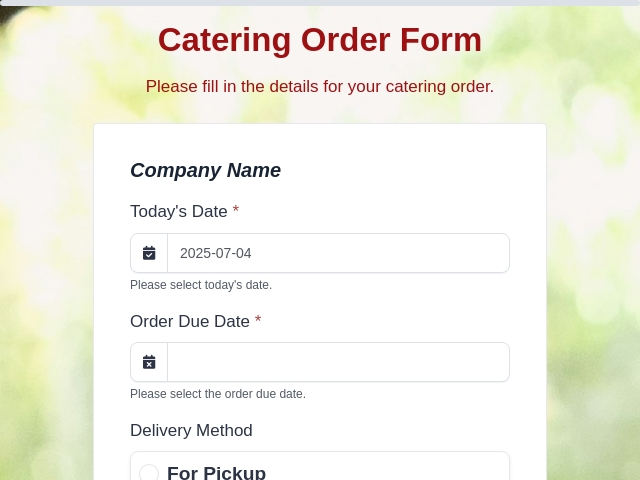
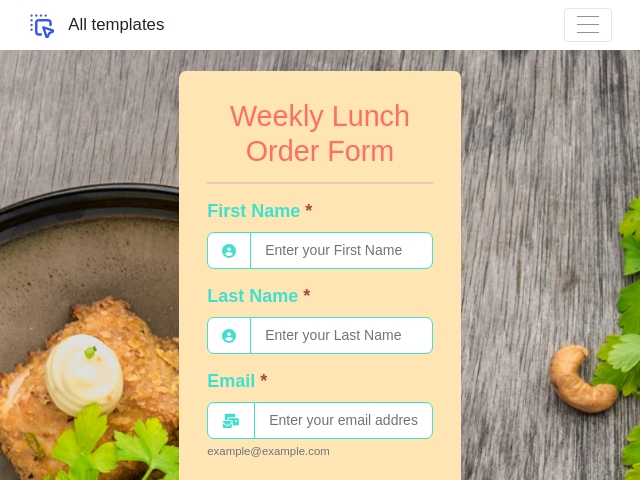
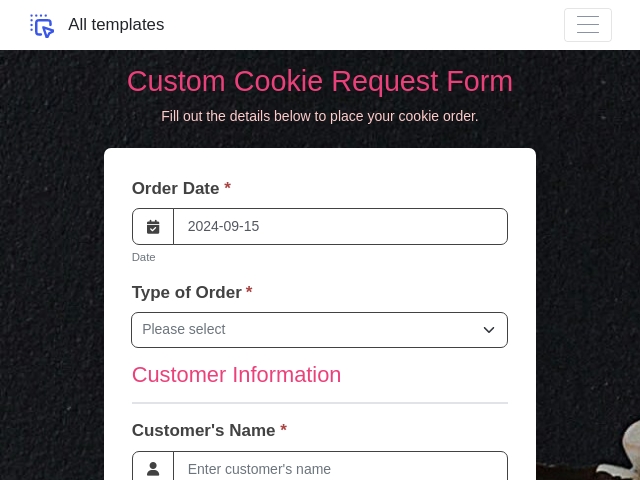
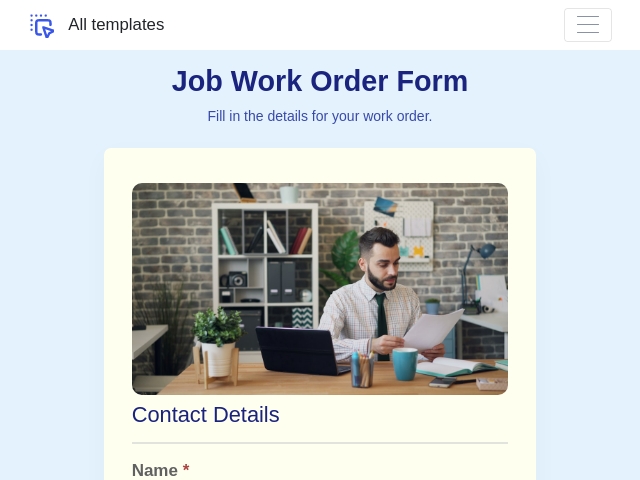
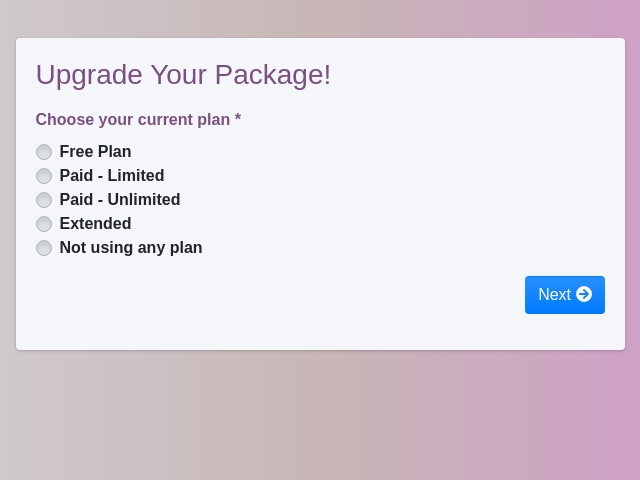
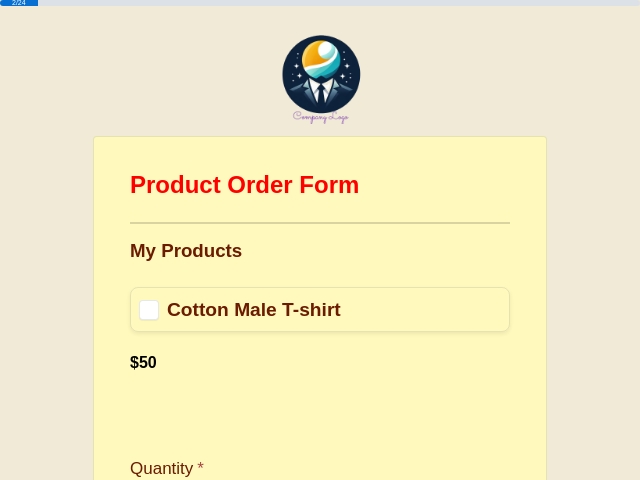
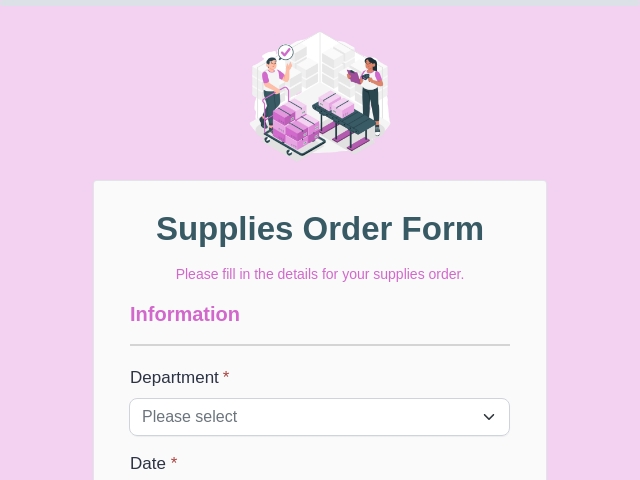
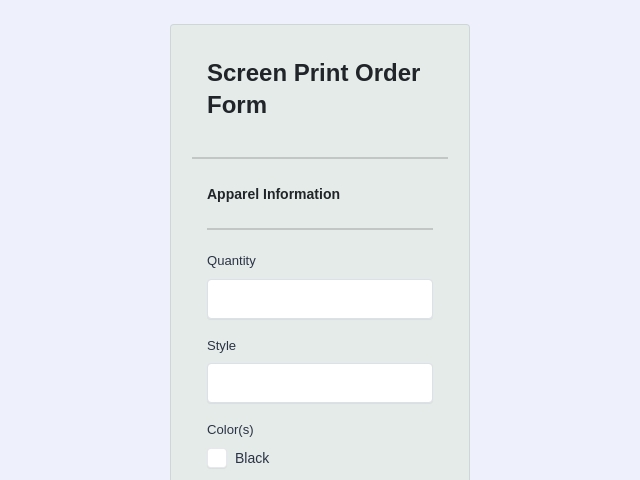
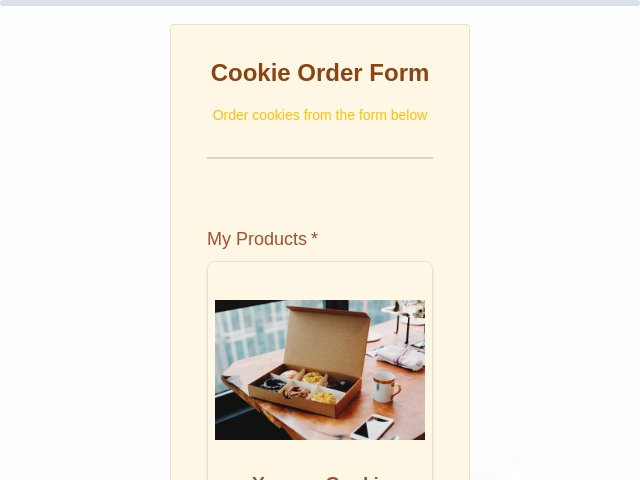
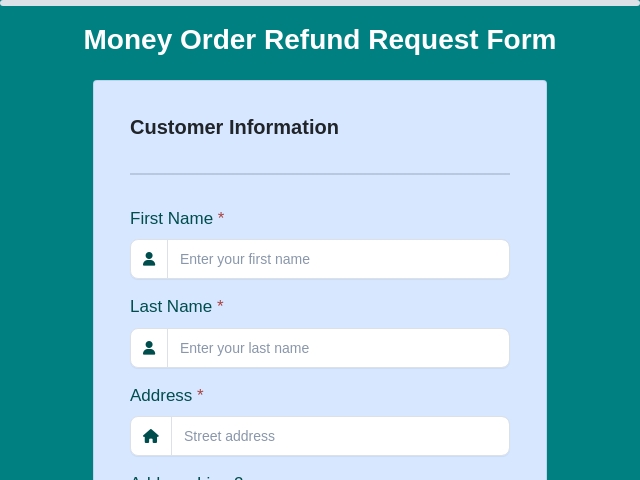
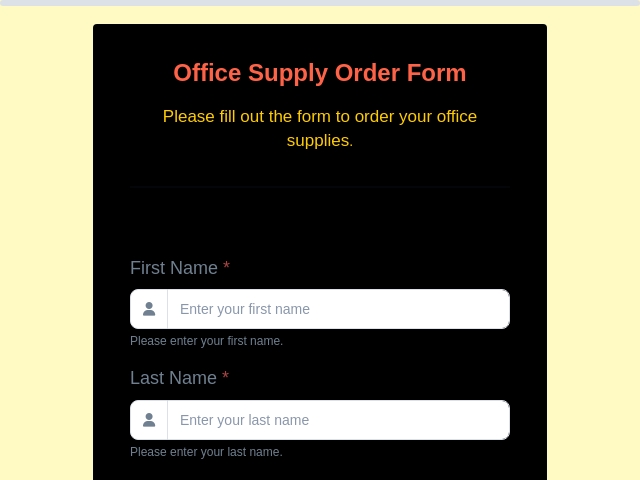
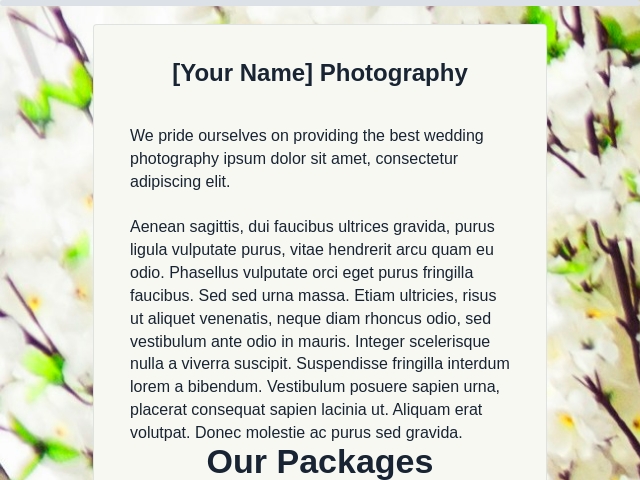
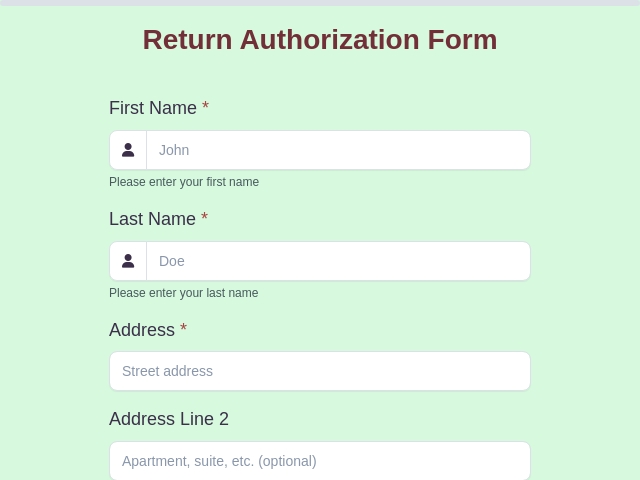
An order form template is a ready-made form that collects everything you need to fulfil an order in one place: who is ordering, what they want, how many, the agreed price, where it goes, and how they will pay. Instead of building those fields from scratch, you start from a template, swap in your own products and prices, and publish it as a live online form your customers fill in from any device.
Every template above is free, fully editable in the drag-and-drop builder, and works on mobile. You can add an automatic order total, collect payment at checkout with Stripe, and have each order land in one dashboard instead of a spreadsheet or a pile of paper slips.
Why Use an Order Form Template Instead of Building From Scratch
Starting from a template removes the two jobs that take longest: deciding which fields an order form needs, and wiring up the maths. A good template already has the customer, product, quantity, delivery and payment structure in place.
- You will not forget a field. Missing a delivery date or a size option means a phone call per order. Templates are built from orders that already work.
- The total is already wired up. Quantity multiplied by price, plus shipping or tax, calculated live as the customer builds their order.
- It takes minutes, not an afternoon. Swap in your products, change the branding, publish.
- It is an online form, not a document. Customers fill it in on their phone; you get a clean list of orders you can filter and export rather than handwriting from texts and DMs.
If you would rather start from a blank canvas and build the form yourself, use the online order form builder instead.
Types of Order Form Templates (Pick by What You Sell)
Every order form shares the same backbone - customer, items, quantities, total, payment. What changes is the middle section. Here is what each type needs.
T-Shirt & Apparel Order Form Templates
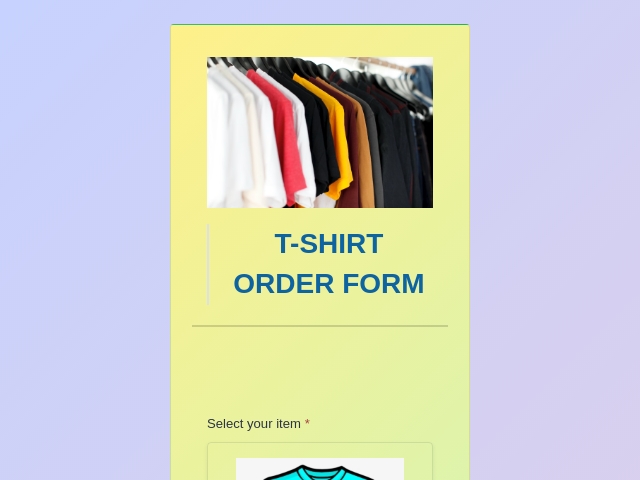
The most requested order form there is. You need a size field (S, M, L, XL), a colour or style choice, and a quantity box per size - because one buyer usually orders several sizes at once. Add an image to each option so buyers pick the actual shirt instead of reading a list, and a file upload if they are supplying artwork. Popular with schools, sports teams, clubs, churches and fundraisers. Browse merchandise and apparel order form templates.
Bakery & Cake Order Form Templates
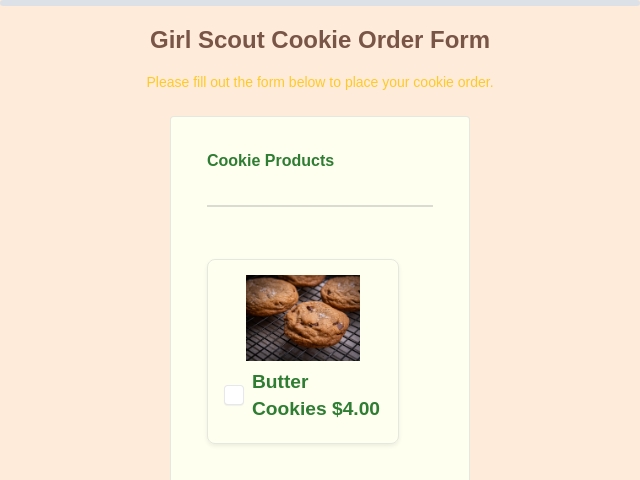
Cake size, flavour, filling and finish shown as pictures, an inscription field for the message, a collection or delivery date, and a photo upload so customers can send the design they have in mind. Add allergy notes and a deposit at checkout. See bakery order form templates.
Food, Catering & Restaurant Order Form Templates
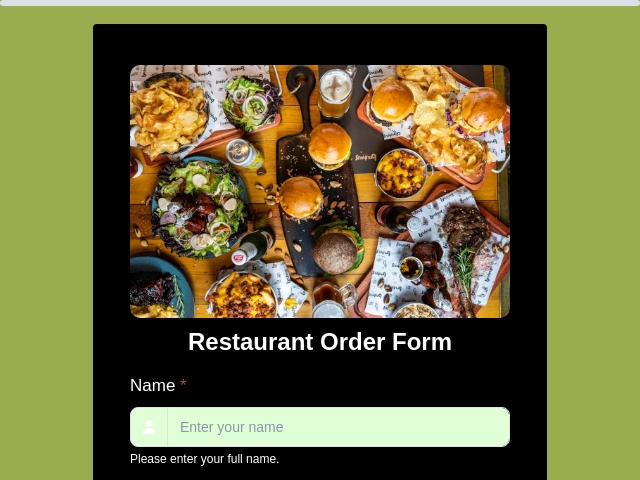
Menu items with photos, portion sizes, headcount for catering, dietary and allergy notes, and a pickup or delivery slot. Works for weekly meal orders, event catering and pre-orders. See food and beverage order form templates.
Purchase Order Form Templates
Used by a buyer requesting goods from a supplier. Needs a PO number, vendor details, line items with unit costs, a delivery date, a budget or cost code, and an approval signature before it is sent. Because reference numbers are generated automatically, every PO gets a unique ID like PO-1001. See supply and purchase order templates.
Sales Order Form Templates
The seller's side of the same transaction - confirming what was agreed. Customer details, items, agreed pricing, any discount, delivery terms, and payment status tracked from due through to paid. See order management form templates.
Work Order Form Templates
A request for a job to be carried out rather than a product to be shipped. Site or asset details, a description of the problem, priority, requested date, parts and labour lines, and a sign-off once the work is complete. Common in maintenance, repairs, printing and trades. See service and booking form templates.
Product & E-commerce Order Form Templates
For selling a handful of products without running a full online store. Product list with variants, shipping address, and card payment - embedded on the page you already have. See e-commerce order form templates.
Wholesale & Bulk Order Form Templates
For trade customers reordering. Trade pricing, minimum order quantities enforced with number validation, case sizes, an account or VAT number, and a file upload so buyers can attach their own purchase order document.
Order Form Templates With Payment
Any of the above with checkout attached - the calculated total is charged at the moment the order is placed. See payment form templates.
How to Create an Order Form in 5 Steps
- Pick a template above and open it in the form builder. Or start from a blank form if nothing matches what you sell.
- Add your products, options and prices. List each product as a choice option and attach a photo to it, then add quantity, size or colour fields. Use a multi-column layout to keep a long catalogue readable.
- Turn on the automatic total. Add a calculation field with a formula that multiplies quantity by unit price and adds each line together. Build shipping or tax into the same formula. The total updates live as the customer orders.
- Connect payment. Switch on Stripe and point the charge at your calculated total so each customer pays exactly what their order comes to. Prefer to invoice later? Leave payment off and use the form purely to capture orders.
- Publish and share. You get a link and an embed code. Put it on your website, post the link on social, or print it as a QR code for your counter. Every order arrives in your dashboard with its reference number and payment status.
In a hurry? Describe the form you need in plain English and the AI form builder will generate it for you - field types, labels and validation included - in about a minute.
What to Include in an Order Form Template
- Customer details - name, email and phone, with validation so you can actually reach them.
- Order or reference number - assigned automatically to every submission, with your own prefix such as ORD-1001.
- Products or services ordered - a line per item, or a choice field listing your catalogue with an image on each option.
- Quantity - a number field per item, feeding straight into the total.
- Options and variants - size, colour, flavour, finish, or whatever the customer must choose.
- Unit price and line totals - prices you set, multiplied out so customers see the cost per line.
- Shipping or tax - a delivery charge, handling fee or tax percentage built into the same formula.
- Order total - calculated live and passed to the payment provider as the amount to charge.
- Delivery or pickup details - address, preferred date and collection instructions, shown only when relevant using conditional logic.
- Special instructions - a free-text box for personalisation, allergies, artwork notes or access details.
- File upload - artwork, a logo, a reference photo or the customer's own purchase order document, via file and image uploads.
- Terms and signature - a checkbox for your terms, or an e-signature for quotes and larger B2B orders.
Order Form Template in Word, Excel, PDF or Online - Which Should You Use?
Most free order form templates are Word or Excel files you download and print. That works if you only take a handful of orders and do the admin by hand. Here is the honest comparison.
Word or PDF order form template
- Best for: printing and filling in by hand, or handing to a customer in person.
- What it cannot do: calculate the order total, take payment, validate what the customer writes, or collect orders into one list.
- The catch: you total every order manually and chase payment separately.
Excel order form template
- Best for: getting the total calculated automatically with a quantity multiplied by price formula.
- What it cannot do: take payment, or work reliably on a phone.
- The catch: you have to send the file to each customer, they need Excel to open it, they can overwrite your formulas, and you get one file back per order to consolidate by hand.
Online order form
- Best for: anyone taking orders regularly, or taking them from customers who are not sitting in front of you.
- What it does: the customer opens a link on any device, the total calculates live as they order, payment is taken at checkout with Stripe, and every order lands in one dashboard you can filter and export.
- Bonus: product photos on each option, automatic order numbers, and a confirmation sent to the customer.
A note on downloads: FormNX templates are live online forms, not blank Word or Excel files to photocopy. If you need a paper copy, you can auto-generate a branded PDF of each completed order on paid plans and print that - the difference being the PDF is filled with real order data, so nothing has to be retyped afterwards.
Best Practices for Order Forms That Get Completed
- Show the running total. Buyers abandon forms when they cannot tell what they will be charged until the end.
- Use pictures, not text lists. Attaching an image to each product, colour or size cuts wrong orders and refunds.
- Only ask what you need to fulfil the order. Every extra field costs completions. Move optional questions behind conditional logic.
- Split long orders across steps. Choose items, then delivery, then pay - with a progress bar, using multi-step forms.
- Confirm immediately. An order confirmation with the reference number and what was ordered prevents most "did my order go through?" messages.
- Chase unpaid orders automatically. Orders are marked paid or due; for a due order you can regenerate the payment link and resend it rather than rebuilding the order.
- Test it on a phone first. Most order forms are completed on mobile.
Why Use FormNX for Order Forms
- Free to start, unlimited orders. No cap on the number of orders you collect.
- Totals that calculate themselves, including shipping and tax, with rounding control.
- Payments built in. Stripe is available on the free plan (7.5% Connect fee); PayPal and Razorpay are available on paid plans, where FormNX takes a 0% platform fee and only the provider's own processing fees apply.
- Paid and due tracking on every order, with a resend-payment-link option to recover abandoned checkouts.
- Automatic order reference numbers with your own prefix, suffix and starting number.
- Product images on choices, so customers order by sight.
- Order PDFs auto-generated per order on paid plans, attachable to the confirmation email.
- Embed anywhere - WordPress, Webflow, Wix, Shopify or plain HTML - or share a link or QR code.
- Trusted by 7,000+ customers with 13,000+ forms created. Read the FormNX reviews on G2.
Frequently Asked Questions
How do I create my own order form?
Pick an order form template above, open it in the drag-and-drop editor, and replace the sample products with your own items and prices. Add a calculation field so the order total adds itself up, connect Stripe if you want to be paid at checkout, then publish. You get a shareable link and an embed code for your website. Most people have a working order form in about 10 minutes.
Are these order form templates free?
Yes. Every template in this category is free to use, and the free plan includes unlimited order forms and unlimited orders, the drag-and-drop builder, AI form generation, calculation fields, product options with images, conditional logic, multi-step pages, automatic order reference numbers, new-order email notifications, and Stripe checkout. Paid plans add PayPal and Razorpay, automatic order confirmation emails to your customers, auto-generated order PDFs, exporting to Excel or CSV, Google Sheets and webhook sync, and removing FormNX branding.
Can I create an order form in Word?
You can, and it is fine for a form you intend to print and fill in by hand. What Word cannot do is calculate the order total, take payment, validate what the customer types, or collect the orders into one list - so you end up totalling orders manually and chasing payment separately. An online order form does those automatically. If you still need a paper document, generate the PDF of each completed order and print that instead of a blank form.
How to create an order form using Excel?
Excel is the usual choice when you want the total calculated, using a formula that multiplies quantity by price. The limitation is distribution: you have to send the file to each customer, they need Excel to open it, they can overwrite your formulas, and you get one file back per order to consolidate by hand. An online order form keeps the same automatic maths but the customer just opens a link, and every order lands in a single dashboard you can filter and export.
How do I make a fillable order form?
Every FormNX order form is fillable online out of the box - customers open the link on a phone, tablet or computer and type straight into it, with no app to install and no account to create. That is the practical difference between a fillable online form and a fillable PDF: the online version validates entries, calculates the total for the customer, and files each order automatically, so nothing has to be retyped.
Can I accept payment on an order form?
Yes. Connect Stripe to charge customers the moment the order is placed - Stripe works on the free plan with a 7.5% Connect fee. PayPal and Razorpay are available on paid plans and can run alongside Stripe so the customer picks their method. The amount charged comes straight from your calculation field, so someone ordering three shirts is charged for three shirts automatically. Each order is then marked paid or due, and for a due order you can regenerate the payment link and resend it.
How do I make a t-shirt order form?
Start from a t-shirt or apparel template, add a size field (S, M, L, XL) and a colour field with an image on each option so buyers see the actual shirt, then add a quantity box per size since one buyer usually orders several. Add a calculation field to multiply quantity by unit price, and turn on Stripe if you want payment up front - which is what most school, team, club and fundraiser shirt orders need. You get one tidy size breakdown instead of adding up paper slips.
Can I print an order form or download it as a PDF?
Yes. On paid plans FormNX automatically generates a branded PDF of each completed order, which you can print, file, or attach to the confirmation email the customer receives. Note this is different from a printable template site: FormNX does not hand you a blank PDF to photocopy - customers fill the form online and the PDF is produced from real order data.
Can I embed an order form on my own website?
Yes. Every form comes with an embed code that works on WordPress, Webflow, Wix, Shopify and plain HTML sites, so the form appears inside your own page rather than sending customers elsewhere. You can also share the direct link, or print a QR code for a counter card, market stall or "order here" sign.
What is the difference between a purchase order and a sales order?
A purchase order is raised by the buyer to request goods from a supplier, and usually needs a PO number, vendor details and an internal approval. A sales order is raised by the seller to confirm what was agreed and what will be delivered. The same order form structure covers both - the difference is who fills it in and which approval and reference fields you add.
Related Form Categories & Resources
- Online order form builder - build an order form from scratch
- Merchandise & apparel order form templates
- Food & beverage order form templates
- Bakery order form templates
- Supply & purchase order templates
- Order management form templates
- E-commerce form templates
- Payment form templates
- Calculation fields - automatic order totals
- Payment forms - take payment on any form

 Reviews on G2
 Reviews on Trustpilot
- Alternatives
- Jotform Alternative
- Typeform Alternative
- Google Forms Alternative
- SurveyMonkey Alternative
- Contact Form 7 Alternative
- Paperform Alternative
- Microsoft Forms Alternative
- Fillout Alternative
- Tally Forms Alternative
- Gravity Forms Alternative
- Cognito Forms Alternative
- Formstack Alternative
- Wufoo Alternative
- All Alternatives
- Pricing Guides
- Jotform Pricing
- Typeform Pricing
- SurveyMonkey Pricing
- Use Cases
- No-Code Form Builder
- Online Survey Builder
- AI Form Builder
- Online Quiz Maker
- Job Application Form Builder
- Order Form Builder
- Screen Printing Order Form
- Wholesale Order Form
- WordPress Form Builder
- Contact Form
- Nonprofit Form Builder
- Squarespace Form Builder
- Wix Form Builder
- Webflow Form Builder
- Framer Form Builder