Calculation Form Builder
Build a calculation form with live totals, prices, and scores - drop a Calculation field, write a formula, and the value updates in real time as users type. Free, no code, unlimited formulas on every plan.
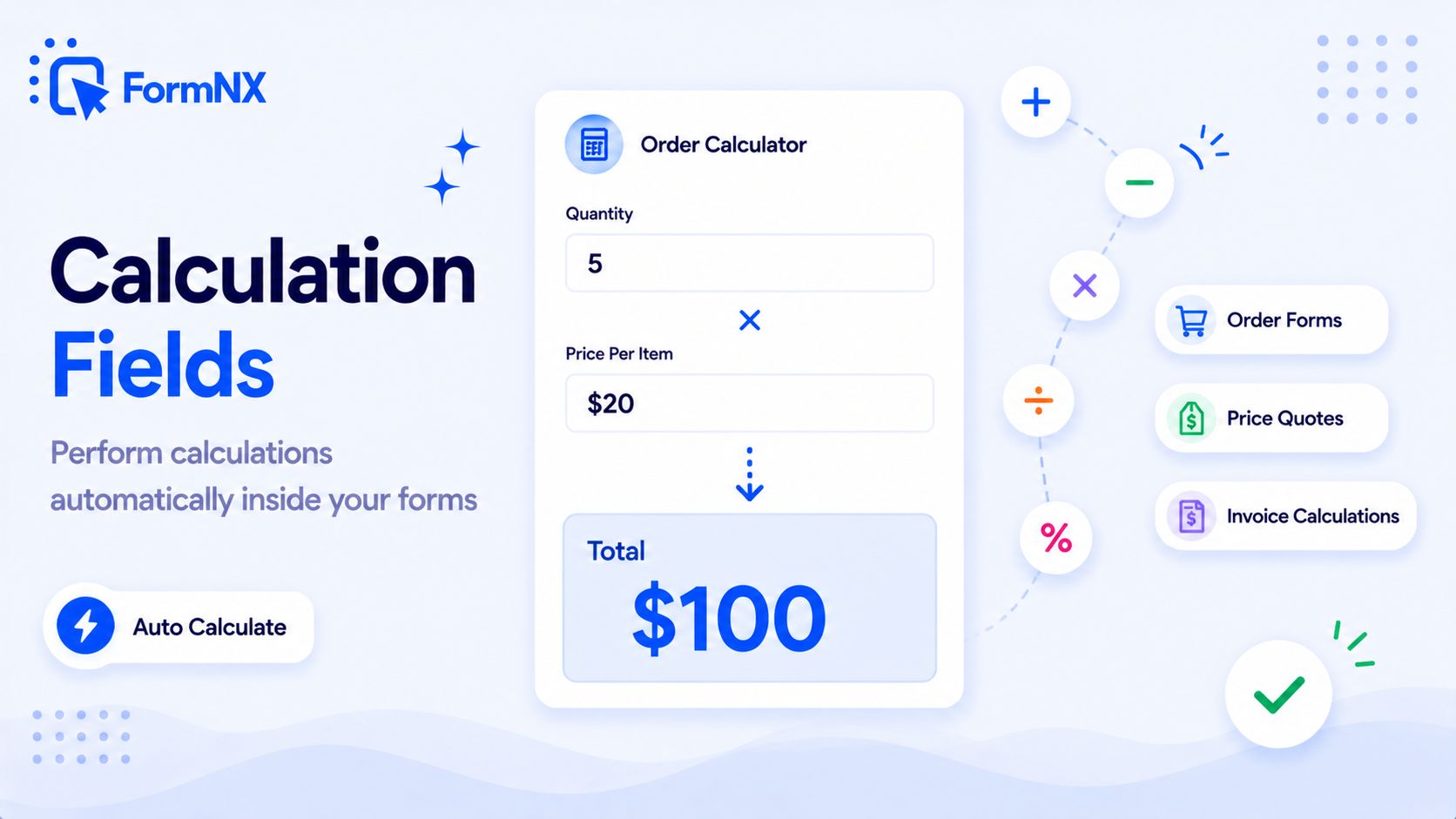








































What makes it essential for your forms
Why Use Calculation Form Builder?
Real-Time Calculation
The calculated value updates on every keystroke as the user types. No submit, no page reload - the running total is always live and visible.
Drive Payment Amounts
Point a Price Field at the Calculation field on a payment form, and the customer pays the exact calculated total. Dynamic pricing without code.
Rounding Control
Set decimal places per field (0 for whole numbers, 2 for currency). FormNX rounds the displayed value while keeping the raw value internally for chained calculations.
Show or Hide the Total
Show calculated values to the respondent for transparency, or keep them admin-only for internal scoring. One toggle per Calculation field.
Works with Conditional Logic
Pair calculations with conditional logic for tier-based discounts, member vs non-member pricing, quiz scoring, and any rule-driven formula.
Free - Unlimited Formulas
Most form builders gate calculation fields behind premium plans. FormNX includes Calculation fields free on every plan, with no formula limit or field cap.
Get up and running in minutes
How to Use Calculation Form Builder
Drop a Calculation Field onto Your Form
Write a Formula Referencing Other Fields
Set Display Mode and Rounding
Publish & The Total Updates Live
What Is a Calculation Form?
A calculation form is any web form that performs arithmetic on user inputs and displays - or stores - a derived value. The classic example is an order form: the user picks a quantity, the form multiplies it by the unit price, adds tax and shipping, and shows the running total before checkout. But the same pattern powers quote calculators, price calculators, BMI calculators, quiz scoring, freight estimators, tip splitters, and any form where the output depends on what the user entered.
FormNX is a free no-code calculation form builder. You drop a Calculation field onto the canvas, write a formula referencing other field IDs, and the value updates in real time as the respondent fills out the form. No JavaScript, no spreadsheet integration, no developer needed. People describe this in several ways - calculated fields, form calculations, a calculating form, a calculator form, or simply online forms with calculations - and they all mean the same thing: fields that auto-calculate from what the respondent enters. Looking for ready-to-use forms instead? Browse our calculation form templates for pre-built order forms, quote calculators, and scoring systems you can customise in minutes.
How to Add a Calculation to Your Form
Adding a calculation to your form in FormNX takes three steps:
- Drop a Calculation field onto your form canvas from the field menu.
- Write your formula in the field configuration - use operators (+, -, *, /), parentheses for precedence, and references to other fields by their IDs (e.g.,
quantity * unit_price + shipping). - Choose display options - decide whether to show the calculated value to the respondent or keep it admin-only, set the number of decimal places to round to, and add a prefix (
$,kg,%) or suffix for readability.
The calculation evaluates client-side on every keystroke, so the value updates instantly as the user types - no submit, no page reload.
How Calculated Fields and Formulas Work in FormNX
Calculated fields - what FormNX calls the Calculation field - support standard arithmetic operators (+, -, *, /), parentheses for precedence, and references to any numeric, dropdown, radio, checkbox, or other Calculation field by its field ID. You can also combine calculations with conditional logic so a formula only fires when certain conditions are met - perfect for tier-based discounts, member vs non-member pricing, and quiz scoring that depends on previous answers.
Rounding is controlled per-field: set the number of decimal places (0 for whole numbers, 2 for currency, etc.) and FormNX rounds the displayed and stored value to that precision. The raw unrounded value is still available internally for chained calculations, so you avoid cumulative rounding errors when one calculation feeds another.
Calculation Form Examples (6 Worked Use Cases)
- Order total calculation form -
quantity * unit_price + shipping_cost + (quantity * unit_price * tax_rate). Updates live as the user changes quantity or product. Pair with the Price Field on a payment form with dynamic pricing so the customer pays the exact total. Selling a whole catalogue? The Products field totals the cart - with variants, tax, shipping and discount codes - without a formula. - Quote calculator form with discount code -
base_quote - (base_quote * discount_percent / 100). Combine with conditional logic to apply the discount only when the user enters a valid code. - BMI / health calculation form -
weight_kg / (height_m * height_m). Round to 1 decimal. Show the result to the respondent with a follow-up message that depends on the value (via conditional logic). - Quiz score calculation form - sum of points from each scored question. Use quiz mode along with a Calculation field to compute the final score, then conditional logic to show pass/fail messaging.
- Tax (VAT / GST) calculation form -
subtotal * tax_rate. Different tax rates for different regions can be driven by a dropdown that sets thetax_ratefield. - Freight or shipping calculation form -
weight_kg * rate_per_kg + handling_fee. Use ranges with conditional logic to switch rates based on weight tiers or destination zones.
Calculation Form with Payment - Charge the Exact Calculated Amount
The most powerful use of a calculation form is driving the payment amount on an order or quote form. Point the Price Field on a payment form at your Calculation field and Stripe or PayPal charges the customer the exact calculated total - including dynamic quantities, add-ons, discounts, tax, and shipping. The total updates in real time as the user makes changes, and the customer sees the final amount before they hit Submit.
Calculation Form vs Conditional Logic - When to Use Which
Calculations compute a number. Conditional logic shows or hides fields based on rules. Most real forms combine both: conditional logic decides which fields are visible to the user, and calculations compute totals from whatever fields the user fills out. Common pattern: a tier dropdown drives conditional logic (showing the right add-ons) AND drives the calculation formula (setting the unit price for that tier).
Show the Calculated Total to the User - or Keep It Admin-Only
Each Calculation field has a visibility toggle. Show the calculated value to the respondent when transparency builds trust - order totals, quote estimates, BMI results. Keep it admin-only when the calculation is for internal use - lead scoring, risk weighting, internal tier classification - and you do not want the respondent to see the score. The formula still runs in both cases; only the visibility changes.
FormNX vs Other Form Builders With Calculations
If you are shopping for an online form builder with calculations, this is where the plans diverge. Most form builders gate calculation fields behind premium plans (Jotform calls it the "Form Calculation Widget", available on paid plans only; Wufoo has no calculation field at all; Typeform has no native calculations). Google Forms has no calculated fields at all - getting a total means exporting responses to Google Sheets and writing spreadsheet formulas after submission. FormNX includes the Calculation field on every plan including free, with no formula limit and no field count cap. The same field also drives payment amounts on payment forms - so you do not need a separate paid add-on to charge a calculated total.
Common use cases where Calculation Form Builder excels
What You Can Build with Calculation Form Builder
Don't just take our word for it
Hear from our customers
"I've been looking for an alternative to Jotform - one that would accept payments directly from the form. The learning curve is short, supported by great customer service which never let me down."


"There are super features in this form creator. They REALLY took a lot of time to create a fantastic program. I was using another form creator but switching a lot of my forms to this application. The tech support is amazing."

"Easy to build forms from scratch with a long list of fields. Don't want to start from scratch? No problem — many templates available. Every integration I can think of is available. Customer support is quick and very helpful."


Calculation Form Builder: Frequently Asked Questions
-
How do I add a calculation to my form?
In FormNX, you add a calculation to your form by dropping a Calculation field onto the form canvas from the field menu, then writing a formula in the field configuration. Formulas reference other fields by their IDs and support standard arithmetic operators (+, -, *, /) along with parentheses for precedence. The value updates in real time as the respondent fills out the form. No JavaScript or spreadsheet integration is needed.
-
Can I round the calculated value?
Yes. Each Calculation field has a rounding control where you set the number of decimal places - 0 for whole numbers, 2 for currency, or any other precision. FormNX rounds the displayed value to that precision but keeps the raw unrounded value internally, so chained calculations still use the full-precision number to avoid cumulative rounding errors.
-
Can the user see the calculated total?
Yes - and it is up to you. Each Calculation field has a visibility toggle: show the calculated value to the respondent when transparency helps (order totals, quote estimates, BMI results) or keep it admin-only when the calculation is for internal use only (lead scoring, risk weighting, internal tier classification). The respondent never sees admin-only calculations even though the formula still runs.
-
Can I use a calculation to set the payment amount?
Yes. On a FormNX payment form, point the Price Field at your Calculation field and Stripe or PayPal charges the customer the exact calculated total - including dynamic quantities, tier-based pricing, add-ons, discounts, tax, and shipping. The total updates in real time as the user makes changes, and the customer sees the final amount before they pay. This is the standard pattern for order forms, quote acceptance, and event registration with paid tickets.
-
Does the calculation update live as the user types?
Yes. FormNX calculations evaluate client-side on every keystroke, so the value updates instantly as the user types or changes selections - no submit, no page reload, no spinner. This is what makes calculation forms feel responsive and trustworthy: the user always sees the current running total before they submit.
-
Can I combine a calculation with conditional logic?
Yes. Calculations and conditional logic work together. Use conditional logic to decide which fields are visible to the user (tier-based add-ons, member vs non-member options) and use the Calculation field to compute a total from whatever fields end up populated. A common pattern: a tier dropdown drives conditional logic (showing the right add-ons) and also drives the calculation formula (setting the unit price for that tier).
-
What is the difference between a calculation form and a quote calculator form?
A quote calculator form is a specific type of calculation form designed to produce a price estimate based on user inputs - service type, quantity, location, add-ons. The underlying mechanic is the same Calculation field used by order forms, BMI calculators, and tax forms. The only difference is presentation: quote calculators usually show the running total prominently and often add a follow-up step (capture contact info, schedule a call, or take payment) once the user accepts the quote.
-
Is the calculation field free in FormNX?
Yes. Calculation fields are included on every FormNX plan, including the free plan, with no formula limit and no field count cap. Most other form builders gate calculation fields behind premium tiers (Jotform calls it the "Form Calculation Widget" on paid plans only, and Wufoo has no calculation field at all). With FormNX you can build unlimited calculation forms on the free plan and only upgrade for non-calculation features like white-label and advanced integrations.
-
Can you do calculations in an online form?
Yes. With a no-code calculation form builder like FormNX, you drop a Calculation field onto the form, write a formula that references your other fields (for example quantity times unit price, plus tax and shipping), and the result is computed automatically as the respondent fills it in. You do not need a spreadsheet, a script, or a developer - any numeric, dropdown, radio, or checkbox field can feed the formula, and the total can be shown to the respondent or kept admin-only.
-
Can a PDF form do calculations, or should I use an online form?
A fillable PDF can do calculations, but only through Acrobat JavaScript field scripting - it is fiddly to set up, needs a PDF editor, and the math only runs in PDF readers that support it. An online calculation form is simpler and more reliable: totals update live in any browser and on mobile, there is no scripting, and the same calculated value can drive a real payment (Stripe or PayPal) so the customer pays the exact amount. FormNX can also generate a branded PDF of each completed submission, so you still get a PDF record without building the math into the PDF itself.
Need More Help?
Check out the detailed documentation for Calculation Form Builder
View DocumentationReady to Use Calculation Form Builder?
Start building professional forms with this powerful feature today
Get Started Free NowOther features that work great with Calculation Form Builder
More Related Features
Quiz Mode
Turn any form into a scored quiz. Set correct answers per question, assign points (per-question or a default), define yo...
See How It WorksForm Timer
Add a countdown time limit to any form or quiz. Set a whole-form timer or per-page timers, auto-submit when time runs ou...
See How It WorksE-Signature Forms
Add a real e-signature field to any form. Respondents draw their signature right inside the form on any device - free, n...
See How It Works
- Alternatives
- Jotform Alternative
- Typeform Alternative
- Google Forms Alternative
- SurveyMonkey Alternative
- Contact Form 7 Alternative
- Paperform Alternative
- Microsoft Forms Alternative
- Fillout Alternative
- Tally Forms Alternative
- Gravity Forms Alternative
- Cognito Forms Alternative
- Formstack Alternative
- Wufoo Alternative
- All Alternatives
- Pricing Guides
- Jotform Pricing
- Typeform Pricing
- SurveyMonkey Pricing
- Use Cases
- No-Code Form Builder
- Online Survey Builder
- AI Form Builder
- Online Quiz Maker
- Job Application Form Builder
- Order Form Builder
- Screen Printing Order Form
- Wholesale Order Form
- WordPress Form Builder
- Contact Form
- Nonprofit Form Builder
- Squarespace Form Builder
- Wix Form Builder
- Webflow Form Builder
- Framer Form Builder