Send Form Submissions to Discord
Post every form submission straight to your Discord server — no bot to install. Paste a webhook URL, map your fields, and your channel gets pinged the moment someone hits submit. The no-code way to do what normally takes Google Forms plus Apps Script or Zapier.
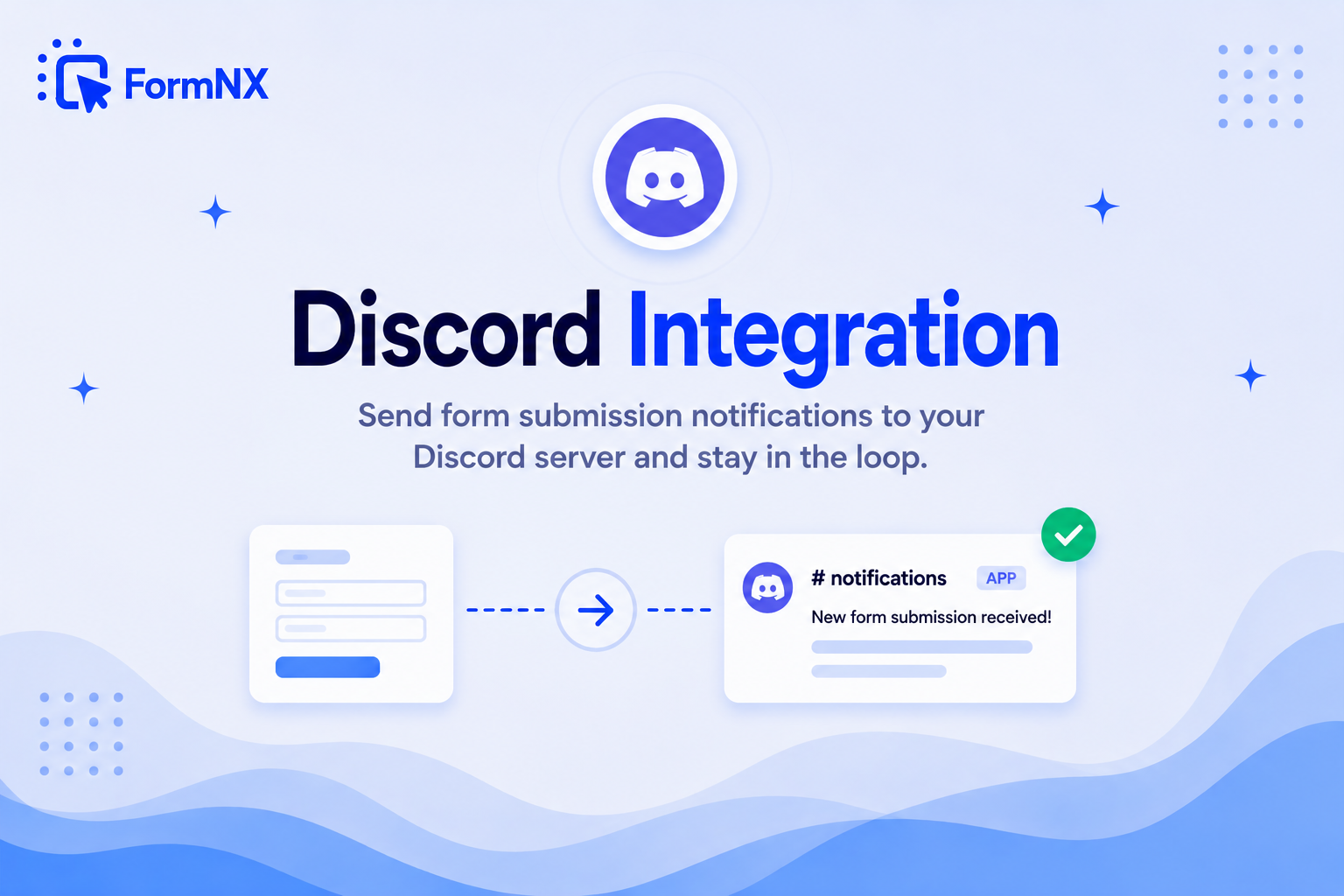








































Bring Every Form Submission Into Your Discord Server
Discord is where your community lives — so why check a separate inbox? With FormNX, every form submission is posted straight to a Discord channel via webhook, with no bot to install and nothing to maintain. It's the no-code way to do what normally takes Google Forms plus Apps Script or a Zapier connection — ideal for member applications, support tickets, content suggestions, bug reports, and real-time lead alerts.
Why route form submissions into Discord
Why Send Form Submissions to Discord with FormNX?
No Bot to Install
FormNX posts through Discord's built-in incoming webhooks — not a bot. There's nothing to host, authorize, or keep online. Create a webhook in your server settings, paste the URL, and you're live.
Personalized Messages with Dynamic Tags
Insert form fields — name, email, message, any answer — straight into the notification. Every Discord post shows the real submission instead of a generic "new response," so your team can act without opening the dashboard.
Real-Time on Every Submission
The moment someone hits submit, the message posts to your channel — no polling, no delay, no manual export. Pair it with email notifications when you want both an inbox alert and a channel ping.
A No-Code Google Forms → Discord Alternative
Wiring Google Forms to Discord normally means Apps Script or a Zapier connection you have to maintain. FormNX, a Google Forms alternative, posts to Discord natively — rebuild your form and skip the scripting.
Get set up in minutes
How to Connect a Form to Discord
Open Your Form's Integrations Tab and Click Connect on Discord
Create a Webhook in Discord and Copy Its URL
Paste the Webhook URL and Write Your Message with Dynamic Tags
Publish the Form — Submissions Now Post to Your Channel
What Is the Discord Form Integration?
The Discord form integration sends each form submission straight to a Discord channel the moment it arrives. Instead of checking a dashboard or an inbox, your team — or your whole community — sees the submission appear in the channel where they already work. FormNX does this with Discord's native incoming webhooks, so there is no bot to install, no server to keep online, and no code to write.
It's built for teams and communities that run on Discord: member and moderator applications, support tickets, bug reports, feature suggestions, and real-time lead alerts all land in the right channel automatically.
How to Connect a Form to Discord (No Bot, No Code)
Connecting a form takes four steps and a couple of minutes:
- Open the Integrations tab — in the form you want to connect, open the Integrations tab and click Connect on the Discord block.
- Create a Discord webhook — in Discord, go to Server Settings → Integrations → Webhooks, create a webhook on the channel you want, and copy its Webhook URL.
- Paste the URL and write your message — paste the Webhook URL into FormNX, then type the notification message. Use the dynamic tags to drop in field values like name, email, or message so each post is personalized.
- Publish the form — save by publishing the form. From then on, every submission posts your custom message to that Discord channel in real time.
Google Forms to Discord: Why It Takes a Script or Zapier
Google Forms has no built-in Discord integration. The usual workarounds are writing a Google Apps Script that calls a Discord webhook, or paying for a Zapier connection that watches for new responses — both of which you then have to maintain. FormNX removes that step entirely: the Discord webhook is a native option on every form. If you're moving off Google Forms specifically to get cleaner notifications, see the Google Forms alternative page for the full comparison.
Discord Notifications vs a Discord Form Bot
Most "Discord forms" tools are bots that make people fill out a form inside Discord. That's useful for member applications, but it traps the form in one server and limits the field types you can use. FormNX works the other way around: you build a full web form — with file uploads, conditional logic, payments, and e-signatures — that lives anywhere, and its submissions are posted into Discord. You get a real form and a Discord notification, without installing a bot or giving it server permissions.
Common use cases for the Discord integration
What You Can Post to Discord
Don't just take our word for it
Hear from our customers
"I've been looking for an alternative to Jotform - one that would accept payments directly from the form. The learning curve is short, supported by great customer service which never let me down."


"There are super features in this form creator. They REALLY took a lot of time to create a fantastic program. I was using another form creator but switching a lot of my forms to this application. The tech support is amazing."

"Easy to build forms from scratch with a long list of fields. Don't want to start from scratch? No problem — many templates available. Every integration I can think of is available. Customer support is quick and very helpful."


Discord Integration: Frequently Asked Questions
-
How do I send form submissions to Discord?
Open your form's Integrations tab, click Connect on Discord, paste a Discord channel webhook URL, write your notification message with dynamic field tags, and publish. Every submission then posts to that channel in real time — with no bot to install.
-
Do I need a Discord bot?
No. FormNX posts through Discord's built-in incoming webhooks, not a bot. You create a webhook in your server settings, paste the URL into FormNX, and you're done — there's nothing to host, authorize, or keep online.
-
Can I send Google Forms responses to Discord?
Google Forms has no native Discord integration, so it normally needs Apps Script or a Zapier connection. FormNX is a no-code Google Forms alternative that posts to Discord natively via webhook — rebuild your form in FormNX and skip the scripting.
-
Can I customize the Discord notification message?
Yes. The Message field is free text, and you insert dynamic tags such as name, email, or any form field so each post shows the real submission. Because it's plain text, you can also include an @role or @here mention to ping the right people.
-
Which Discord channel do submissions post to?
Submissions post to the channel tied to the webhook you paste. Create the webhook on the specific channel you want under Server Settings → Integrations → Webhooks, and every submission lands there.
-
Does Jotform or Typeform have a Discord integration?
Jotform's own Discord integration page describes connecting through Zapier - its setup instructions include logging into a Zapier account - so the notification path runs through a third service rather than straight from form to channel. If you are comparing form builders on Discord support, FormNX posts to your channel directly through Discord's incoming webhooks: no bot, no Zapier account, and nothing extra in the chain. See the full Jotform alternative and Typeform alternative comparisons if you are weighing a switch.
-
Is the Discord integration free to use?
FormNX is free to start, and Discord's incoming webhooks are free on Discord's side — so you can route form submissions into your server without paying extra for the connection.
Ping Your Discord Server on Every Submission
No bots to install. Just paste a webhook URL.
Get Started FreeOther integrations you might find useful
More Integrations
Mailchimp
Automatically add every form respondent to your Mailchimp audience. Map form fields to Mailchimp merge tags and grow you...
See How It WorksSlack
Get a message in your Slack channel the moment someone submits your form. Customize the notification with dynamic field...
See How It WorksTelegram
Get an instant Telegram message the moment someone submits your form. Native integration coming soon - available today v...
See How It Works
- Alternatives
- Jotform Alternative
- Typeform Alternative
- Google Forms Alternative
- SurveyMonkey Alternative
- Contact Form 7 Alternative
- Paperform Alternative
- Microsoft Forms Alternative
- Fillout Alternative
- Tally Forms Alternative
- Gravity Forms Alternative
- Cognito Forms Alternative
- Formstack Alternative
- Wufoo Alternative
- All Alternatives
- Pricing Guides
- Jotform Pricing
- Typeform Pricing
- SurveyMonkey Pricing
- Use Cases
- No-Code Form Builder
- Online Survey Builder
- AI Form Builder
- Online Quiz Maker
- Job Application Form Builder
- Order Form Builder
- Screen Printing Order Form
- Wholesale Order Form
- WordPress Form Builder
- Contact Form
- Nonprofit Form Builder
- Squarespace Form Builder
- Wix Form Builder
- Webflow Form Builder
- Framer Form Builder