Email Notifications
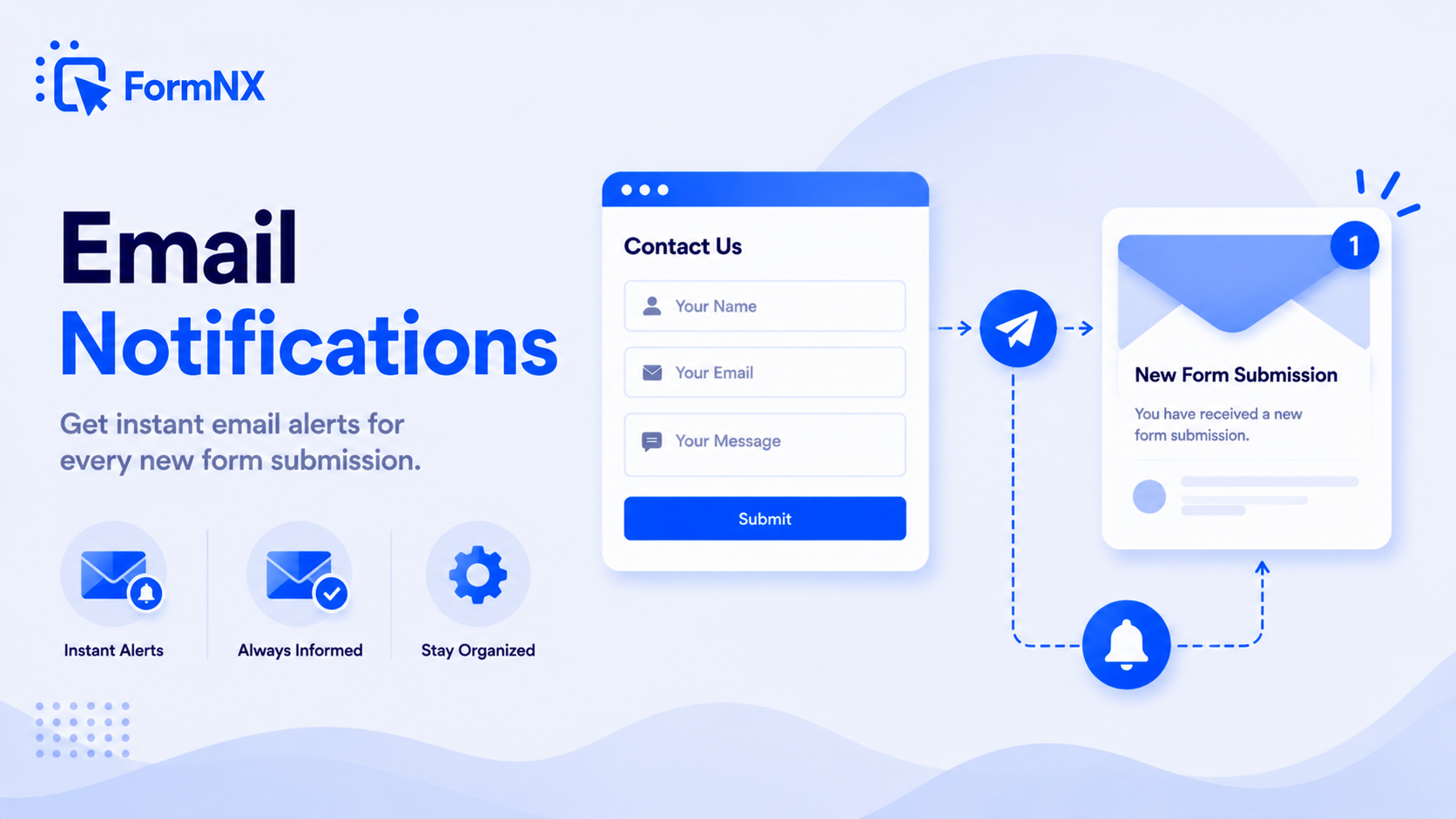
Get an instant email the moment someone submits your form, and send an automatic confirmation email back to the respondent. Pull form answers into the email with dynamic tags, notify multiple people with CC/BCC, attach a PDF of the submission, and send from your own domain with custom SMTP - no Apps Script, no code.








































Why default form-to-email setups fall short
Getting a Simple Email From a Form Is Harder Than It Should Be
Google Forms Needs an Add-on Just to Email You
Out of the box, Google Forms does not email you the answers - you have to install a third-party add-on or write Apps Script just to get a notification when someone submits. It is an extra tool to set up and maintain for the most basic need.
Respondents Never Get a Confirmation
Most default form tools notify you but send nothing back to the person who filled out the form. The respondent is left wondering whether it even went through - no receipt, no "thanks", no next step.
Emails Come From a Generic Address
When notifications arrive from a noreply@ third-party domain, confirmation emails look untrustworthy, land in spam, and do nothing for your brand. Respondents do not recognise the sender.
You Cannot Put the Answers in the Email
A bare "you have a new response" alert forces you to open the form, find the submission, and read it there. The data you actually need is not in the email where you can act on it.
One Recipient, No CC, No Team
Plenty of tools only let you email a single address. There is no clean way to copy a colleague, route a department, or BCC a records inbox - so people forward emails by hand.
Apps Script and DIY Code Break
The scripted route works until Google changes something, a quota is hit, or the one person who wrote it leaves. Then notifications silently stop and you miss leads without knowing.
What FormNX email notifications give you
Everything You Need From Form Emails, Built In
Instant Submission Alerts
The moment someone submits, FormNX emails you - so you never miss a lead, order, or request. Send the alert to yourself, your team, or a shared inbox.
Automatic Confirmation Emails
Send an autoresponder back to the respondent the instant they submit - a receipt, a thank-you, next steps, or a copy of their answers. They know it went through.
Multiple Recipients, CC & BCC
Notify a whole team, copy a manager, or BCC a records inbox. Send to several addresses at once instead of forwarding emails by hand.
Send From Your Own Domain
Plug in your own SMTP server and emails go out from your address, not a generic noreply@. Better deliverability, better trust, fully branded.
Dynamic Form-Field Tags
Drop any answer into the subject or body with a tag - "New quote from [Name]", the full submission, an order total. The email carries the data you need.
Attach the Submission as a PDF
Attach a clean PDF of the full submission to the notification - a ready-to-file record for orders, applications, contracts, and signed forms.
Fully Branded Templates
Customise the subject, body, and styling of every email with your own copy, colours, and logo. Confirmation emails look like they came from you - because they did.
No Add-on, No Code
Notifications and autoresponders are built into every FormNX form - no Apps Script to write, no add-on to install, nothing to break when a platform updates.
Get up and running in minutes
How to Use Email Notifications
Build Your Form, Open the Notifications Settings
Set the Admin Alert: Recipients, Subject & Body
Turn On the Respondent Confirmation Email
Optionally Add Your SMTP - Then Publish
Step-by-step tutorial
Watch Email Notifications in action
What Are Form Email Notifications?
Form email notifications are automatic emails sent when someone submits a form. There are two kinds: an admin notification that alerts you (the form owner) that a new submission has arrived, and a confirmation email - sometimes called an autoresponder - sent back to the person who filled out the form. FormNX sends both automatically on every submission, and lets you customise exactly who receives them, what they say, and where they send from. There is no add-on to install and no code to write.
Two Emails on Every Submission: Admin Alert + Respondent Confirmation
The moment a form is submitted, FormNX can fire two separate emails:
- To you - an instant alert so you (or your team) know a lead, order, or request just came in, with the answers included so you can act without opening the dashboard.
- To the respondent - a confirmation that their submission went through: a receipt, a thank-you, the next step, or a copy of what they entered.
Each email is configured independently - different recipients, different subject lines, different content - so the message you get and the message they get can be completely different.
Send Confirmation Emails (Autoresponders) to Respondents
A confirmation email is the difference between a form that feels professional and one that leaves people guessing. FormNX sends an automatic reply to the email address the respondent entered, so they immediately know the form was received. Use it to send a thank-you, confirm an order or booking, deliver a download link, set expectations for a reply time, or email them a copy of their own answers. Because the confirmation is just another customisable template, you control the subject, the wording, and the branding entirely.
Notify Multiple Recipients, With CC and BCC
A submission rarely concerns just one person. FormNX lets you send the admin notification to several recipients at once, and add CC and BCC addresses - so you can copy a manager, route a department, or BCC a records or CRM inbox without anyone forwarding emails by hand. A sales enquiry can hit the whole sales team; a support request can copy the ticketing inbox; an order can BCC accounts. Set it once and every submission is distributed correctly.
Send From Your Own Domain With Custom SMTP
By default, notifications send reliably from FormNX. But for branded, high-deliverability email, connect your own SMTP server (Gmail/Google Workspace, Microsoft 365, Amazon SES, SendGrid, Mailgun, or any SMTP provider) and every notification and confirmation goes out from your address - not a generic noreply@ on someone else's domain. Respondents recognise the sender, replies come back to your inbox, and your confirmation emails are far less likely to land in spam. This is the same custom-SMTP engine FormNX uses for branded OTP and verification emails.
Put the Answers in the Email With Dynamic Tags
A notification that only says "you have a new response" makes you go hunting for the data. FormNX lets you insert any form answer directly into the subject line and body using dynamic field tags. Make the subject read "New quote request from [Name]", list the full set of answers in the body, or surface just the fields that matter - the order total, the chosen plan, the preferred date. The email arrives carrying exactly the information you need to act on it, no click-through required.
Attach a PDF of the Submission
For records you need to keep or pass on, FormNX can attach a clean PDF of the full submission to the notification email. Every answer is laid out in a tidy document you can file, print, or forward - ideal for orders, applications, registrations, contracts, and e-signed forms. The PDF is generated automatically; there is nothing to export by hand.
Form Email Notifications Without an Add-on or Code
With Google Forms you cannot simply get the answers emailed to you - you install a third-party add-on or write Apps Script, then maintain it. With a generic embed or a static HTML form, you are wiring up a mail script and an SMTP connection yourself. FormNX builds all of it in: admin alerts, respondent confirmations, multiple recipients, CC/BCC, dynamic tags, PDF attachments, and custom SMTP are settings on the form, not code. Nothing silently breaks when a platform changes, because there is no script to break. If you are moving off Google Forms specifically, see the Google Forms alternative page for the full comparison.
Common use cases where Email Notifications excels
What You Can Build with Email Notifications
Don't just take our word for it
Hear from our customers
"I've been looking for an alternative to Jotform - one that would accept payments directly from the form. The learning curve is short, supported by great customer service which never let me down."


"There are super features in this form creator. They REALLY took a lot of time to create a fantastic program. I was using another form creator but switching a lot of my forms to this application. The tech support is amazing."

"Easy to build forms from scratch with a long list of fields. Don't want to start from scratch? No problem — many templates available. Every integration I can think of is available. Customer support is quick and very helpful."


Email Notifications: Frequently Asked Questions
-
Are form email notifications free?
Submission notifications to your own inbox work on every plan, including free. Pro adds the autoresponder back to the respondent, custom email content with dynamic tags, PDF attachments and sending from your own domain.
-
Does FormNX email me when someone submits my form?
Yes. FormNX sends you an instant email notification the moment a form is submitted - no add-on or script required. You can send the alert to yourself, multiple team members, or a shared inbox, and include the submitted answers right in the email using dynamic field tags so you can act without opening the dashboard.
-
Can I send an automatic confirmation email to the person who filled out the form?
Yes. FormNX sends an automatic confirmation email (an autoresponder) back to the email address the respondent entered, the instant they submit. Use it for a receipt, a thank-you, next steps, a download link, or a copy of their answers. The confirmation is a fully customisable template - your subject, your wording, your branding.
-
Can I send notifications to more than one person?
Yes. You can send the admin notification to multiple recipients at once and add CC and BCC addresses - so you can copy a manager, route a whole department, or BCC a records or CRM inbox. No more forwarding submission emails by hand.
-
Can I use my own SMTP server to send the emails?
Yes. FormNX supports custom SMTP, so you can send every notification and confirmation from your own domain (via Gmail/Google Workspace, Microsoft 365, Amazon SES, SendGrid, Mailgun, or any SMTP provider) instead of a generic noreply@ address. This improves deliverability, keeps replies coming back to your inbox, and keeps the emails fully branded.
-
Can I include the form answers in the notification email?
Yes. Using dynamic field tags you can insert any answer into the subject line and body - for example "New quote from [Name]", the full list of responses, or specific fields like an order total or chosen date. The email arrives with exactly the data you need, so you do not have to open the form to read the submission.
-
Can I attach a PDF of the submission to the email?
Yes. FormNX can automatically attach a clean PDF of the full submission to the notification email - a ready-to-file record for orders, applications, contracts, and e-signed forms. The PDF is generated for you; there is nothing to export manually.
-
Will I get notified immediately when someone submits?
Yes. Email notifications are sent instantly on submission, so you never miss a lead or an important request. If you connect your own SMTP server, delivery speed and inbox placement also benefit from your provider's reputation.
-
Can I customise the email templates?
Yes. Both the admin notification and the respondent confirmation are fully customisable - your own subject, body content, colours, logo, and dynamic form-field tags. Each email is configured independently, so the message you receive and the message the respondent receives can be completely different.
-
How is this different from Google Forms email notifications?
Google Forms does not email you the answers on its own - you have to install a third-party add-on or write Apps Script, and confirmation emails to respondents need extra setup on top. FormNX builds admin alerts, respondent confirmations, multiple recipients, CC/BCC, dynamic tags, PDF attachments, and custom SMTP directly into every form, with nothing to install and nothing to break when a platform updates. See our Google Forms alternative page for the full comparison.
-
Do I need any code or a developer to set this up?
No. Email notifications and autoresponders are built-in form settings - you configure recipients, subject, body, and SMTP in the form's notification settings. There is no Apps Script to write, no add-on to install, and no mail server to wire up yourself.
Ready to get instant form email notifications?
Start building professional forms with this powerful feature today
Create Your Free AccountOther features that work great with Email Notifications
More Related Features
WordPress Embed
Embed forms in WordPress with one click - via Gutenberg block, Classic Editor shortcode, or Elementor widget. Your form...
See How It WorksPopup Forms
Turn any form into a popup that triggers on button click, after a delay, on scroll, or on exit intent. Capture leads in...
See How It WorksWelcome & Thank You Pages
Greet respondents with a branded welcome screen before they start. After they submit, show a custom thank you page or re...
See How It Works
- Alternatives
- Jotform Alternative
- Typeform Alternative
- Google Forms Alternative
- SurveyMonkey Alternative
- Contact Form 7 Alternative
- Paperform Alternative
- Microsoft Forms Alternative
- Fillout Alternative
- Tally Forms Alternative
- Gravity Forms Alternative
- Cognito Forms Alternative
- Formstack Alternative
- Wufoo Alternative
- All Alternatives
- Pricing Guides
- Jotform Pricing
- Typeform Pricing
- SurveyMonkey Pricing
- Use Cases
- No-Code Form Builder
- Online Survey Builder
- AI Form Builder
- Online Quiz Maker
- Job Application Form Builder
- Order Form Builder
- Screen Printing Order Form
- Wholesale Order Form
- WordPress Form Builder
- Contact Form
- Nonprofit Form Builder
- Squarespace Form Builder
- Wix Form Builder
- Webflow Form Builder
- Framer Form Builder