Zapier Form Integration
Send every FormNX submission to Zapier and automate the rest. Route form data to 7,000+ apps — Salesforce, HubSpot, Notion, Airtable, Trello, ConvertKit, Pipedrive — with multi-step Zaps and no code required.
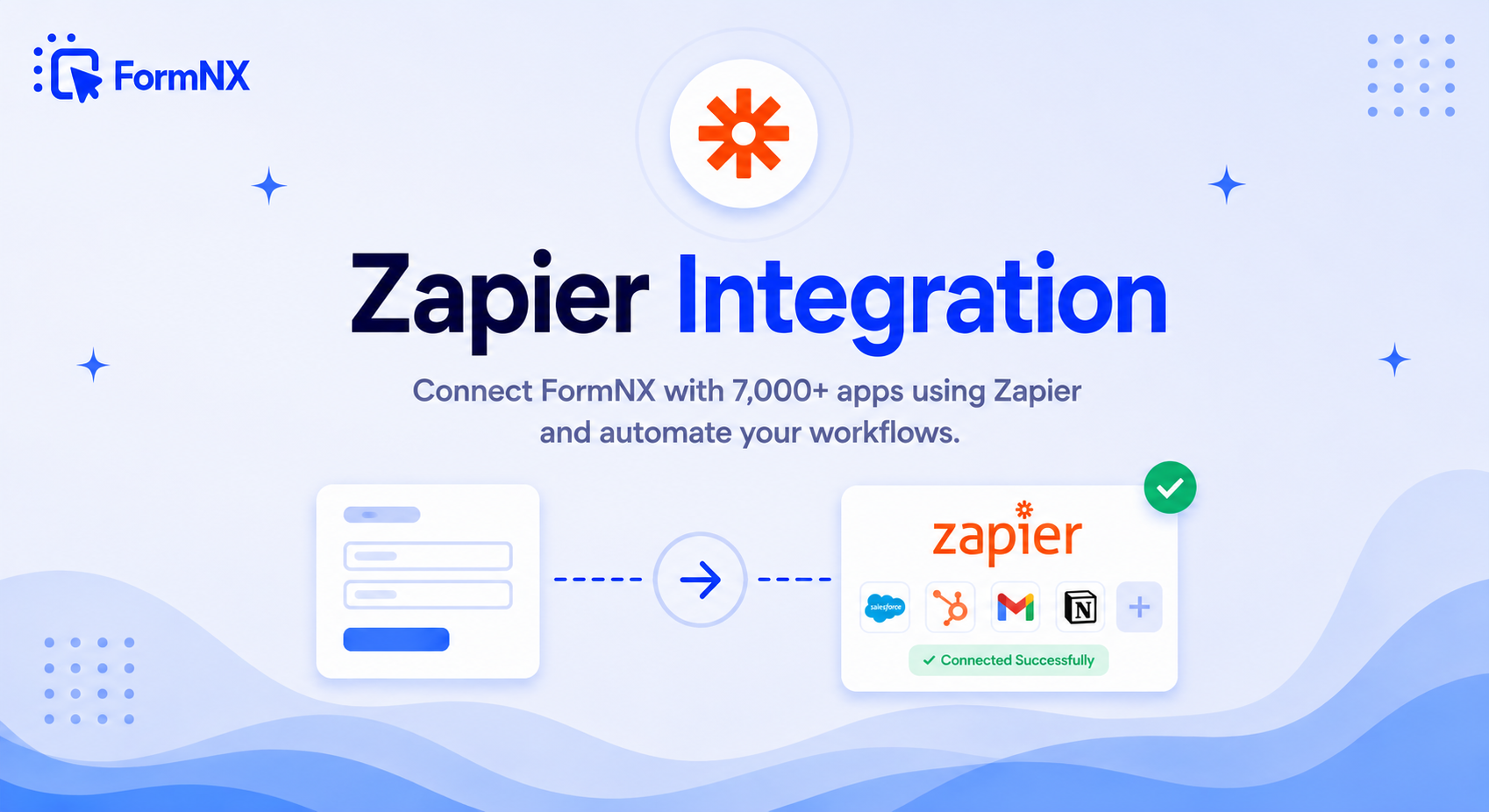








































Send Every Form Submission to Zapier
FormNX has native integrations for the most common tools — and for the 7,000 others, there's Zapier. Every form submission can trigger a Zap that routes data to your CRM, project board, email tool, or billing system — Salesforce, HubSpot, Notion, Airtable and more — in a single multi-step workflow, with no code and no developer.
Why automate your forms with Zapier
Why Connect FormNX Forms to Zapier?
7,000+ Apps from One Trigger
Every form submission can start a Zap that routes data to Salesforce, HubSpot, Notion, Airtable, Mailchimp, and thousands more — without a native integration for each one.
Multi-Step Zaps
One submission can create a CRM lead, add a project task, and post a Slack message — all in a single workflow. Add filters and formatting so only the right submissions trigger the right actions.
No Code, No Developer
Build the whole automation visually in Zapier's editor — pick a trigger, pick an action, map the fields. Combine it with conditional logic on the form to keep the data clean before it ever reaches Zapier.
Native Integrations for the Essentials
The common destinations — Google Sheets, Stripe, Slack, Discord, Mailchimp, and webhooks — are built in and fire instantly. Zapier and Make cover the long tail.
Build your first Zap in minutes
How to Connect Your Forms to Zapier
In Zapier, Create a Zap with the "Webhooks by Zapier → Catch Hook" Trigger
Copy the Catch Hook URL and Paste It Into Your Form's Webhook Integration in FormNX
Send a Test Submission so Zapier Captures the Fields
Add Your Action App, Map the Fields, and Turn the Zap On
What Is the FormNX Zapier Integration?
FormNX connects to Zapier through its built-in webhook integration. You create a webhook trigger in Zapier, paste the URL it gives you into your form, and from then on every submission is posted to Zapier — which then moves the data into any of 7,000+ apps. Instead of building and maintaining a custom connection for each tool, one webhook hands every submission to Zapier, and your Zap decides what happens next: create a CRM record, start an email sequence, add a spreadsheet row, open a support ticket, or all of the above at once.
There's no code to write and no developer to involve — you build the automation visually in Zapier, and it runs on every submission automatically.
How to Connect Your Forms to Zapier
The connection uses FormNX's webhook integration and Zapier's Catch Hook trigger. It takes four steps:
- Create a Zap with a Catch Hook trigger — in Zapier, start a new Zap and choose Webhooks by Zapier as the trigger app and Catch Hook as the event. Zapier generates a unique webhook URL. (Webhooks by Zapier is a premium app, so this requires a paid Zapier plan.)
- Paste the URL into FormNX — open your form's Integrate tab, find the Webhook block, click Connect, and paste the Catch Hook URL. Optionally generate a secret key for added integrity, then save.
- Send a test submission — submit the form once so FormNX sends sample data to the Catch Hook. Zapier reads the fields, which you'll map in the next step.
- Add an action and turn it on — pick where the data should go (CRM, database, email tool, project board), map each form field to the destination, test, and switch the Zap on. Every submission now runs the workflow automatically.
Native Integrations vs Zapier: When to Use Each
FormNX ships native integrations for the most common destinations — Google Sheets, Stripe, Slack, Discord, Mailchimp, and webhooks. These connect directly and fire the instant a form is submitted, with nothing in between. Reach for Zapier (or Make) when:
- Your destination app doesn't have a native FormNX integration.
- You need a multi-step workflow — several actions chained off one submission.
- You want filters, delays, or data formatting between the form and the destination.
The rule of thumb: use a native integration when one exists, and use Zapier to reach the thousands of apps that don't.
Popular FormNX Zaps
Common automations teams build on top of their forms:
- Form → CRM — create a new lead or contact in Salesforce, HubSpot, or Pipedrive from every submission.
- Form → Database — add a row to a Notion database or Airtable base for tracking and reporting.
- Form → Email marketing — subscribe respondents to a Mailchimp audience or trigger a sequence.
- Form → Project tool — open a Trello card or Asana task so the request enters your workflow immediately.
Common use cases for the Zapier integration
What You Can Automate with Zapier
Don't just take our word for it
Hear from our customers
"I've been looking for an alternative to Jotform - one that would accept payments directly from the form. The learning curve is short, supported by great customer service which never let me down."


"There are super features in this form creator. They REALLY took a lot of time to create a fantastic program. I was using another form creator but switching a lot of my forms to this application. The tech support is amazing."

"Easy to build forms from scratch with a long list of fields. Don't want to start from scratch? No problem — many templates available. Every integration I can think of is available. Customer support is quick and very helpful."


Zapier Integration: Frequently Asked Questions
-
How do I connect FormNX to Zapier?
You connect through FormNX's webhook integration. In Zapier, create a Zap and choose Webhooks by Zapier with the Catch Hook trigger to get a webhook URL, then paste that URL into your form's Webhook integration in FormNX. Send a test submission so Zapier captures the fields, map them, add your action app, and turn the Zap on. No code is required.
-
Do I need a paid Zapier plan to connect FormNX?
FormNX is free to start and its webhook integration is included. On the Zapier side, this connection uses Webhooks by Zapier (the Catch Hook trigger), which is a premium app available on Zapier's paid plans — so a paid Zapier plan is required for the webhook method. Zapier sets its own pricing.
-
How many apps can I connect through Zapier?
More than 7,000 — including Salesforce, HubSpot, Notion, Airtable, Mailchimp, Trello, and Pipedrive. If an app is on Zapier, your FormNX submissions can reach it.
-
What's the difference between FormNX's native integrations and Zapier?
Native integrations such as Google Sheets, Stripe, Slack, Discord, Mailchimp, and webhooks connect directly and fire instantly. Zapier covers the thousands of apps that don't have a native connection and adds multi-step automation. Use native where it exists, and Zapier for everything else.
-
Can I use Make instead of Zapier?
Yes. FormNX also works with Make (formerly Integromat) and other automation tools. The pattern is the same — the form's webhook posts each submission to the tool, which routes the data to your connected apps. In Make you use a custom webhook trigger instead of Zapier's Catch Hook.
-
Does the Zap run on every form submission?
Yes. FormNX's webhook posts each new submission to the Zapier Catch Hook URL the moment the form is submitted, so the Zap runs automatically in real time with no manual exports.
Automate Everything Around Your Forms
FormNX's webhook integration is included free — connect it to Zapier and automate across 7,000+ apps.
Get Started FreeOther integrations you might find useful
More Integrations
Google Sheets
Send every submission to a Google Sheet in real time. No Zapier needed - connect your Google account, map your fields, a...
See How It WorksWebhooks
Push submission data to your CRM, internal API, or any HTTP endpoint — in real time, as JSON. No middleware, no Zapier,...
See How It WorksMake (Integromat)
Build visual automation scenarios with Make.com. Trigger multi-step workflows from form submissions across 1,500+ apps w...
See How It Works
- Alternatives
- Jotform Alternative
- Typeform Alternative
- Google Forms Alternative
- SurveyMonkey Alternative
- Contact Form 7 Alternative
- Paperform Alternative
- Microsoft Forms Alternative
- Fillout Alternative
- Tally Forms Alternative
- Gravity Forms Alternative
- Cognito Forms Alternative
- Formstack Alternative
- Wufoo Alternative
- All Alternatives
- Pricing Guides
- Jotform Pricing
- Typeform Pricing
- SurveyMonkey Pricing
- Use Cases
- No-Code Form Builder
- Online Survey Builder
- AI Form Builder
- Online Quiz Maker
- Job Application Form Builder
- Order Form Builder
- Screen Printing Order Form
- Wholesale Order Form
- WordPress Form Builder
- Contact Form
- Nonprofit Form Builder
- Squarespace Form Builder
- Wix Form Builder
- Webflow Form Builder
- Framer Form Builder