Partial Submissions
Someone abandoned your form halfway? You still have their data. Capture partial responses to recover lost leads and spot exactly where people drop off.
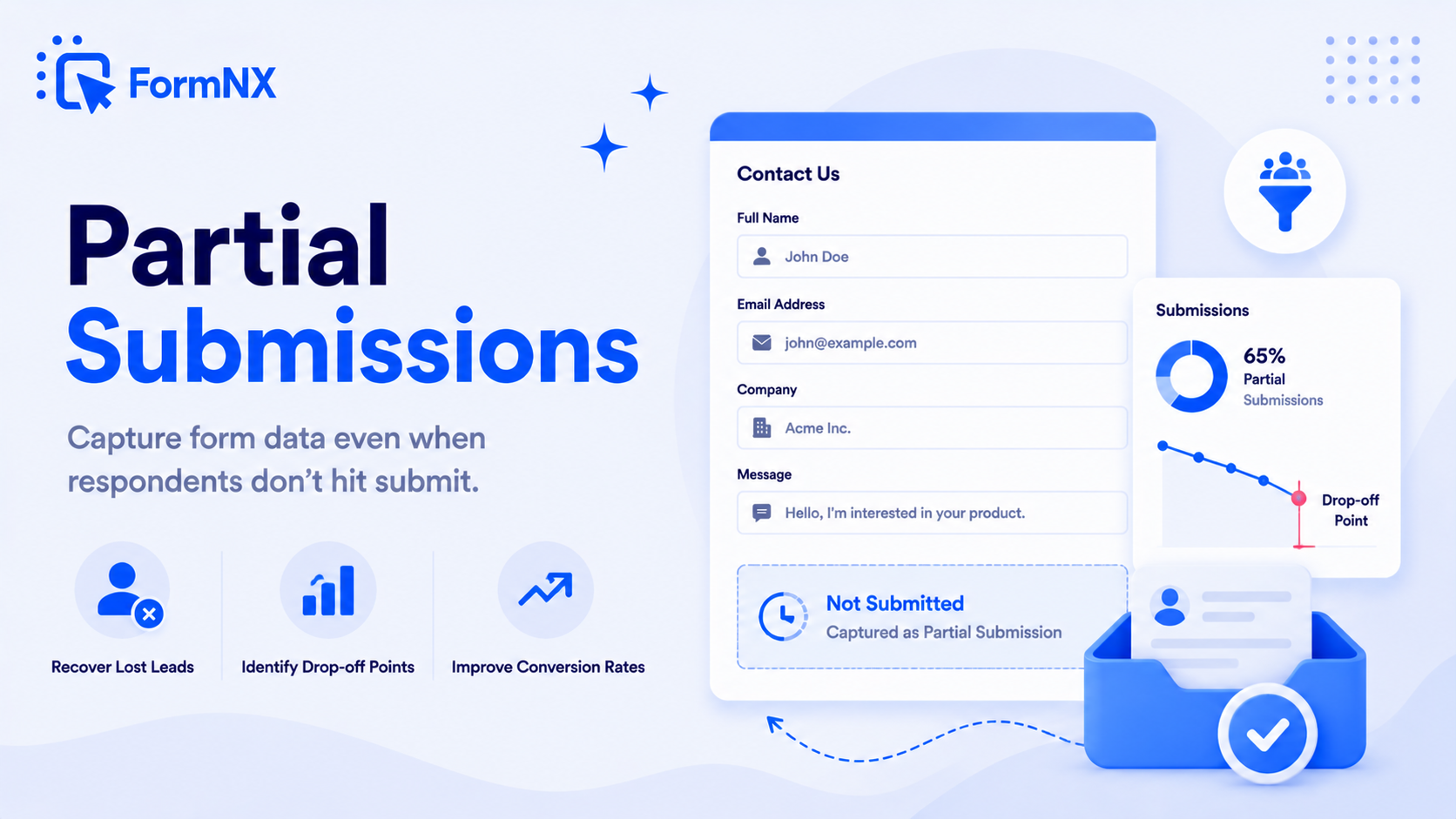








































What an abandoned form costs you
People Who Abandon Your Form Leave No Trace
Abandoned Forms Disappear
Someone types a name and an email, then closes the tab. With a normal form you never learn they were there.
You Cannot See Where People Quit
The form loses visitors, but nothing shows which question made them stop.
Lost Leads Cannot Be Followed Up
The person was interested enough to start. With no saved answers, there is nobody to contact.
Keep the answers people gave before they left
What Partial Submissions Give You
Recover Lost Leads
A partial submission keeps the answers a person entered before leaving, such as a name, email or phone number. You can contact them and finish the conversation.
Identify Drop-Off Points
See the field where each person stopped. When many people stop at the same question, you know what to shorten, reword or remove.
Improve Conversion Rates
Fix the questions where users quit and more of them complete the form.
Filter and Export in One Place
Partial entries sit in the same list as complete submissions, marked with an icon. Filter them with one click and export to CSV or Excel.
Get up and running in minutes
How to Use Partial Submissions
Open Your Form and Go to Settings
Turn On Partial Submissions Under Responses
View Partial Entries in List Submissions
Filter, Export and Follow Up
What Is a Partial Submission?
A partial submission, also called a partially submitted form, is the data a user entered into a form before leaving without pressing submit. FormNX saves it once the respondent has filled in at least one field. A form that was started and abandoned still gives you answers you can use.
How Partial Form Submissions Work in FormNX
Open the form, go to Settings, and enable Partial Submissions under Responses. From then on, every new partial submission appears in List Submissions next to the complete ones, marked with an icon. Click the Partial filter to see only the unfinished entries. Capture starts when you turn the setting on, so enable it before you share the form.
Partial Submission Recovery for Lead Capture Forms
On a lead capture form, quote form or booking funnel, an unfinished entry is often a lead you can still win. Put the contact fields first, so a partial submission already holds an email address or phone number. Then filter the partial entries, export them to CSV or Excel, and follow up. FormNX works as a form builder that saves partial responses, with no extra tool to connect.
Partial Submissions vs Save Your Progress
The two features solve different problems. Partial submissions are for you: FormNX saves unfinished answers automatically, and the respondent does nothing. Save Your Progress is for the respondent: they click a button, get a link, and come back later to resume and finish. On long multi-step forms, use both.
Common use cases where Partial Submissions excels
What You Can Build with Partial Submissions
Don't just take our word for it
Hear from our customers
"I've been looking for an alternative to Jotform - one that would accept payments directly from the form. The learning curve is short, supported by great customer service which never let me down."


"There are super features in this form creator. They REALLY took a lot of time to create a fantastic program. I was using another form creator but switching a lot of my forms to this application. The tech support is amazing."

"Easy to build forms from scratch with a long list of fields. Don't want to start from scratch? No problem — many templates available. Every integration I can think of is available. Customer support is quick and very helpful."


Partial Submissions: Frequently Asked Questions
-
What is a partial form submission?
A partial form submission is an entry where the person filled in one or more fields but left without pressing submit. FormNX saves these answers so you can still see them, follow up with the person, and find out where people abandon the form.
-
How are partial submissions captured?
Once you enable Partial Submissions in the form settings, FormNX saves what a respondent has entered even if they never press submit. An entry is saved as soon as at least one field is filled in.
-
Is there a form builder that captures partial submissions?
Yes. FormNX is a form builder that captures partial submissions. Turn the option on in Settings and every unfinished entry is saved to your List Submissions, marked with an icon so you can tell it apart from a complete submission.
-
Can I follow up with partial submissions?
Yes. Open the partial entry to see the answers the person gave. If it includes an email address or phone number, you can contact them directly. Placing the contact fields at the start of the form makes this work more often.
-
Can I export partial submissions?
Yes. In List Submissions, click the Partial filter button to show only partial submissions, then click Export to download them as a CSV or Excel file.
-
Does this affect form performance?
No. Partial submissions are saved in the background. Respondents fill in the form as usual and see no difference.
-
Which plan includes partial submissions?
Partial Submissions is included on FormNX Pro plans. You can create a free account, build your form, and add partial submissions when you upgrade.
See Who Started Your Form and Where They Stopped
Create a free account, build your form, and turn on Partial Submissions on a Pro plan.
Create Your Free AccountOther features that work great with Partial Submissions
More Related Features
Save as Draft
Let respondents save their progress and return later via a unique link. Essential for long applications, multi-step regi...
See How It WorksMulti-Step Form Builder
Split long forms into multiple pages with a free drag-and-drop multi-step form builder. Add page breaks, a progress bar,...
See How It WorksConditional Logic Forms
Build dynamic forms that show, hide, or skip fields based on what each respondent answers. Set up unlimited conditional...
See How It Works
- Alternatives
- Jotform Alternative
- Typeform Alternative
- Google Forms Alternative
- SurveyMonkey Alternative
- Contact Form 7 Alternative
- Paperform Alternative
- Microsoft Forms Alternative
- Fillout Alternative
- Tally Forms Alternative
- Gravity Forms Alternative
- Cognito Forms Alternative
- Formstack Alternative
- Wufoo Alternative
- Zoho Forms Alternative
- WPForms Alternative
- All Alternatives
- Pricing Guides
- Jotform Pricing
- Typeform Pricing
- SurveyMonkey Pricing
- Use Cases
- No-Code Form Builder
- Online Survey Builder
- AI Form Builder
- Online Quiz Maker
- Job Application Form Builder
- Order Form Builder
- Screen Printing Order Form
- Wholesale Order Form
- WordPress Form Builder
- Contact Form
- Email Form
- Nonprofit Form Builder
- Squarespace Form Builder
- Wix Form Builder
- Webflow Form Builder
- Framer Form Builder