Make (Integromat) Integration for FormNX
Build visual automation scenarios with Make.com. Trigger multi-step workflows from every form submission across 1,500+ apps with branching, filters, and data transformations.
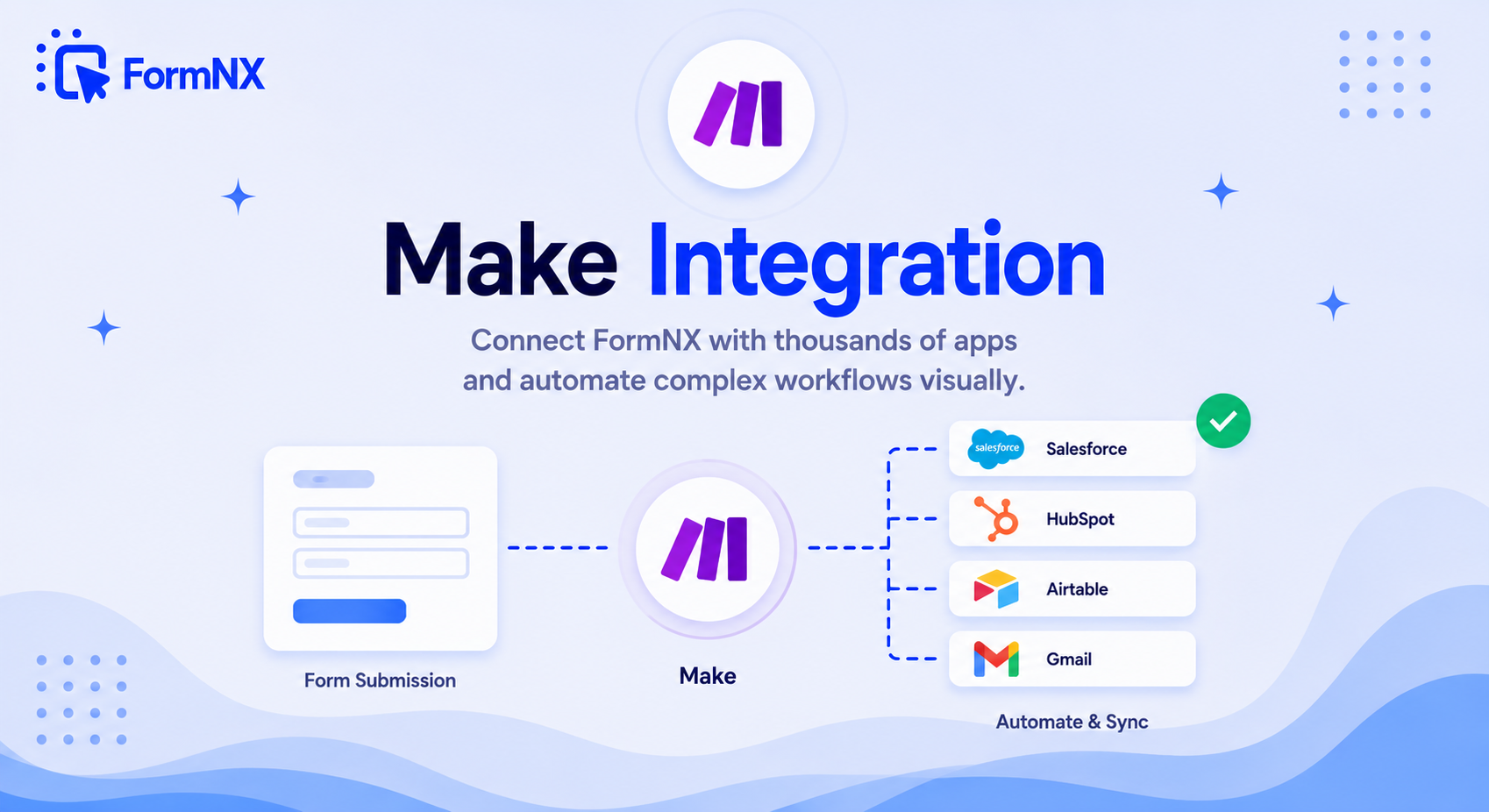









































Power Users: Build Branching Workflows Visually
Make (formerly Integromat) is the visual automation tool of choice for power users — its operation-based pricing scales further than Zapier task pricing for high-volume forms, and its conditional routing handles complex workflows that would take dozens of separate Zaps.
What You Can Automate with FormNX and Make
Every FormNX submission can trigger a Make (Integromat) scenario, so the data your forms collect flows straight into the tools your team already uses - no code, no manual copy-paste. Common scenarios people build:
- Route leads by answer - use Make filters to send enterprise leads to your CRM and smaller leads to a nurture list, all from the same form.
- Multi-step workflows - on submission, create a CRM contact, add a row to Google Sheets, post to Slack, and send a branded email in one scenario.
- Data transformation - reformat dates, split full names, or enrich a record before it reaches your destination app.
- File handling - push a file uploaded on your form to Google Drive, Dropbox, or a document workflow automatically.
Make vs Zapier for Forms
Both connect FormNX to thousands of apps. Make (formerly Integromat) prices by operations rather than per-task, so high-volume forms and multi-step scenarios often run cheaper on Make, and its visual canvas handles branching and filters that would need several separate Zaps. If you want the simplest possible setup, the Zapier integration is the easier starting point; if you need complex, high-volume automation, Make is the power-user choice.
How to Connect a FormNX Form to Make
Connect once and every new submission triggers your scenario: in Make, start a scenario with a Webhooks (Custom webhook) trigger and copy the URL it gives you, then add that URL as a webhook on your FormNX form. Map your form fields to the apps you want to update, add filters or routers for any branching logic, and switch the scenario on - from then on, each submission runs the workflow automatically.
Visual Automation for Your Forms
Free FormNX plan + Make free tier = automation built visually.
Get Started FreeOther integrations you might find useful
More Integrations
Google Sheets
Send every submission to a Google Sheet in real time. No Zapier needed - connect your Google account, map your fields, a...
See How It WorksWebhooks
Push submission data to your CRM, internal API, or any HTTP endpoint — in real time, as JSON. No middleware, no Zapier,...
See How It WorksZapier
Connect FormNX to 7,000+ apps via Zapier. Automate workflows across Salesforce, HubSpot, Notion, Airtable, Trello, and m...
See How It Works
 Reviews on Trustpilot
- Alternatives
- Jotform Alternative
- Typeform Alternative
- Google Forms Alternative
- SurveyMonkey Alternative
- Contact Form 7 Alternative
- Paperform Alternative
- Microsoft Forms Alternative
- Fillout Alternative
- Tally Forms Alternative
- Gravity Forms Alternative
- Cognito Forms Alternative
- Formstack Alternative
- All Alternatives
- Pricing Guides
- Jotform Pricing
- Typeform Pricing
- SurveyMonkey Pricing
- Use Cases
- No-Code Form Builder
- Online Survey Builder
- AI Form Builder
- Online Quiz Maker
- Job Application Form Builder
- Order Form Builder
- Screen Printing Order Form
- Wholesale Order Form
- WordPress Form Builder
- Contact Form
- Nonprofit Form Builder
- Squarespace Form Builder
- Wix Form Builder
- Webflow Form Builder
- Framer Form Builder