PDF Builder
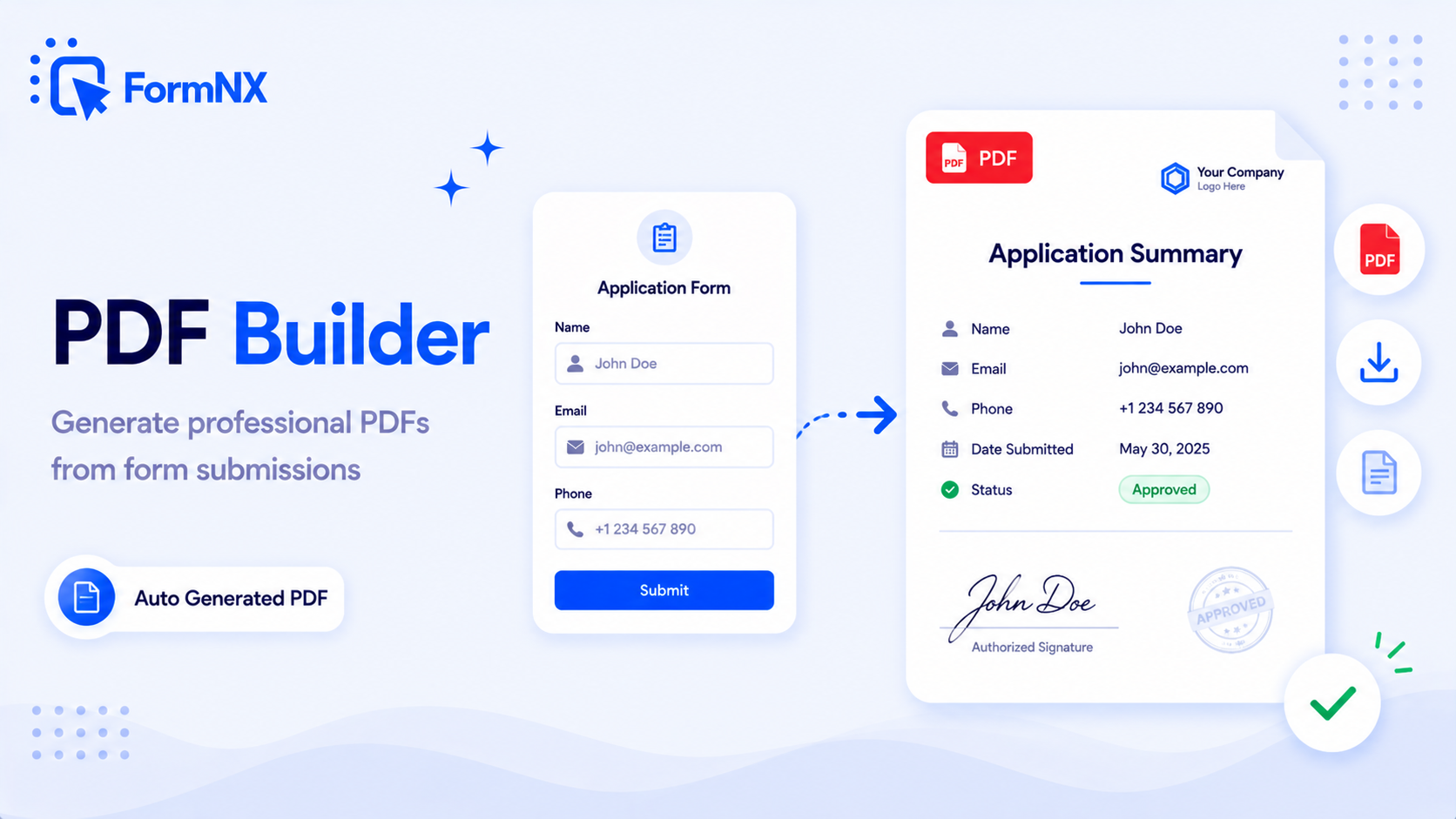
Auto-generate branded PDFs - invoices, certificates, contracts, summaries - filled with each respondent's data. Email them automatically or export in bulk.








































What makes it essential for your forms
Why Use PDF Builder?
Automatic PDF generation
Custom document templates
Professional formatting
Email delivery included
Brand customization
Digital signature support
Step-by-step tutorial
Watch PDF Builder in action
Common use cases where PDF Builder excels
What You Can Build with PDF Builder
Don't just take our word for it
Hear from our customers
"I've been looking for an alternative to Jotform - one that would accept payments directly from the form. The learning curve is short, supported by great customer service which never let me down."


"There are super features in this form creator. They REALLY took a lot of time to create a fantastic program. I was using another form creator but switching a lot of my forms to this application. The tech support is amazing."

"Easy to build forms from scratch with a long list of fields. Don't want to start from scratch? No problem — many templates available. Every integration I can think of is available. Customer support is quick and very helpful."


PDF Builder: Frequently Asked Questions
-
Can I customize the PDF design?
Yes! You can create custom PDF templates with your branding, logos, colors, and formatting to match your organization's style.
-
Are PDFs generated automatically?
Absolutely! PDFs are generated automatically when forms are submitted and can be emailed to you and/or the form respondent immediately.
-
What data can be included in PDFs?
All form field data can be included in PDFs, along with submission dates, reference numbers, and any custom text or formatting you add.
-
Can Google Forms create a PDF?
Only through the print window. Our guide on how to save Google Form responses as a PDF has the steps. The result is a plain copy. FormNX lets you design the PDF, with your logo and layout, and fills it with each response.
Ready to Use PDF Builder?
Start building professional forms with this powerful feature today
Get Started Free NowOther features that work great with PDF Builder
More Related Features
Reporting & Charts
See responses as pie charts, bar graphs, and summary stats - no spreadsheet gymnastics required. Share visual reports wi...
See How It WorksAutomatic Reference Numbers
Auto-assign a unique tracking ID to every submission. Customize the prefix, suffix, start number, and digit count to mat...
See How It WorksForm Scheduling
Set a start and end date and your form opens and closes on its own - no need to remember to toggle it. Show a custom mes...
See How It Works
- Alternatives
- Jotform Alternative
- Typeform Alternative
- Google Forms Alternative
- SurveyMonkey Alternative
- Contact Form 7 Alternative
- Paperform Alternative
- Microsoft Forms Alternative
- Fillout Alternative
- Tally Forms Alternative
- Gravity Forms Alternative
- Cognito Forms Alternative
- Formstack Alternative
- Wufoo Alternative
- All Alternatives
- Pricing Guides
- Jotform Pricing
- Typeform Pricing
- SurveyMonkey Pricing
- Use Cases
- No-Code Form Builder
- Online Survey Builder
- AI Form Builder
- Online Quiz Maker
- Job Application Form Builder
- Order Form Builder
- Screen Printing Order Form
- Wholesale Order Form
- WordPress Form Builder
- Contact Form
- Nonprofit Form Builder
- Squarespace Form Builder
- Wix Form Builder
- Webflow Form Builder
- Framer Form Builder