Popup Forms
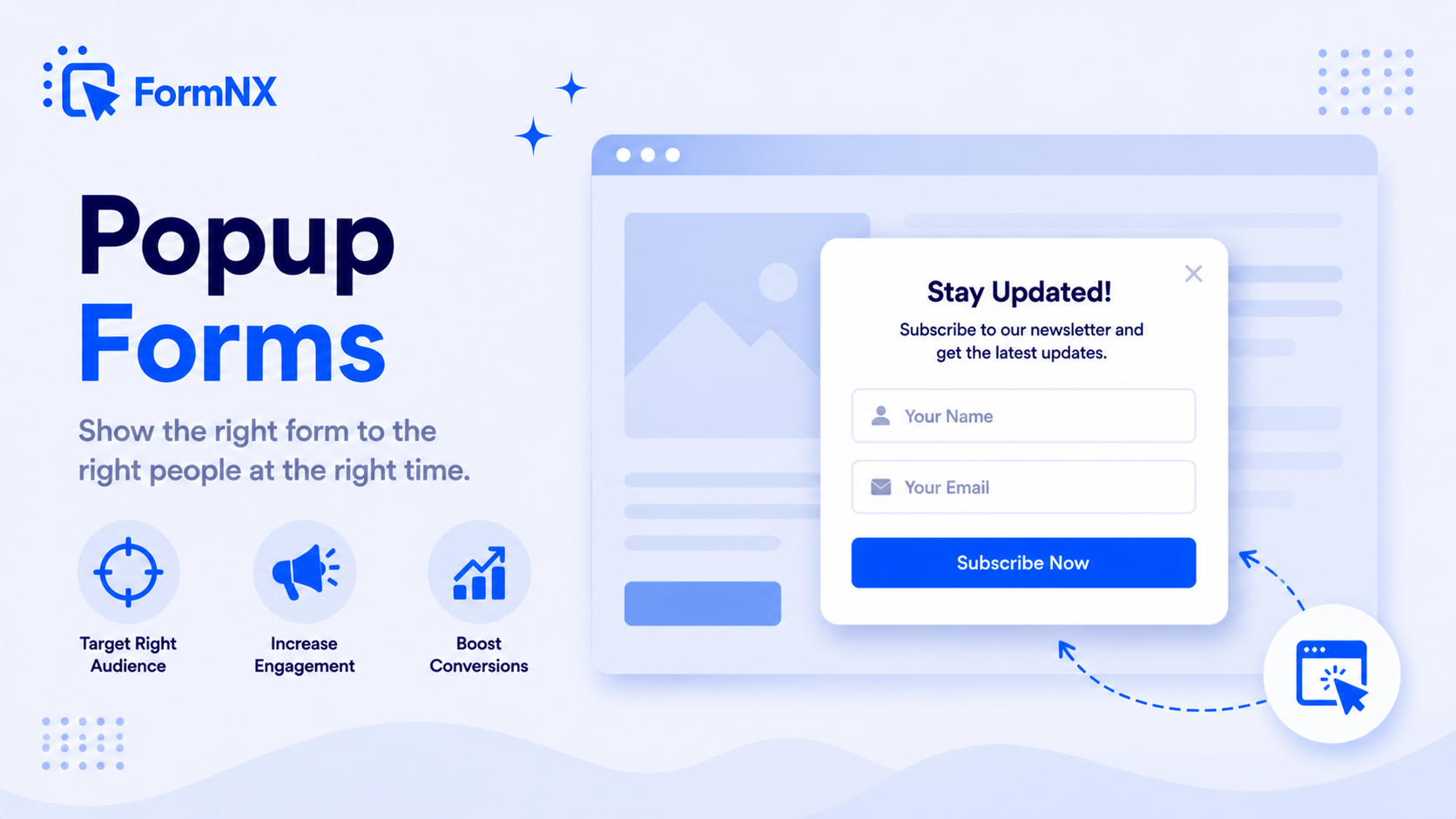
Turn any form into a popup that triggers on button click, after a delay, on scroll, or on exit intent. Capture leads in a modal overlay without sending visitors to a separate page - no coding.








































Why inline forms and landing pages leak leads
Your Form Is in the Wrong Place at the Wrong Time
Visitors Scroll Right Past Inline Forms
A form sitting in the middle or bottom of a page is easy to miss. Most visitors never scroll far enough to see it, so the form quietly under-converts no matter how good it is.
Separate Landing Pages Break the Flow
Sending visitors to a dedicated form page pulls them out of what they were reading. Every extra click is a drop-off point, and many never come back to finish.
Visitors Leave Without Converting
Someone reads your page, gets interested, then closes the tab - with no prompt to act before they go. Without an exit-intent catch, that intent is gone for good.
Coding a Popup Yourself Is Fiddly
The DIY route is HTML + CSS + JavaScript for the modal, the open/close logic, the triggers, and mobile behaviour - then maintaining it forever. A lot of work for one popup.
Email Tools Only Capture an Email
Newsletter-popup widgets from email platforms grab an address and nothing more. When you need a real form - multiple fields, file upload, payment - they fall short.
A Separate Popup App Is Another Subscription
Dedicated popup tools mean another monthly bill, another script slowing your site, and a form disconnected from where your submissions actually live.
What popup forms do for your conversions
What FormNX Popup Forms Do for You
Four Smart Triggers
Open the popup on a button click, after a set delay, when the visitor scrolls to a chosen percentage of the page, or on exit intent. Match the trigger to the moment of highest intent.
Exit-Intent Capture
The exit trigger fires the moment a visitor moves to close or leave the tab - a last chance to capture the lead, offer a discount, or ask for feedback before they go.
Any Form Becomes a Popup
Not just email capture - contact forms, multi-field lead forms, surveys, registrations, even payment forms can run as a popup. Full form power in a modal overlay.
Auto-Updating Embed
Change a field, edit copy, swap the offer - the live popup updates automatically. You only re-copy the embed code if you change the trigger itself.
No Coding Required
No HTML, CSS, or JavaScript to write or maintain. Build the form visually, pick a trigger, copy one snippet. The modal, open/close logic, and mobile behaviour are handled for you.
Button Position & Label Control
With the button trigger you place a launch button on the page and set its text, so the popup opens exactly where and how you want it - not a one-size-fits-all widget.
One Tool, Not a Separate Popup App
Your popup, your form, and your submissions all live in FormNX - no extra subscription, no second script on your site, no data scattered across tools.
Works on Any Website
Paste the popup embed on any site - custom HTML, Webflow, Shopify, or a WordPress page (Gutenberg or Classic editor). The same popup runs anywhere.
Get up and running in minutes
How to Use Popup Forms
Build Your Form, Open the Publish Tab
Pick a Trigger: Button, Delay, Scroll, or Exit Intent
Copy the Popup Embed Code
Paste It on Your Site - the Popup Goes Live
What Is a Popup Form?
A popup form is a form that appears in a modal window layered on top of your page content, instead of sitting inline in the page or on a separate landing page. Because the popup is the only thing in focus when it opens, it captures far more attention than a form a visitor has to scroll to find. Popup forms are used for newsletter signups, lead capture, contact requests, feedback surveys, discount opt-ins, and more.
FormNX turns any form you build into a popup. You design the form once in the drag-and-drop builder, choose how the popup should open, and paste a single embed snippet on your site - no separate popup tool and no code.
The 4 Popup Triggers
The right popup is about timing. FormNX gives you four triggers, and you pick the one that fits the moment:
- Button click - place a launch button anywhere on the page (with your own button text); the popup opens when a visitor clicks it. Best for "Contact us", "Get a quote", or "Join the list" actions the visitor chooses to take.
- Delay - the popup opens automatically after a set number of seconds. Good for giving readers a moment to engage before inviting them to act.
- Scroll - the popup triggers when the visitor scrolls to a chosen percentage of the page (say 50%), catching people who are clearly engaged with your content.
- Exit intent - the popup fires when the visitor moves to leave the tab, a last-chance prompt before they go.
Exit-Intent Popups: Catch Visitors Before They Leave
Most visitors leave without ever converting. An exit-intent popup detects when someone is about to close or navigate away and surfaces your form at exactly that moment - to capture the email, present a discount, or ask a one-question survey. It is one of the highest-ROI popup triggers because it only interrupts people who were leaving anyway, so it adds conversions without taxing the rest of your visitors. In FormNX it is a single checkbox on the popup settings; no exit-intent script to wire up.
Popup Form vs Modal Form vs Embedded Form
These terms overlap, so here is the practical distinction:
- A modal form (or modal popup) is the technical name for a form in an overlay that blocks interaction with the page behind it until dismissed. "Popup form" and "modal form" usually mean the same thing.
- A popup form emphasises that the form appears on a trigger rather than being visible from the start.
- An embedded form (or inline form) sits directly in the page layout, always visible. See embedding forms for that approach.
FormNX supports both patterns from the same form: embed it inline, or publish it as a popup/modal with a trigger - your choice, no rebuild.
Popup Forms for Lead Capture & Newsletter Signups
The most common use is growing a list. A scroll- or exit-triggered popup with a short signup form converts engaged readers into subscribers far better than a static footer form. Because FormNX popups can contain any form - not just an email field - you can capture an email plus a name, a use case, a phone number, or a file in the same modal, then route it straight to your dashboard and integrations. A newsletter popup, a lead-capture popup, and an email-capture popup are all just FormNX forms with a trigger attached.
How to Add a Popup Form to WordPress
You do not need a popup plugin. Build the form in FormNX, choose your trigger in the Publish tab, copy the popup embed code, and paste it into your WordPress page - a Gutenberg Custom HTML block or the Classic Editor Text tab both work. The popup runs without installing or maintaining a plugin. For the full picture of running FormNX forms on WordPress without a plugin, see the WordPress form builder page.
Popup Forms Without Coding
Tutorials that teach you to build a popup form with HTML, CSS, and JavaScript leave you owning the modal markup, the open/close logic, the trigger detection, the mobile behaviour, and every future fix. FormNX removes all of it: the form is visual, the triggers are checkboxes, and the embed is one snippet. Edit the form whenever you like and the live popup updates automatically - you only re-copy the code if you change the trigger itself.
Common use cases where Popup Forms excels
What You Can Build with Popup Forms
Don't just take our word for it
Hear from our customers
"I've been looking for an alternative to Jotform - one that would accept payments directly from the form. The learning curve is short, supported by great customer service which never let me down."


"There are super features in this form creator. They REALLY took a lot of time to create a fantastic program. I was using another form creator but switching a lot of my forms to this application. The tech support is amazing."

"Easy to build forms from scratch with a long list of fields. Don't want to start from scratch? No problem — many templates available. Every integration I can think of is available. Customer support is quick and very helpful."


Popup Forms: Frequently Asked Questions
-
What is a popup form?
A popup form is a form that appears in a modal window on top of your page content, rather than sitting inline in the page. It opens on a trigger - a button click, a delay, a scroll point, or exit intent - so it captures attention at the right moment. Popup forms are commonly used for newsletter signups, lead capture, contact requests, and feedback surveys. With FormNX, any form you build can be published as a popup with no coding.
-
How do I create a popup form in FormNX?
Build your form in the drag-and-drop builder, open the Publish tab, and go to the Popup/Feedback Button section. Choose your trigger - button click, delay, scroll percentage, or exit intent - then click Copy Code and paste the snippet onto the web page where you want the popup to appear. That is the whole process; no HTML, CSS, or JavaScript required.
-
What triggers can open a FormNX popup form?
Four: (1) Button click - a button you place on the page, with custom text; (2) Delay - the popup opens automatically after a set number of seconds; (3) Scroll - it opens when the visitor scrolls to a chosen percentage of the page; (4) Exit intent - it opens when the visitor moves to leave the page. You can pick the trigger that matches the moment of highest intent for your use case.
-
What is an exit-intent popup?
An exit-intent popup opens the moment a visitor moves to close or navigate away from your page - typically detected when the cursor heads toward the browser controls. It is a last-chance prompt to capture a lead, offer a discount, or ask for feedback before the visitor leaves. In FormNX, exit intent is one of the four built-in popup triggers; you enable it with a single checkbox, no script to install.
-
Is a popup form the same as a modal form?
In everyday use, yes. "Modal form" is the technical term for a form shown in an overlay that sits on top of the page and holds focus until dismissed; "popup form" emphasises that it appears on a trigger. FormNX popup forms are modal overlays - they layer over your content and focus the visitor on the form.
-
Do I need to recopy the embed code when I edit the form?
No - editing the form (fields, copy, design) updates the live popup automatically, so you do not need to recopy and paste the embed code. The one exception is if you change the popup trigger options themselves (for example switching from delay to exit intent); in that case you re-copy the embed code once and paste the new version.
-
Can I add a popup form to WordPress without a plugin?
Yes. Copy the FormNX popup embed code and paste it into a WordPress page using a Gutenberg Custom HTML block or the Classic Editor Text tab - no popup plugin to install or maintain. See the WordPress form builder page for the full no-plugin workflow.
-
Can a popup form do more than capture an email?
Yes. Unlike email-tool newsletter widgets that only grab an address, a FormNX popup can contain any form you build - multiple fields, dropdowns, file uploads, conditional logic, even payments. The popup is just a delivery method for a full FormNX form, so it is as capable as any other form you create.
-
Will a popup form hurt my SEO or page speed?
FormNX popups load via a lightweight embed and the form itself is hosted by FormNX, so they do not add heavy plugin code to your site. As with any popup, follow good practice - avoid intrusive interstitials that cover content immediately on mobile landing from search, and prefer scroll, delay, exit-intent, or button triggers - to stay aligned with Google guidance and keep the experience user-friendly.
Ready to turn your form into a popup?
Start building professional forms with this powerful feature today
Get Started Free NowOther features that work great with Popup Forms
More Related Features
WordPress Embed
Embed forms in WordPress with one click - via Gutenberg block, Classic Editor shortcode, or Elementor widget. Your form...
See How It WorksEmail Notifications
Get an instant email the moment someone submits your form, and send an automatic confirmation email back to the responde...
See How It WorksWelcome & Thank You Pages
Greet respondents with a branded welcome screen before they start. After they submit, show a custom thank you page or re...
See How It Works
- Alternatives
- Jotform Alternative
- Typeform Alternative
- Google Forms Alternative
- SurveyMonkey Alternative
- Contact Form 7 Alternative
- Paperform Alternative
- Microsoft Forms Alternative
- Fillout Alternative
- Tally Forms Alternative
- Gravity Forms Alternative
- Cognito Forms Alternative
- Formstack Alternative
- All Alternatives
- Pricing Guides
- Jotform Pricing
- Typeform Pricing
- SurveyMonkey Pricing
- Use Cases
- No-Code Form Builder
- Online Survey Builder
- AI Form Builder
- Online Quiz Maker
- Job Application Form Builder
- Order Form Builder
- Screen Printing Order Form
- Wholesale Order Form
- WordPress Form Builder
- Contact Form
- Nonprofit Form Builder
- Squarespace Form Builder
- Wix Form Builder
- Webflow Form Builder
- Framer Form Builder