
Google Forms add-ons are small third-party apps, sometimes called Google Forms plugins, that give Google Forms the features it doesn't have out of the box: countdown timers, PDF generation, payment collection, e-signatures, custom notification emails and more. They live on the Google Workspace Marketplace, install in a couple of clicks, and run right inside your form editor.
We searched the Marketplace fresh for this guide and checked every add on for Google Forms before recommending it, so every Google Forms extension below is live, actively maintained and widely used. Each entry links straight to its Marketplace listing.
How to install add-ons in Google Forms
Installing add ons for Google Forms takes under a minute:
- Open a form at Google Forms, or create a new one.
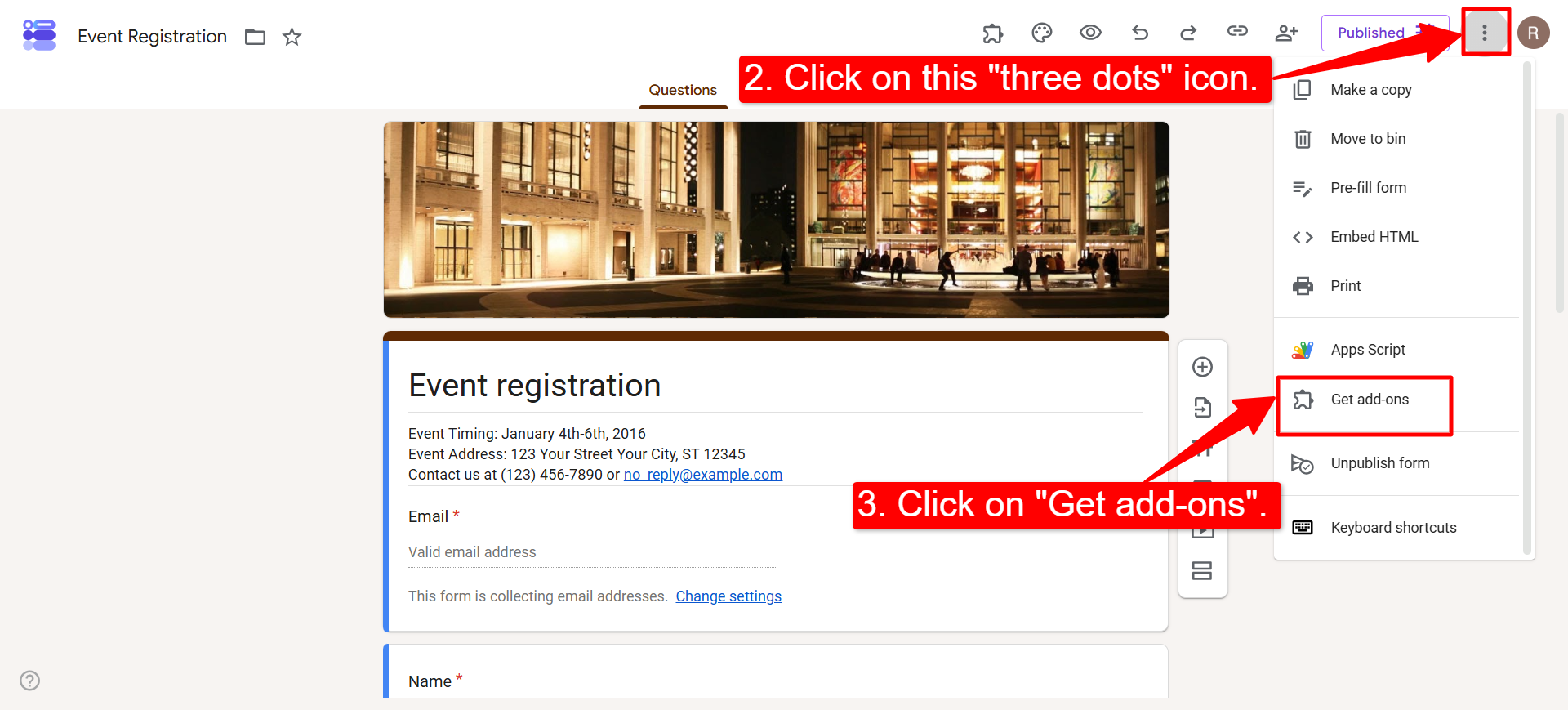
- Click the three-dot More menu in the top-right corner of the editor.
- Select Get Add-ons. This opens the Google Workspace Marketplace, already filtered to tools that work with Forms.
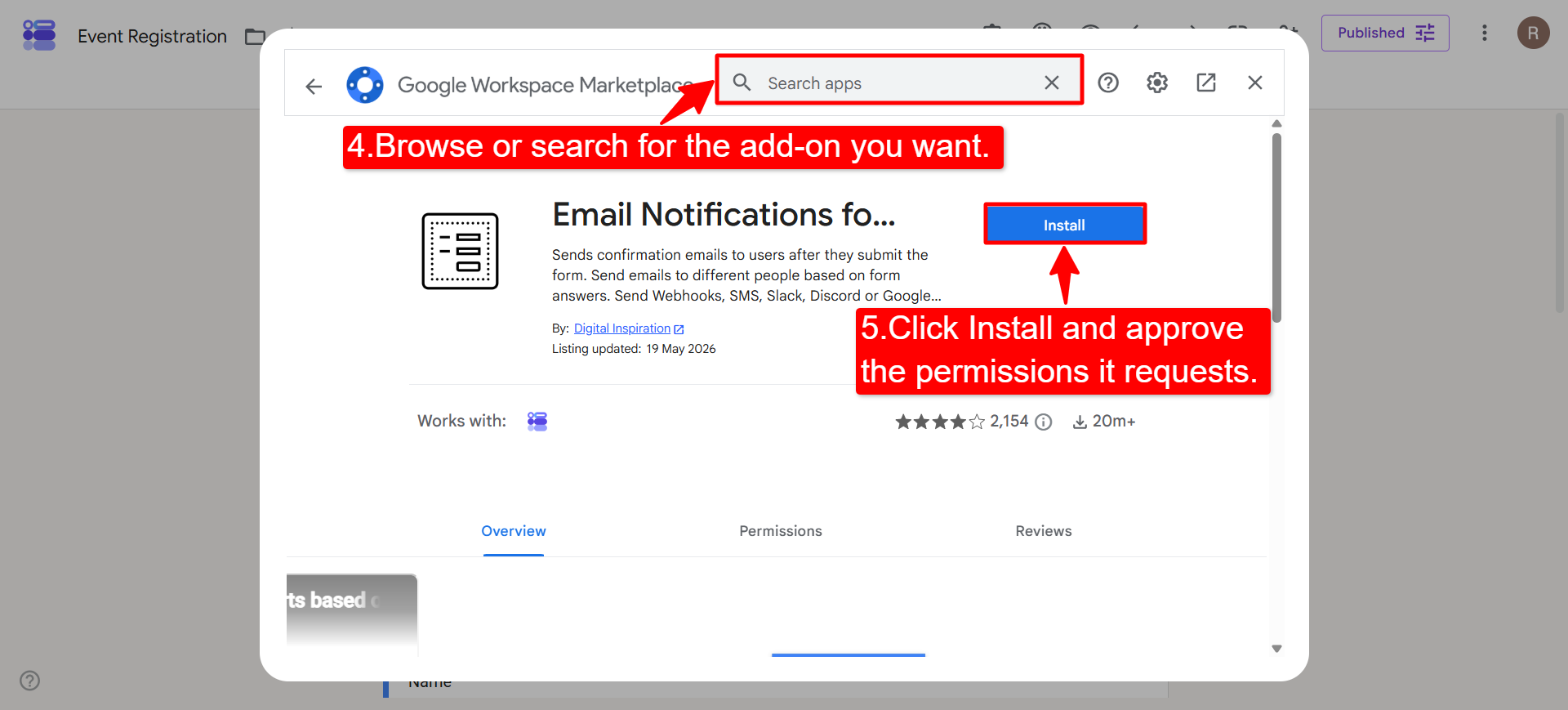
- Search for the add-on you want and click it to see the details.
- Click Install and approve the permissions it requests.
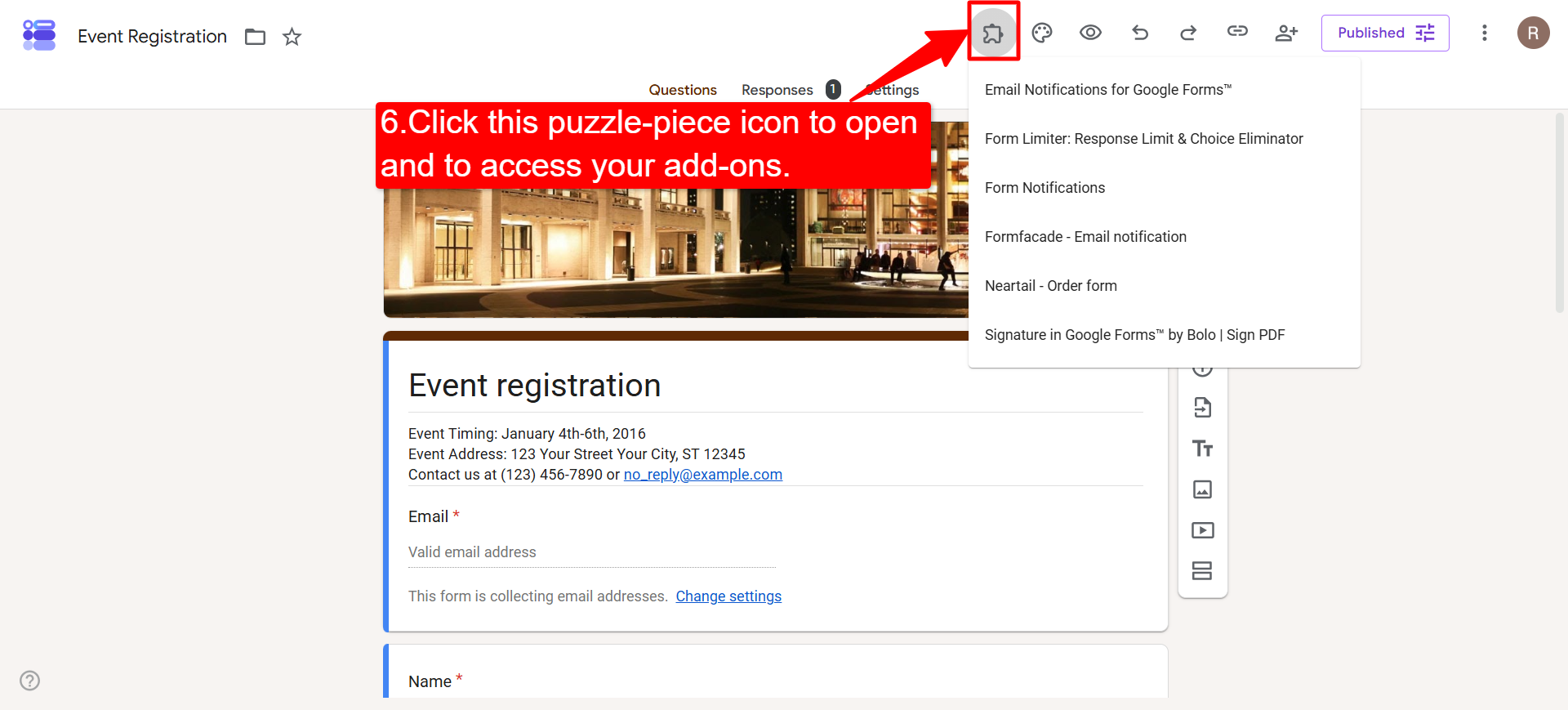
- Back in your form, click the puzzle-piece icon in the top bar to open and use it.
One thing worth knowing: add-ons install on your Google account, not on a single form, so installing once makes it available on every form you own. On a school or work account, your admin may need to allow Marketplace installs first.
20 best Google Forms add-ons
These are the best Google Forms add ons available right now, ranked by how widely they are used and how much they actually add. Every one is live on the Marketplace, and the table below jumps you straight to the right tool for the job.
| If you need to... | Use |
|---|---|
| Turn responses into PDFs or Docs | Form Publisher, autoCrat, Portant |
| Send custom notification emails | Email Notifications, Advanced Form Notifications, Form Notify |
| Close a form or cap responses (scheduling) | LIMIT IT, Advanced Form Notifications |
| Add a quiz timer (teacher tools) | Extended Forms, Quilgo |
| Collect a signature | Formesign |
| Take payments or total an order | Payable Forms, Neartail |
| Issue certificates | Certify'em, Smart Certificates |
| Restyle or embed the form | Formfacade |
| Accept file uploads without a Google login | Formfacade - File upload |
| Translate the form | Forms Translator |
| Create invoices | Invoice Generator |
| Share a form by QR code | QR code for Google Forms |
| Post responses to Discord | DiscordNotify |
1. Email Notifications for Google Forms
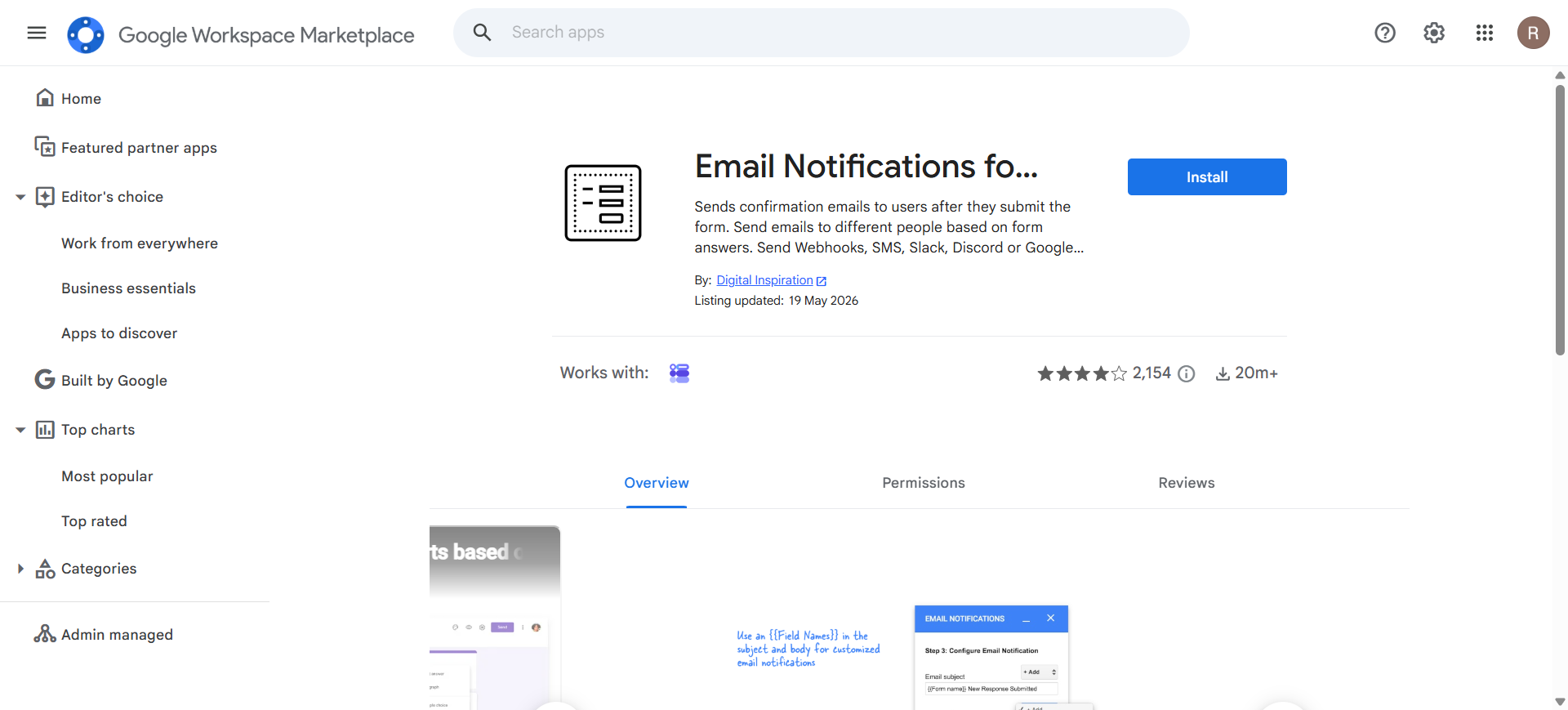
Google Forms can only email the form owner, with a plain message you cannot change. Email Notifications from Digital Inspiration fixes that, and its rules can also fire Slack, Discord and Google Chat alerts, the closest thing Google Forms has to a notification hub.
- Sends respondents an instant, styled confirmation containing their answers
- Routes different notifications to different people based on the answers given
2. LIMIT IT: Form Response Limiter
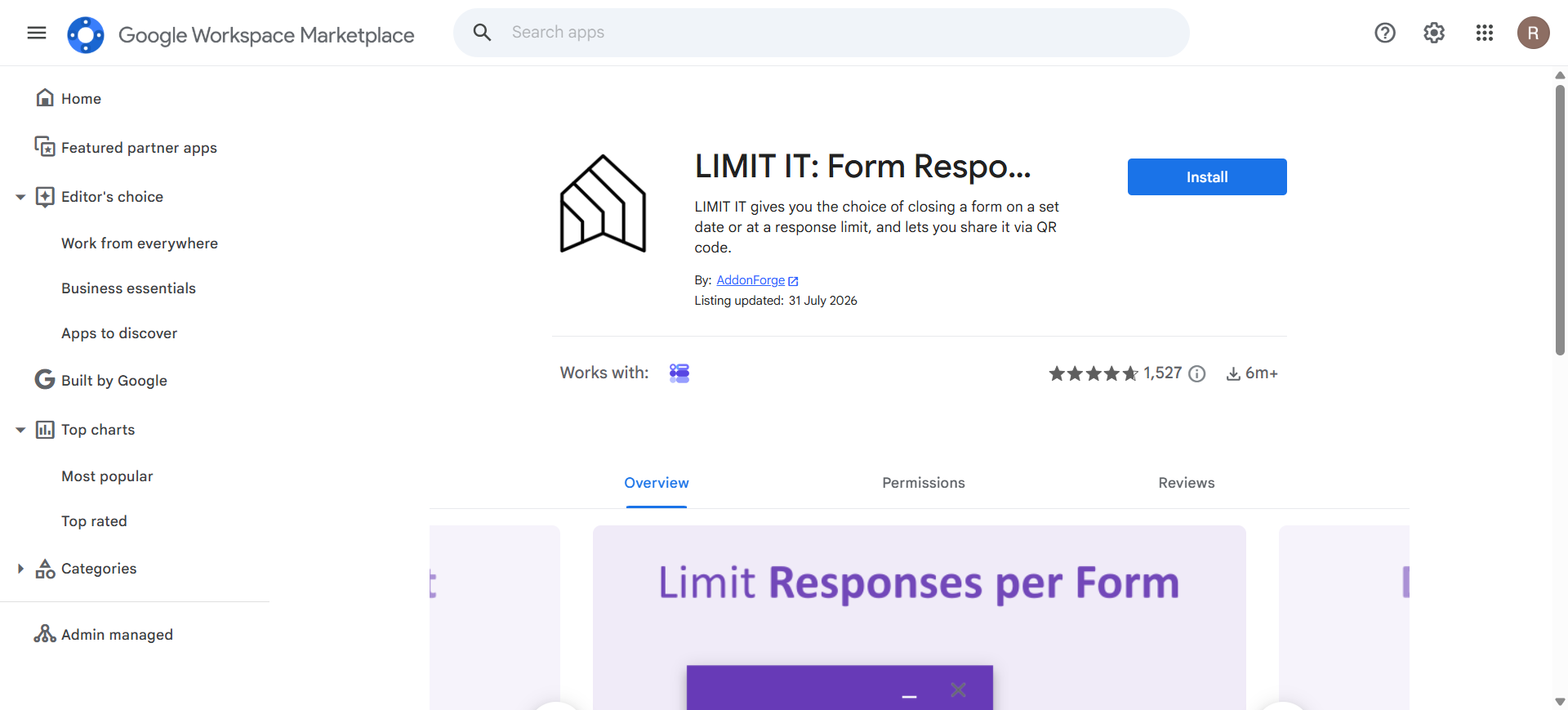
Google Forms keeps collecting responses forever, a problem for anything with a deadline or a fixed number of places. LIMIT IT closes the form for you automatically, making it the scheduling add-on for event capacity, giveaways, application windows and exam periods.
- Closes the form on a set date, time or maximum response count
- Shows a custom message once the form is closed
- Reopens on a schedule for recurring sign-up windows
FormNX closes forms without an add-on. Set an end date and time, a maximum number of responses, or both, and show a custom closed message when it shuts. It is a standard form setting rather than a separate install, so there is no second subscription and nothing to re-authorize. See close date and response limit.
3. Extended Forms
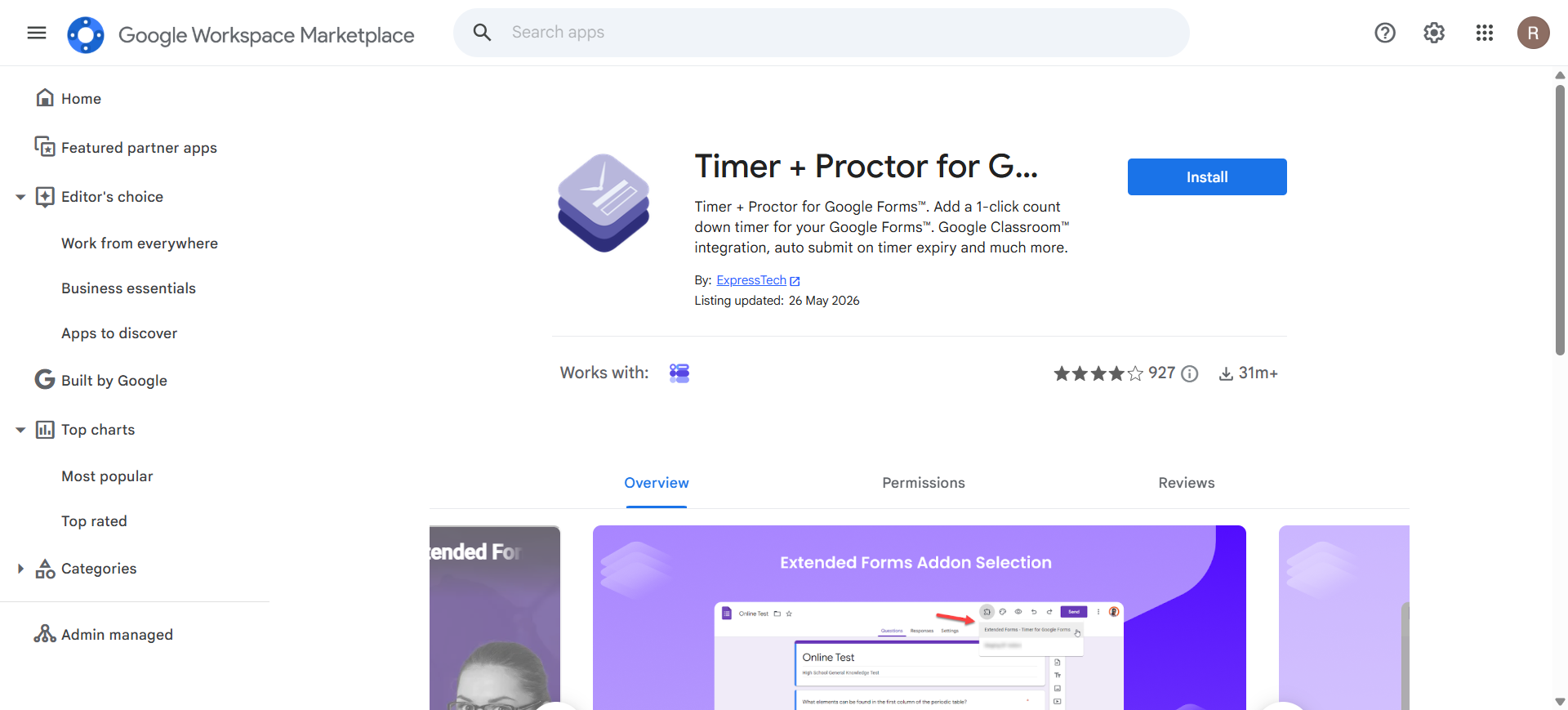
A countdown timer is the most requested feature Google Forms lacks, and Extended Forms is the add-on teachers reach for most, with proctoring controls and Google Classroom sharing built in.
- Adds a countdown timer that auto-submits when time runs out
- Proctoring options that discourage tab-switching during a test
- Gives individual students extended time where needed
4. Formesign
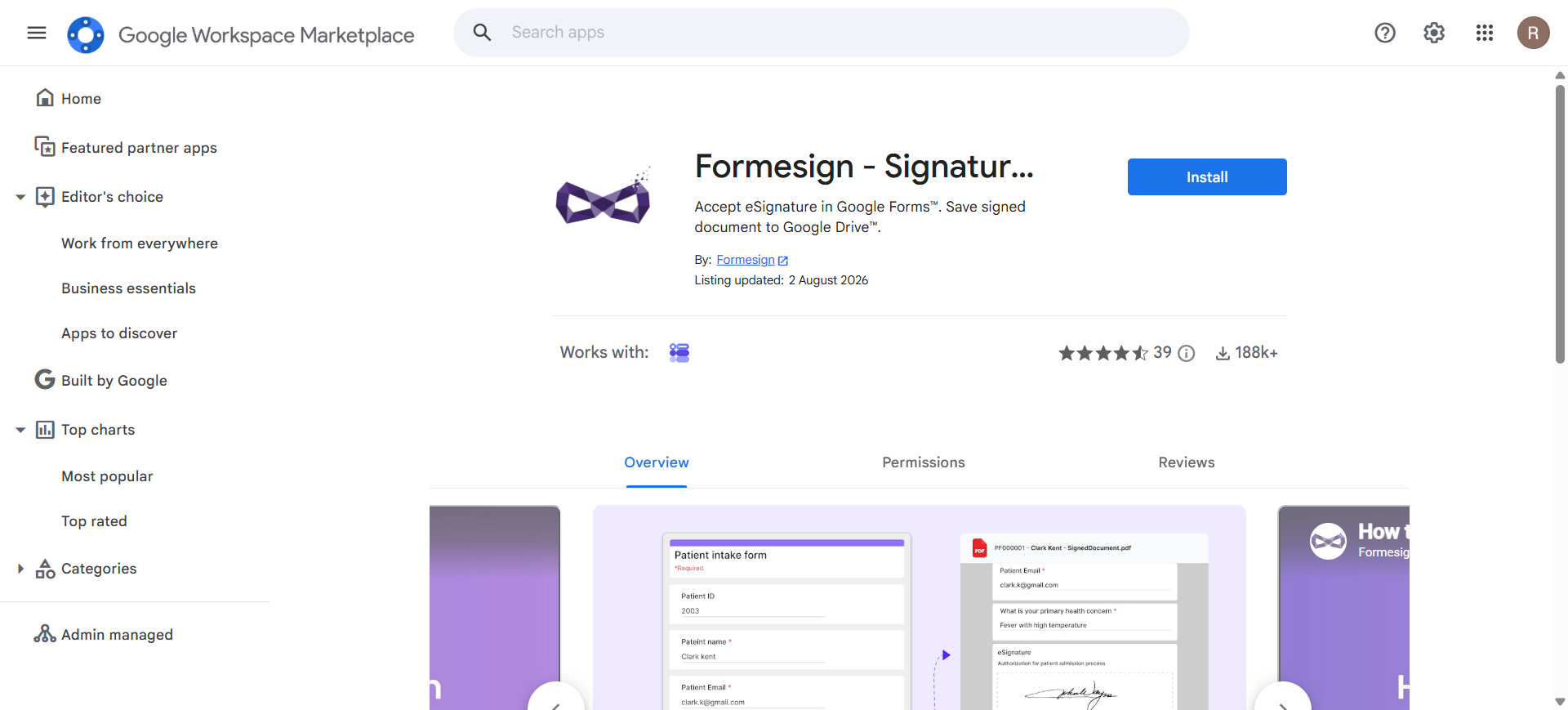
Google Forms has no signature field of any kind, which stops it dead for consent forms, waivers and permission slips. Formesign adds a signature box that respondents draw in with a mouse or finger, stored with the rest of the response.
- Adds a drawn signature field that works on desktop, phones and tablets
- Keeps the signed record attached to its response
See our guide to adding a signature field to Google Forms for every current option compared.
FormNX includes a signature field on every plan, including the free one. Respondents sign inside the form on desktop or mobile and the signature is stored with their response, so there is no add-on to install and no separate signing tool to pay for.
5. Payable Forms
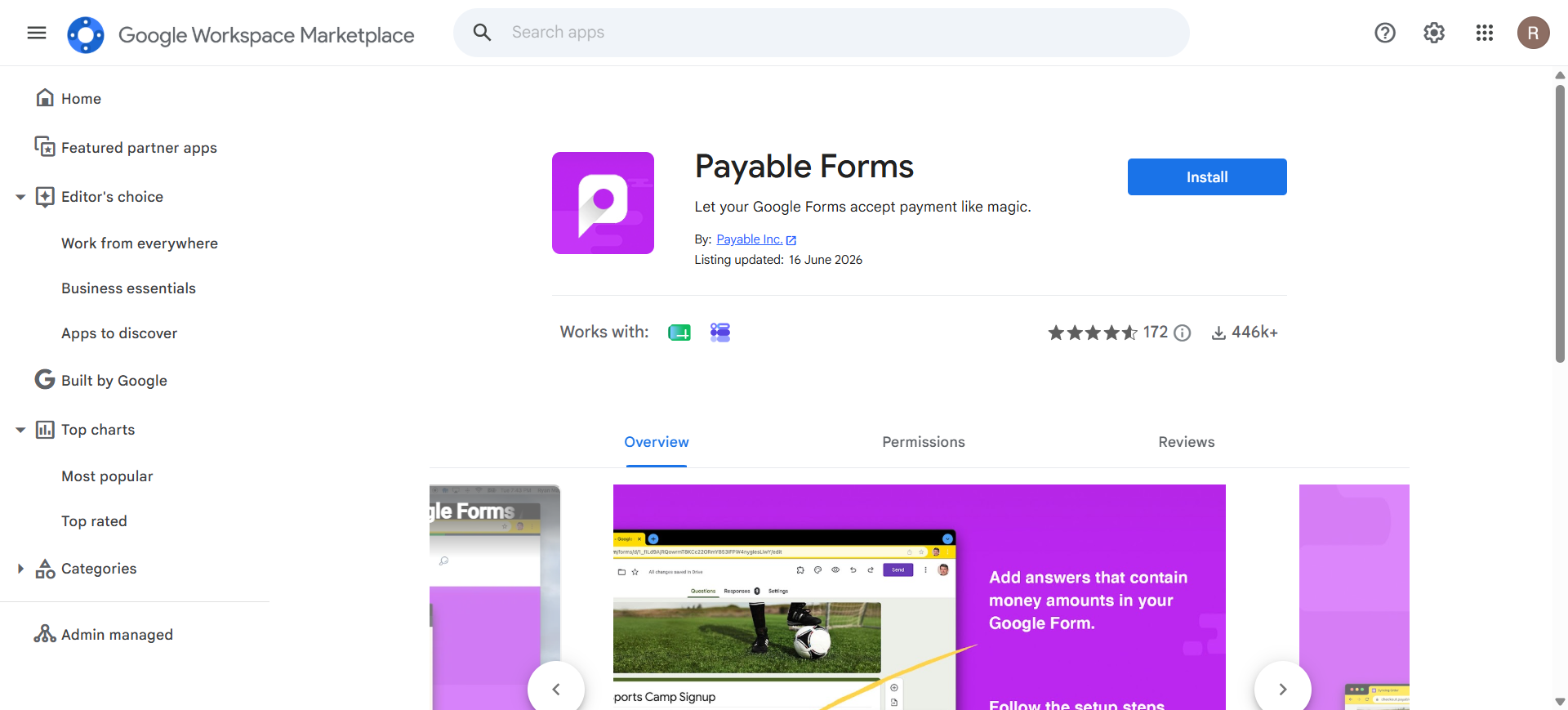
Google Forms cannot take money. Payable Forms adds the payment field, pricing logic and checkout it lacks, the go-to for order forms, event tickets, club fees and fundraising.
- Collects payment through Stripe, PayPal or Square
- Calculates the order total from the answers given
- Sends a payment receipt to the buyer automatically
See our Payable Forms breakdown and our wider guide to collecting payments in Google Forms.
FormNX collects payments natively. Stripe works on the free plan, PayPal and Razorpay are available on paid plans, and the pricing logic lives in the form itself. One tool, one login, and no payment add-on to keep compatible with Google's permission changes. See online payment form.
6. Formfacade
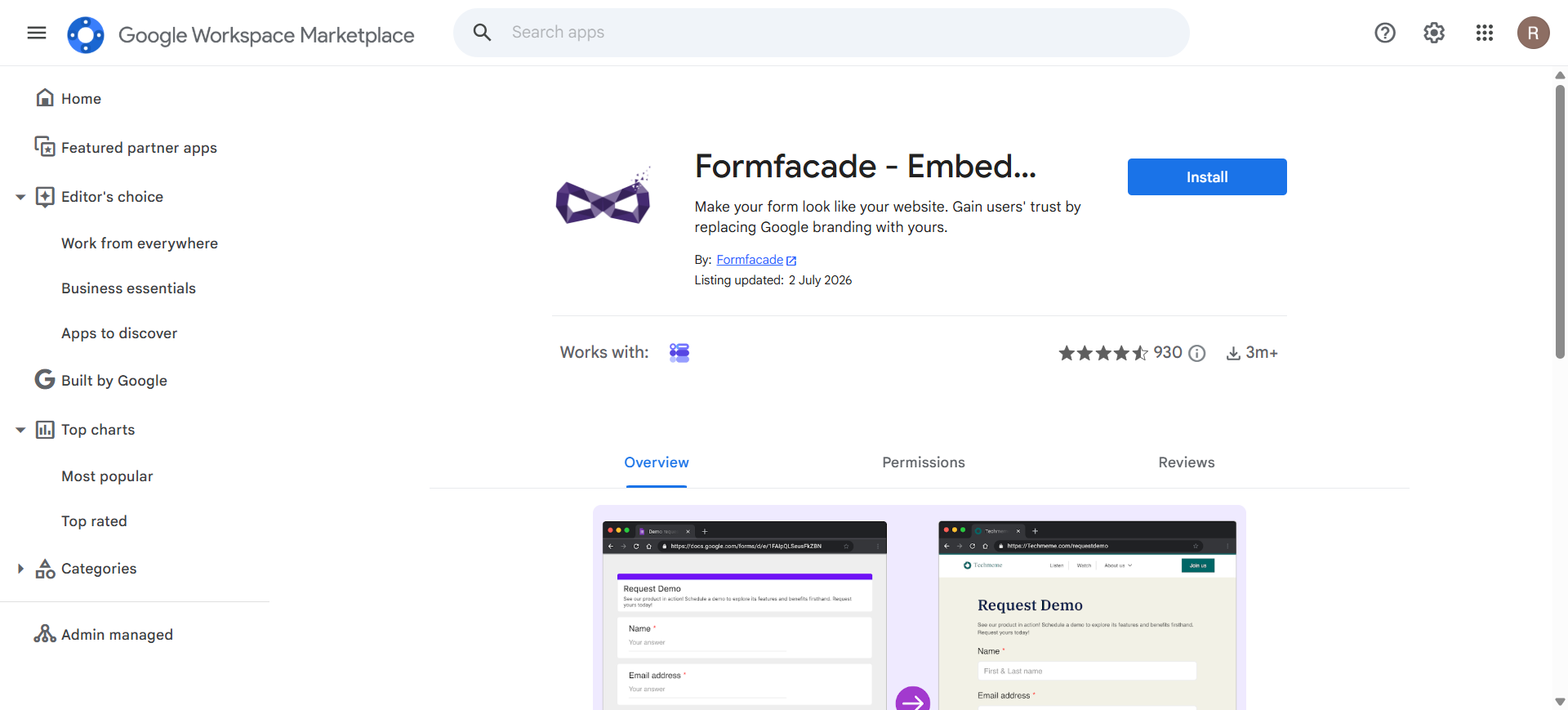
Every Google Form looks like a Google Form, which quietly costs you trust on anything customer-facing. Formfacade restyles the form to match your own site and embeds it there, with the Google branding stripped out.
- Removes the Google Forms look respondents recognize
- Serves the form from your own domain rather than a docs.google.com link
7. Certify'em
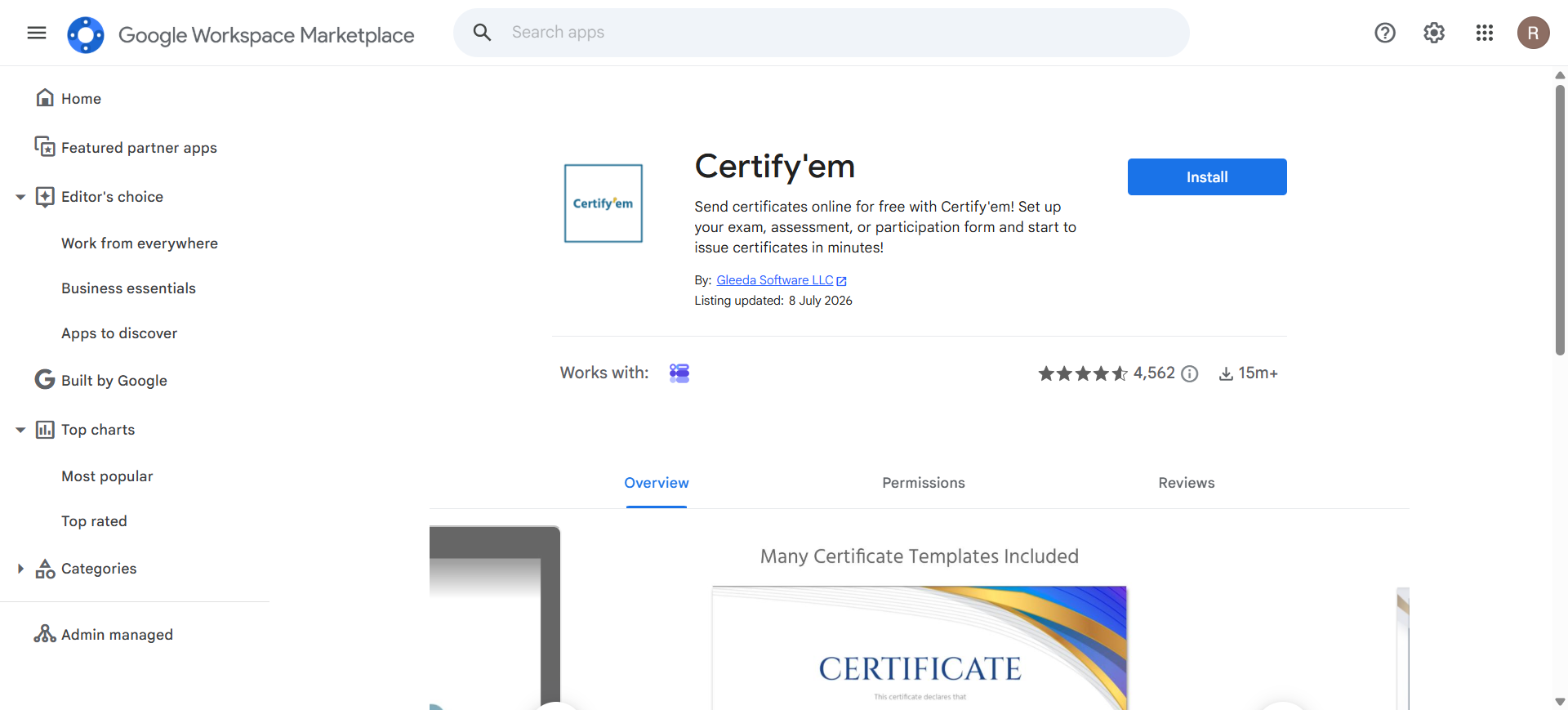
Certify'em turns a Google Forms quiz into a certification exam. Set a pass mark, and anyone who clears it is emailed a personalized PDF certificate within seconds, the standard pick for training completion and compliance sign-off.
- Personalizes each certificate with the respondent's name and score
- Keeps a record of who passed, who failed and when
We walk through the full setup in how to make automated certificates in Google Forms.
8. Neartail Order Form
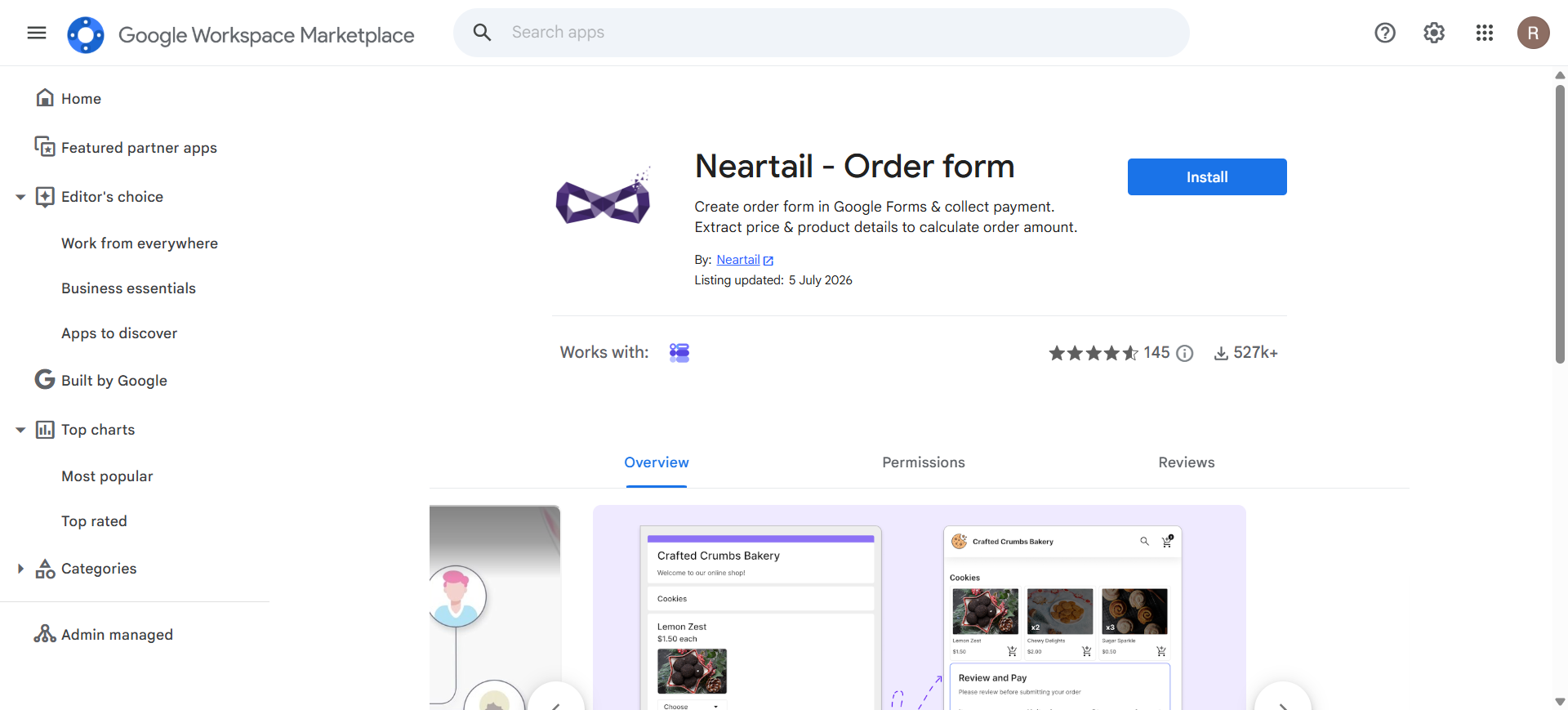
Google Forms cannot do arithmetic, so it will never tell a buyer what their order costs. Neartail reads the products and prices already in your questions and shows a running total as choices are made.
- Calculates order totals from selected items and quantities
- Collects payment on the same form
- Handles delivery charges, discounts and per-option pricing
FormNX does arithmetic on the free plan. The built-in form calculator totals quantities, prices, discounts and delivery charges live as the respondent chooses, then pass the result straight to checkout. No add-on, and no formulas to maintain in a separate spreadsheet.
9. Form Publisher
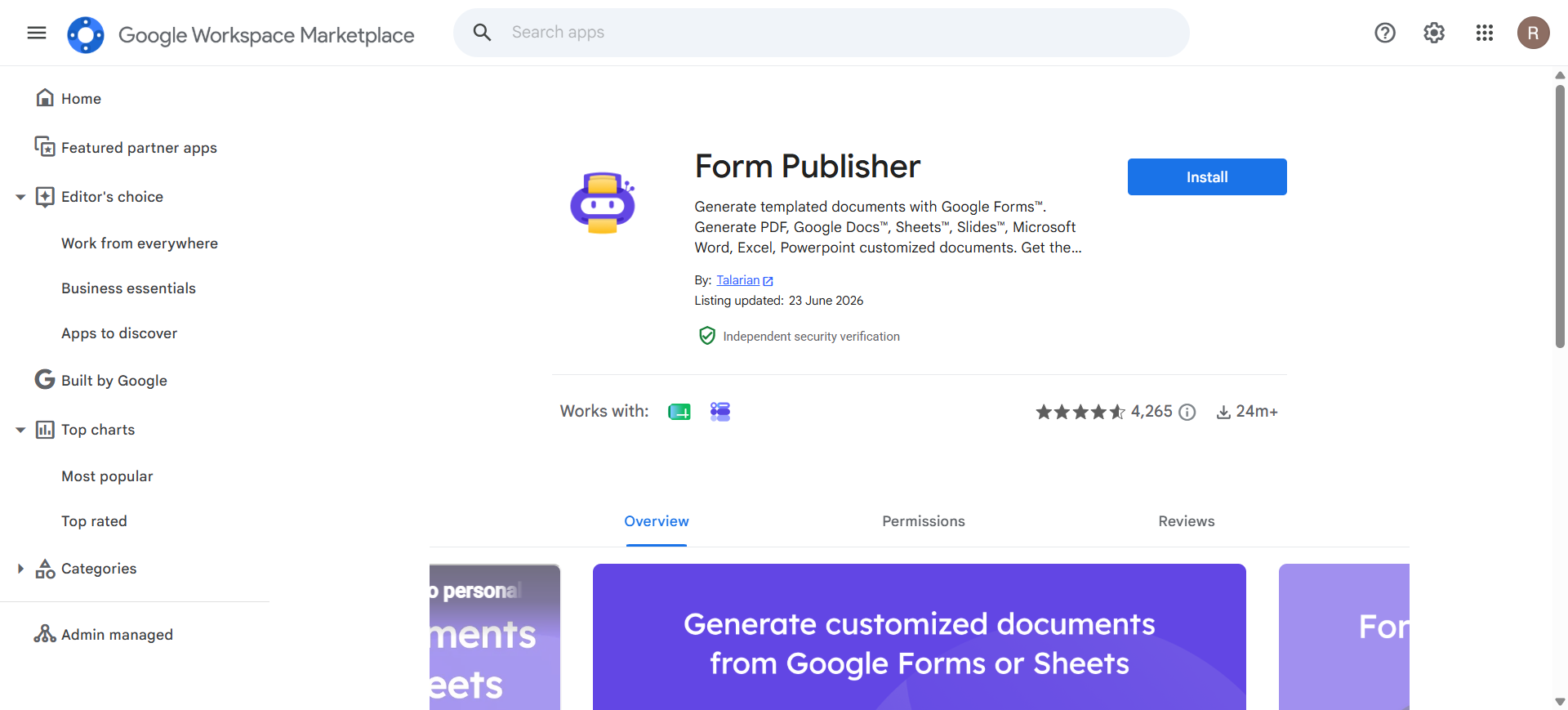
Form Publisher is the most widely installed document add-on for Google Forms. It drops each response into a Doc, Sheet or Slide template you design and saves the finished file to Drive.
- Uses your own branded template rather than a fixed layout
- Emails the finished document to respondents, your team, or both
FormNX generates documents itself. The PDF form builder on paid plans turns every response into a branded PDF, attaches it to notification emails, and exports in bulk as a ZIP. It is part of the plan you already have rather than a document add-on billed on its own.
10. autoCrat
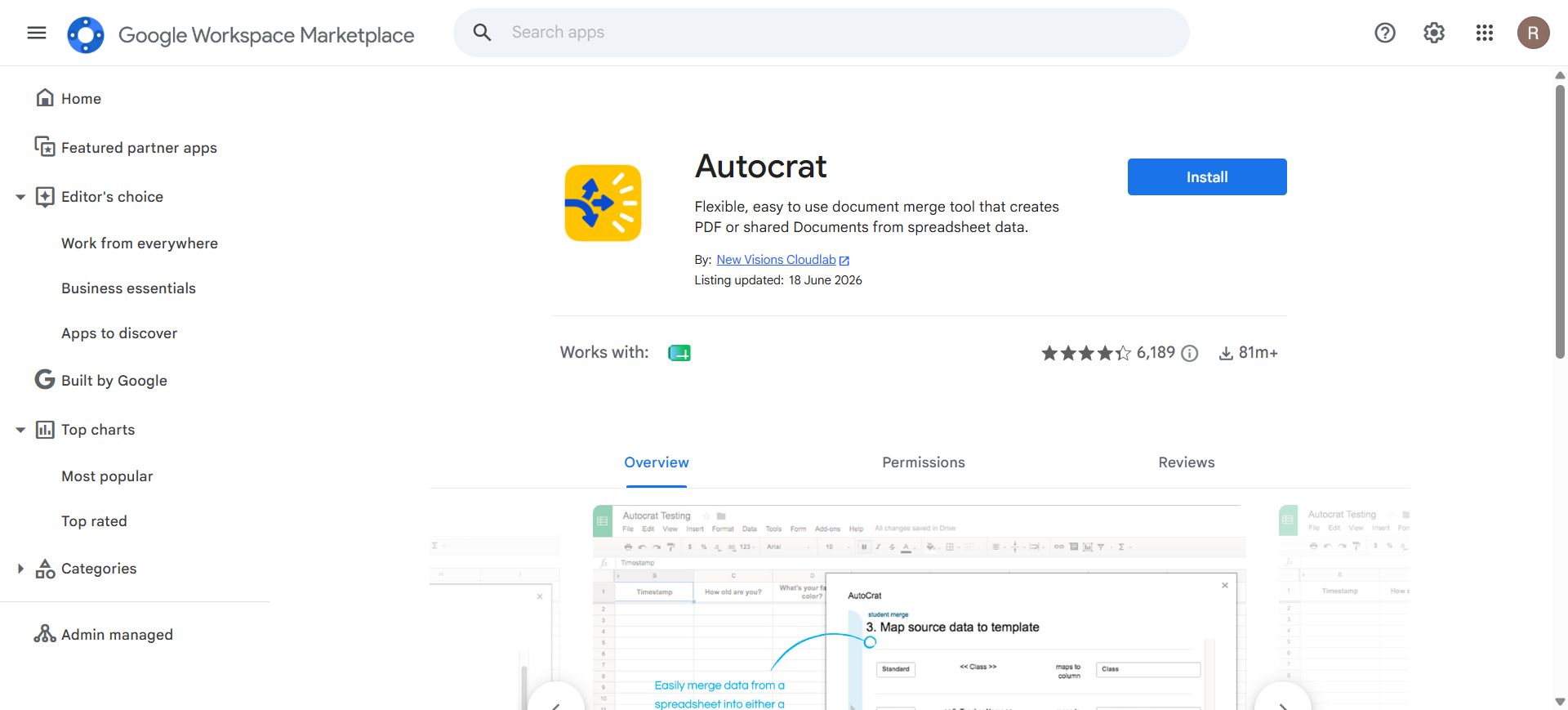
autoCrat is the long-standing free document merge tool from New Visions Cloudlab and a staple in schools. It merges response-sheet rows into a Doc template and, unlike most alternatives, applies no monthly document cap.
- Merges response rows into PDFs or Google Docs
- Runs automatically on submission, or in bulk on a schedule
11. Advanced Form Notifications
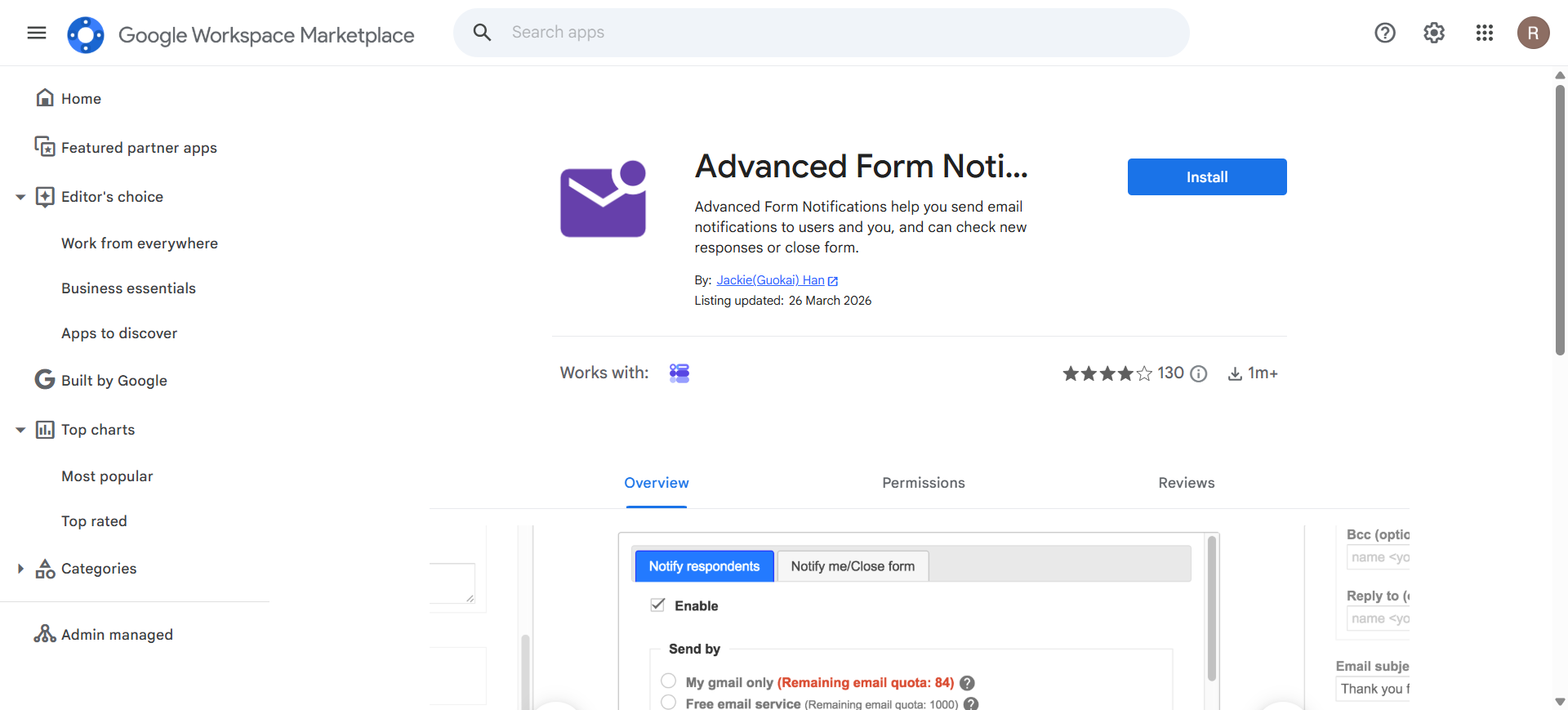
Advanced Form Notifications covers two jobs in one add-on: sending custom notification emails, and closing the form when you are done collecting. A lighter alternative to running two separate tools on forms with a fixed window.
- Emails notifications to respondents and to you on submission
- Customizes the message rather than sending a fixed alert
- Closes the form once a condition is met
12. Quilgo
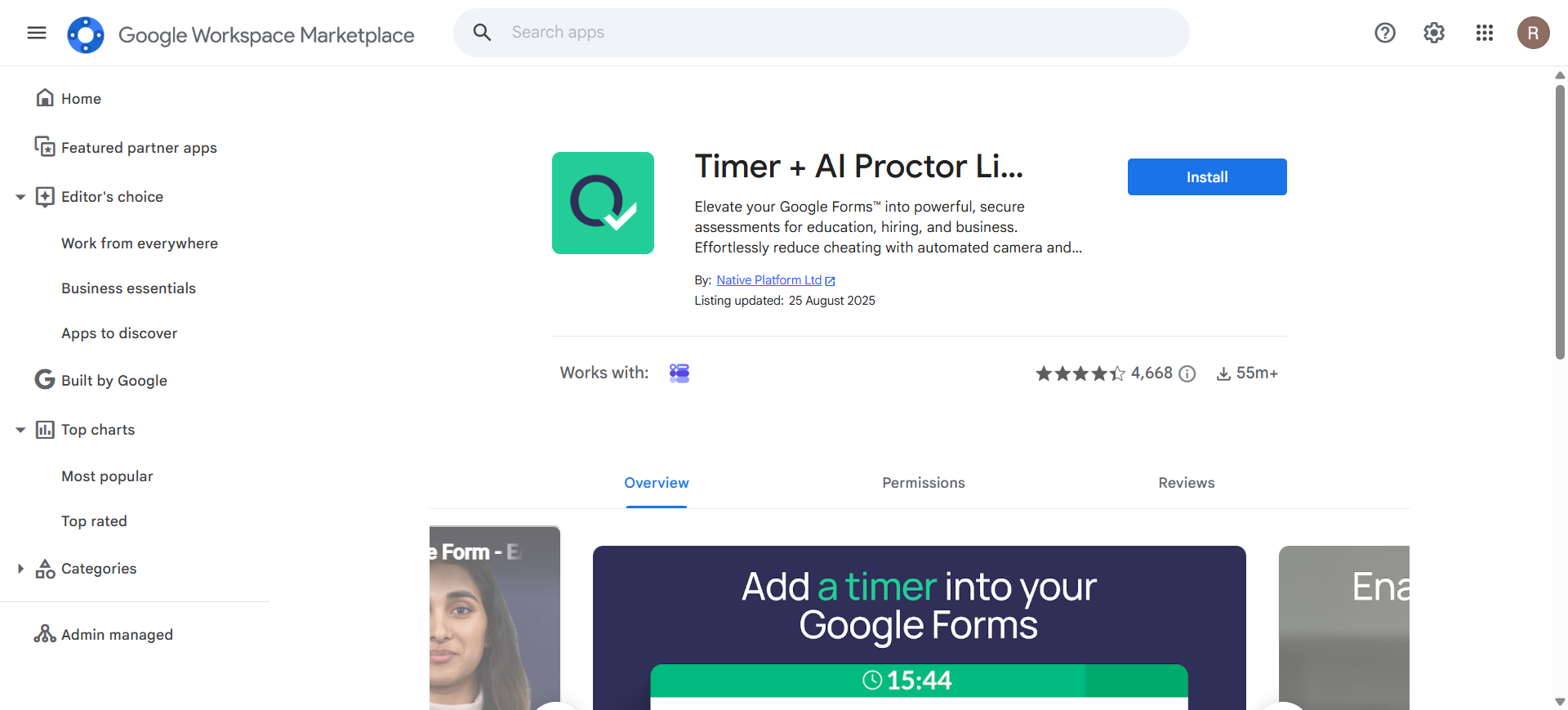
Quilgo is the other strong timer option for Google Forms quizzes. Where it differs from Extended Forms is the reporting: each submission comes back with timing detail, so you can see who rushed and who ran out of road.
- Countdown timer with automatic submission at zero
- Per-respondent timing recorded on every submission
13. QR code for Google Forms
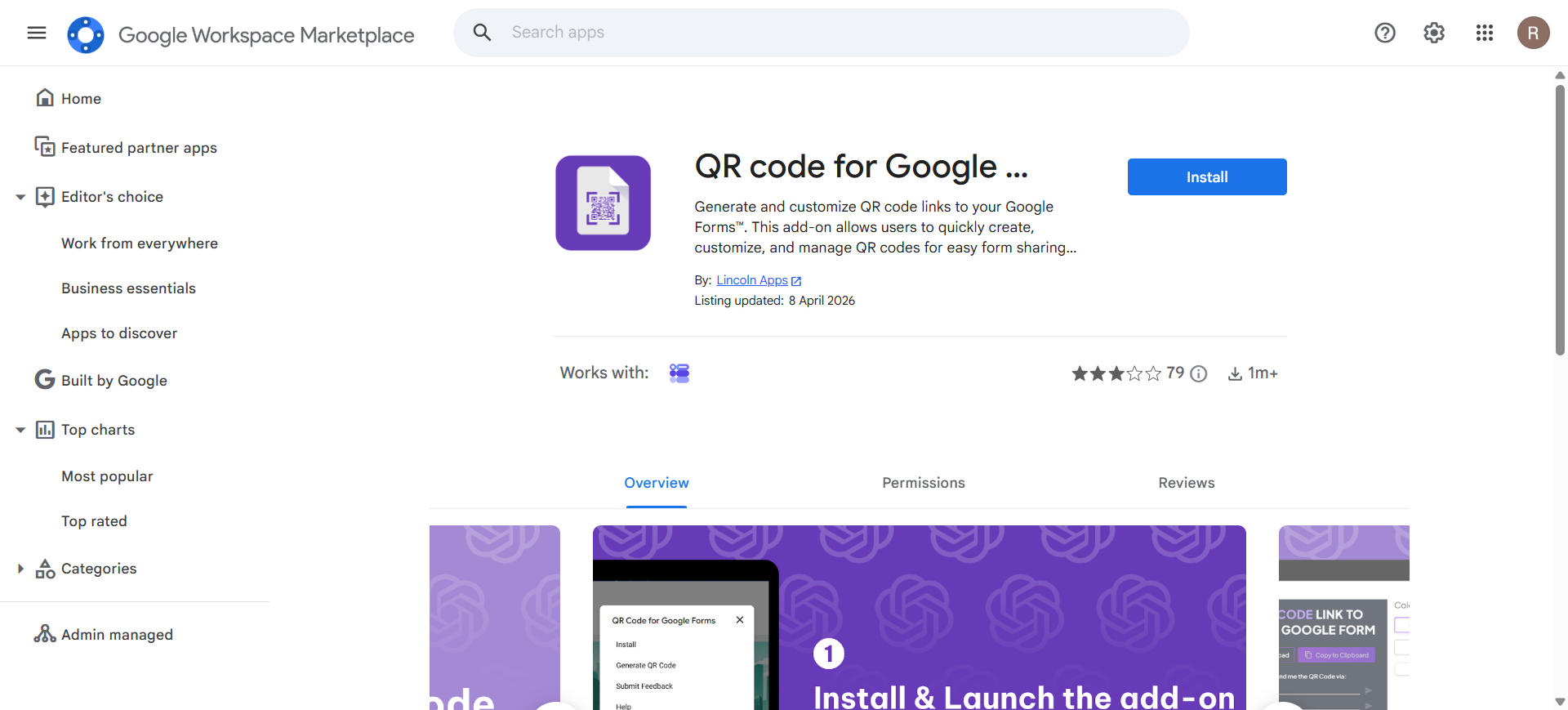
Google Forms gives you a link to share, but nothing to print. QR code for Google Forms generates a scannable code for posters, flyers and table tents, and it is by some distance the most installed QR add-on for Forms.
- Generates a scannable QR code from your form's share link
- Regenerates automatically if the form link changes
Our QR code guide covers the fastest free routes on Google Forms, add-on or not.
Every FormNX form has a QR code waiting in the Publish tab. Open the form, copy or download the code, and print it. There is no add-on to install, no third-party generator holding the redirect, and no risk of the code breaking because a separate service changed its free tier.
14. Forms Translator
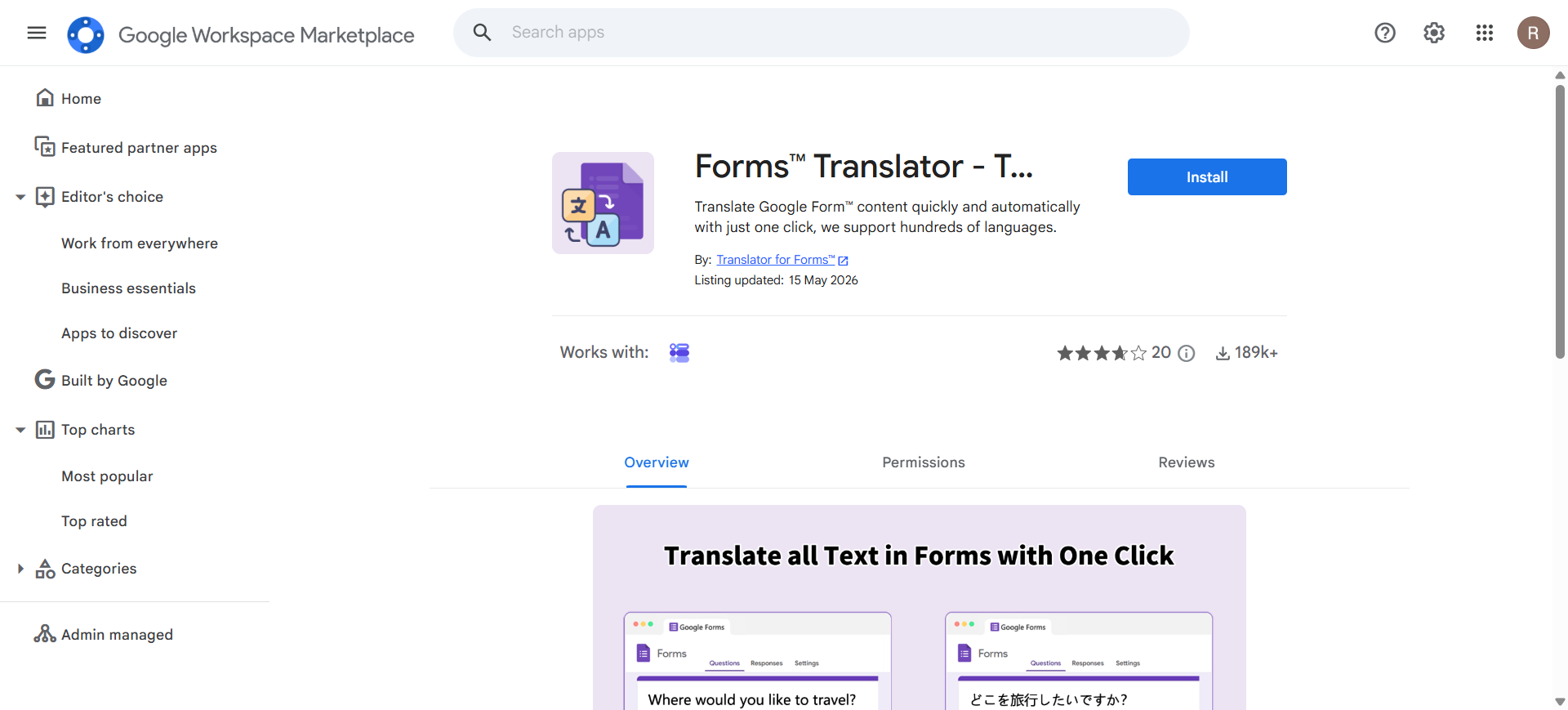
Google Forms has no multi-language mode, so a bilingual audience normally means two separate forms. Forms Translator translates the whole form in one pass: questions, help text and answer options included.
- Supports hundreds of languages
- Produces a translated copy without touching the original
- Re-runs after edits so translations stay in step
15. Portant Data Merge
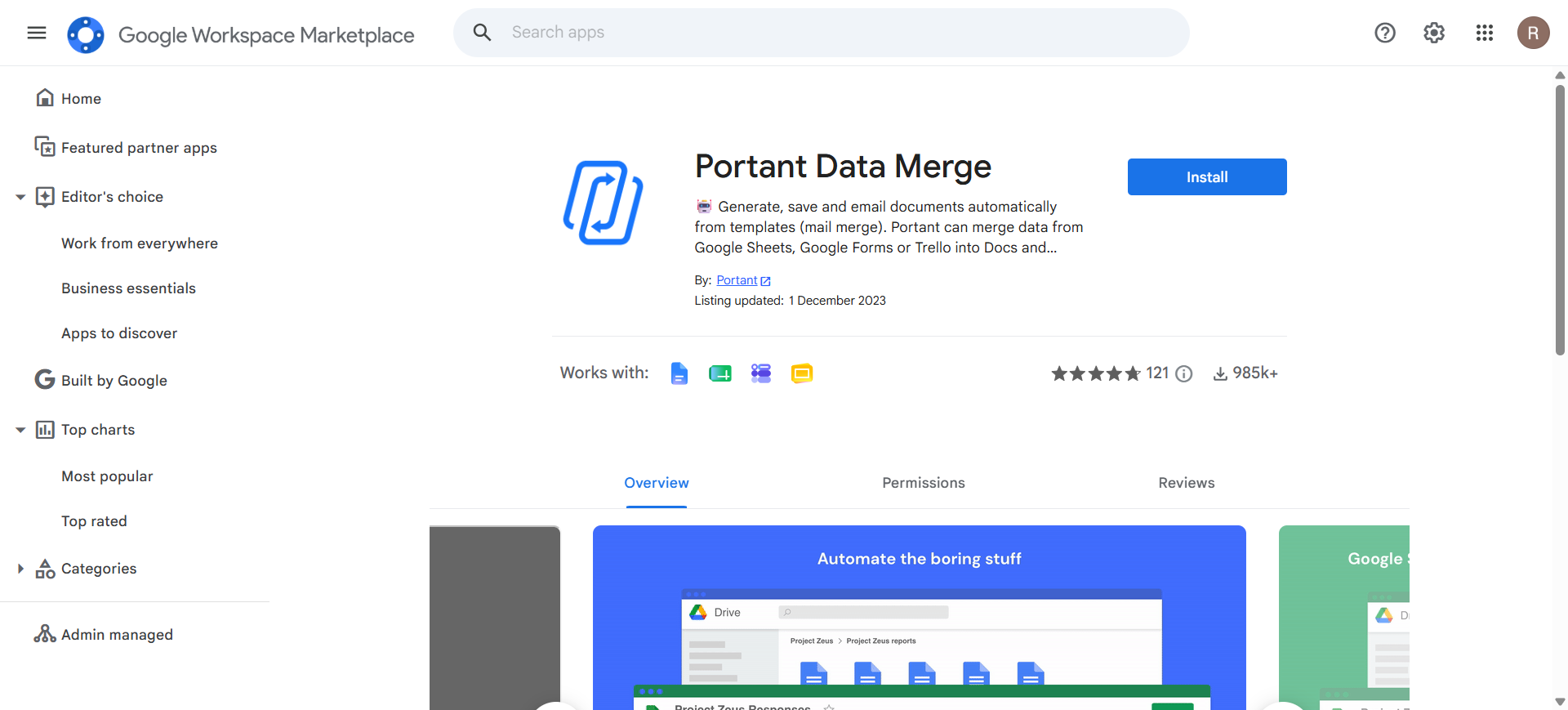
Portant covers the same ground as Form Publisher with a noticeably more modern interface. If your form produces quotes, invoices or contracts and Form Publisher's template syntax feels dated, this is the one to try first.
- Ships with solid invoice, quote and contract templates
- Emails generated documents automatically on submit
- Merges from Sheets as well as Forms
If document generation is your main reason for add-ons, see FormNX vs Google Forms for PDF generation.
16. Formfacade - File upload
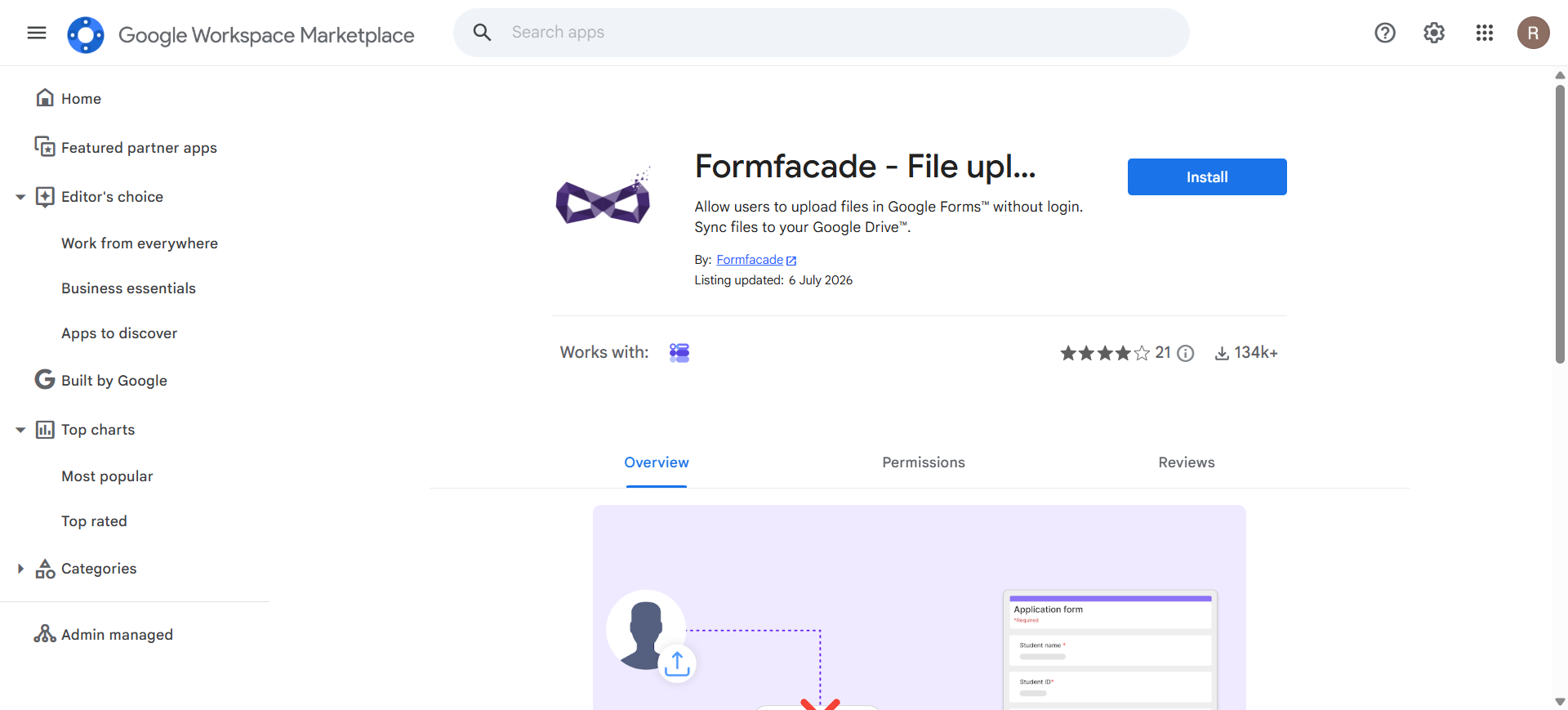
Google Forms only accepts file uploads from respondents signed in to a Google account, which blocks anyone outside your organization. Formfacade - File upload removes the requirement, so anybody with the link can submit.
- Lets respondents upload files without signing in to Google
- Syncs every upload straight to your Google Drive
FormNX accepts file uploads from anyone with the link. Respondents never sign in to a Google account, so external clients, applicants and customers can attach documents without the login wall that blocks them on Google Forms, and without an add-on to work around it.
17. Invoice Generator
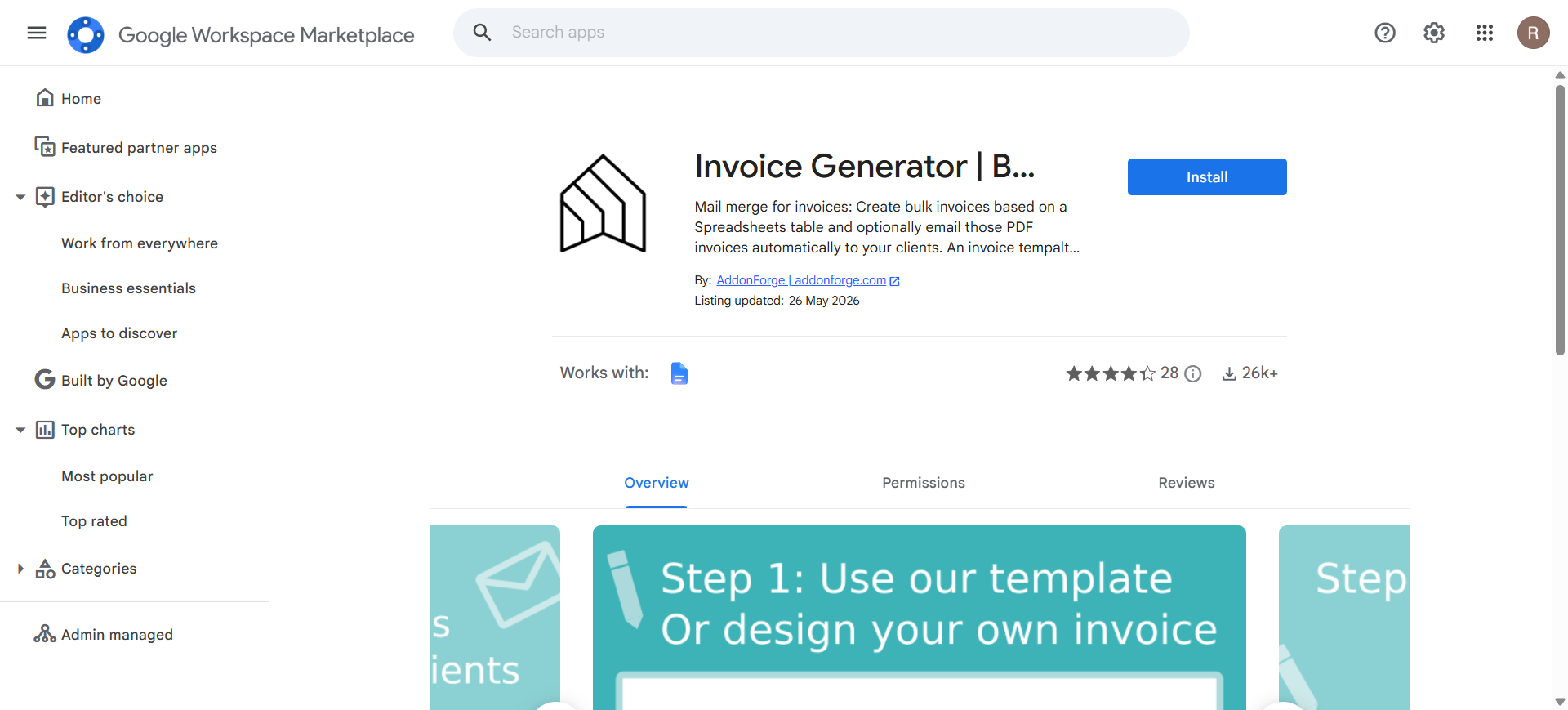
When your Google Form is really an order form, the next thing you need is paperwork. Invoice Generator totals the line items in a response and produces a sequentially numbered PDF invoice or receipt, ready for actual bookkeeping.
- Calculates line totals and tax from the answers given
- Generates invoices in bulk from a response sheet
18. Smart Certificates
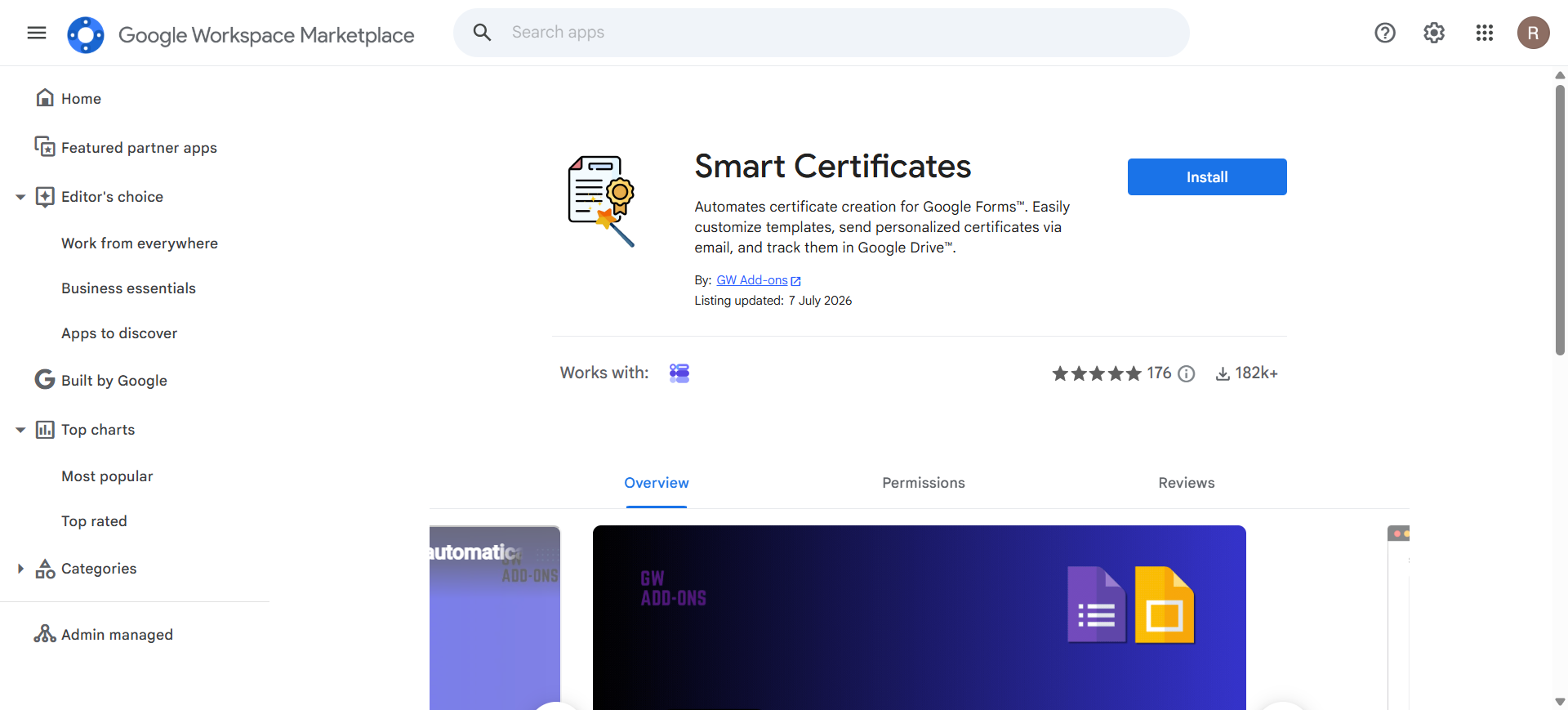
Smart Certificates is the alternative to Certify'em for anyone who wants more say over how the certificate looks. Pick it when the certificate is a branded artifact people will actually display.
- Emails personalized PDF certificates from form responses
- Adds unique certificate numbers for verification
19. DiscordNotify
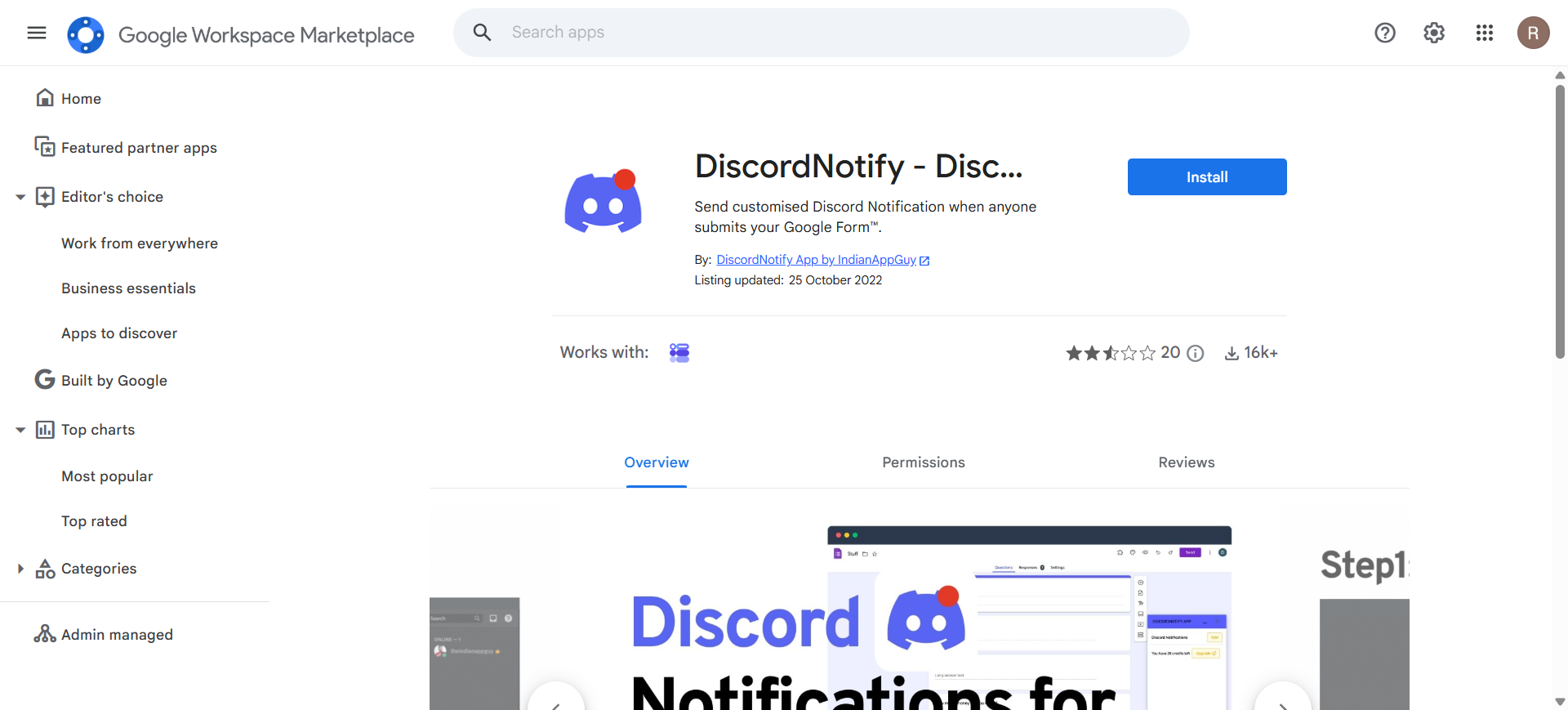
If your team lives in Discord, an email notification is the slowest way to hear that a form was submitted. DiscordNotify posts each new response into a Discord channel through a webhook, built for communities running applications, bug reports and event sign-ups.
- Posts every form submission into a Discord channel
- Connects through a standard Discord channel webhook
- Customizes the message template with answer data
FormNX posts submissions to Discord through its native Discord notifications on paid plans, alongside Slack and webhooks. It is configured in the same place as the rest of the form, so there is no separate add-on subscription and no webhook tool to keep in sync.
20. Form Notify
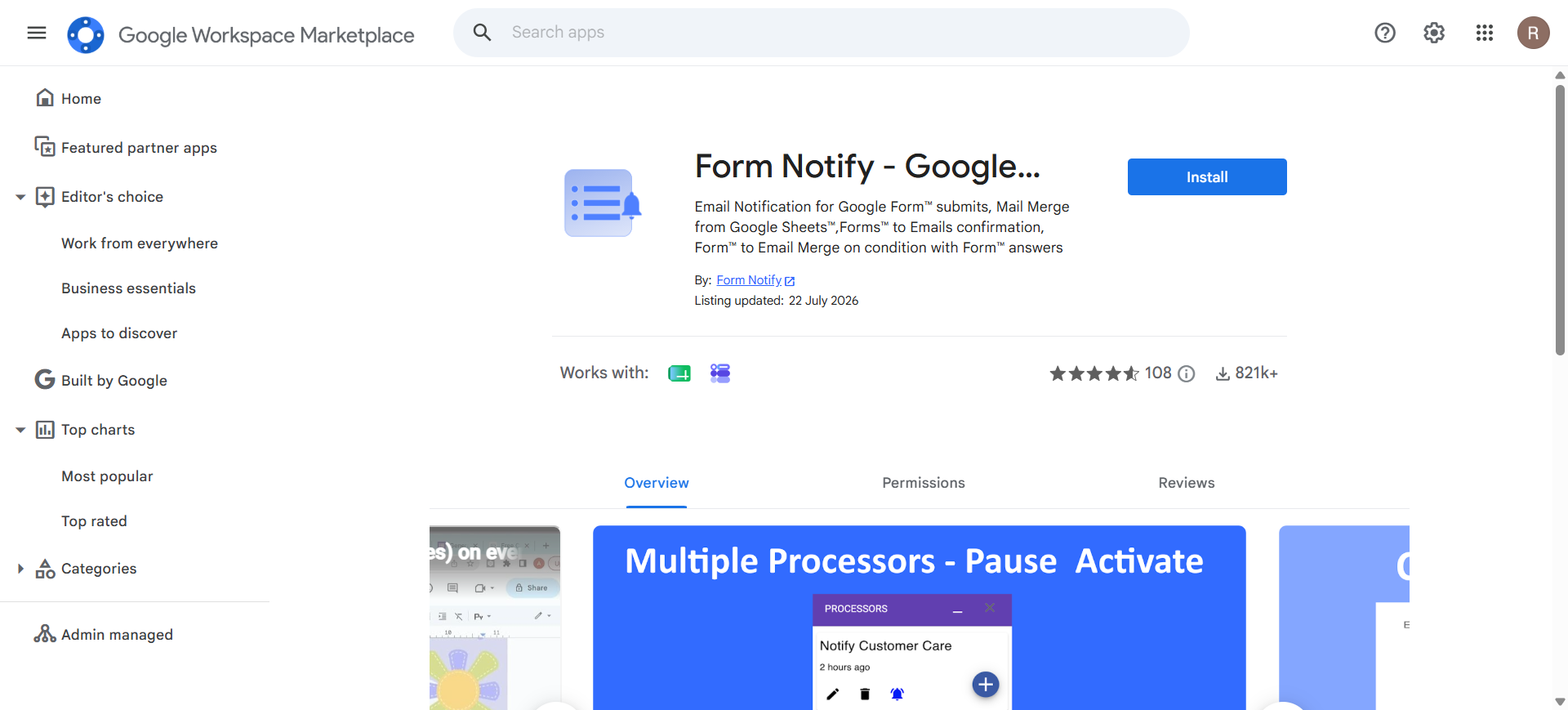
Form Notify is the lighter notification option, worth a look if the bigger suites feel like more than you need. It focuses on conditional email rules and also handles mail merge from a Sheet for follow-up campaigns.
- Sends notification emails to owners and respondents
- Applies conditional rules to decide who gets notified
What you no longer need an add-on for
Google Forms has quietly absorbed a few jobs that older lists still recommend add-ons for:
- Basic email alerts — built in under Responses → ⋮ → Get email notifications for new responses (owner only, no customization).
- Response validation — built into short-answer, paragraph and checkbox questions.
- Quiz auto-grading — built into Quiz mode, including per-question feedback.
- Limiting to one response per person — built in, though it forces a Google sign-in. Our guide to preventing duplicate submissions in Google Forms covers the trade-offs.
How to remove add-ons from Google Forms
Here's the part almost no add-on roundup tells you: uninstalling an add-on from the form editor hides it, but does not revoke its access to your data. To remove one properly:
- Go to the Google Workspace Marketplace
- Then click the gear icon, and choose Manage apps.
- Find the add-on, click the three-dot menu, and choose Uninstall.
- Open your Google Account and go to Security → Your connections to third-party apps.
- Select the add-on and click Delete all connections.
Steps 4 and 5 are the real uninstall. Most Forms add-ons hold permission to view your forms, responses and often your Drive files, and those grants stay active until you revoke them, so audit that connections list every few months.
Do you actually need this many add-ons?
Add-ons are the right answer when you need one missing feature. They get expensive, in money and permissions and maintenance, once you need several: a form that needs a timer, a response limit, PDF generation and payments means four separate installs, four permission grants covering your forms and Drive, four bills, and four support inboxes when something breaks.
Almost every add-on on this list exists to patch a gap that a modern form builder simply does not have. FormNX already comes equipped with most of these features, with nothing to install, one permission grant, and one bill. The e-signature field, quiz mode with auto-grading, calculation fields, duplicate-submission checks, password-protected forms and Stripe payments are all on the free plan, a built-in close date and response limit covers what LIMIT IT does natively, and paid plans add the form timer, notification and auto-response emails, email OTP verification, and the PDF form builder with bulk export.
| What you need it for | Google Forms needs | FormNX has it |
|---|---|---|
| PDFs and documents from responses | Form Publisher, autoCrat, Portant | PDF Builder with bulk export |
| Confirmation and notification emails | Email Notifications, Advanced Form Notifications, Form Notify | Notification and auto-response emails |
| Closing a form or capping responses | LIMIT IT | Built-in cap on form responses |
| A countdown timer on a quiz | Extended Forms, Quilgo | Form Timer |
| Auto-graded quizzes | Certify'em | Quiz mode with per-question feedback |
| Collecting a signature | Formesign | E-signature field, free plan |
| Taking payments | Payable Forms | Stripe payments on the free plan, PayPal and Razorpay on paid |
| Totaling an order | Neartail | Calculation fields, free plan |
| Invoices and receipts | Invoice Generator | PDF Builder plus calculation fields |
| A QR code to print | QR code for Google Forms | Built in, straight from the Publish tab |
| Removing Google branding | Formfacade | White label forms |
| File uploads without a Google login | Formfacade - File upload | File and image uploads, no respondent login |
| Running the form in another language | Forms Translator | Multi-language support |
| Posting responses to Discord | DiscordNotify | Send form responses to Discord, plus Slack and webhooks |
| Understanding your responses | Nothing native | Response Report and Visitors Report, built in |
That is fourteen add-ons, fourteen permission grants and up to fourteen separate subscriptions, replaced by one form builder. Reporting is built in too: the Response Report shows the percentage and total of respondents picking each option on dropdowns, radio buttons, checkboxes, star and scale ratings, and the Visitors Report tracks referring domains plus unique and total visits. On top of it you get things Google Forms has no add-on answer for at all: conditional logic, multi-step forms with a progress bar, disposable-email blocking and partial submissions.
The honest version: if you need exactly one thing from this list, install the add-on, it's the cheaper, faster fix. If you need several, one tool that does them all is less work than four tools that each do one.
FormNX is trusted by 7,000+ customers who have built 13,000+ forms and collected over 500,000 submissions at 99.99% uptime. You can read unfiltered reviews on G2, see the full comparison on our Google Forms alternative page, or browse the wider market in our Google Forms alternatives roundup.
Try FormNX free and build your first form in a couple of minutes, no add-ons required.
Frequently asked questions
How to get add-ons for Google Forms?
Open your form on a computer, click the three-dot More menu in the top right, then click Get Add-ons to open the Google Workspace Marketplace filtered to Forms. You can also browse the Marketplace directly at workspace.google.com/marketplace. Click any add-on, click Install, and approve the permissions it requests. The add-on then appears under the puzzle-piece icon, and because add-ons install per Google account, not per form, it is available on every form you own.
How do I remove add-ons in Google Forms?
Uninstalling from the form editor only hides the add-on, it does not revoke its access to your data. To remove it properly, go to the Google Workspace Marketplace, open Manage apps, find the add-on and choose Uninstall. Then, in your Google Account security settings, open Your connections to third-party apps, select the add-on and click Delete all connections. The second step is what actually revokes its permissions.
What are Google add-ons?
Google add-ons are third-party applications built on Google Apps Script that extend Google Forms, Sheets, Docs and Slides with features Google does not ship natively, such as response limits, countdown timers, PDF generation, custom email notifications and payment collection. They are distributed through the Google Workspace Marketplace and are built by independent developers, not by Google.
Are Google Forms add-ons free?
Most are freemium rather than free: free to install with a limited free tier, typically a set number of documents, emails or responses per month, then a subscription beyond that. A few, such as the New Visions Cloudlab tools, are genuinely free. Because each add-on bills separately, a stack of four or five paid add-ons often costs more per month than one form builder with the same features built in.
Why are my Google Forms add-ons not working?
The three most common causes are a revoked authorization, a Google Workspace admin policy blocking third-party apps, and an abandoned add-on. Re-authorize by opening the add-on and accepting the permission prompt again. On a school or work account, an administrator may have restricted Marketplace installs. If neither applies, check the listing for recent reviews, because several long-recommended Forms add-ons have been delisted.
How many add-ons can I install on one Google Form?
Google does not publish a hard limit, but each add-on runs as a separate Apps Script project with its own authorization scopes and execution quota. In practice, several add-ons on one form increases the chance of slow triggers, duplicated emails and conflicting edits to the linked response sheet, so most people keep it to two or three.
Every add-on above was verified live on the Google Workspace Marketplace for this article; listings change, so check before you install. See Google's own docs: Use add-ons, Apps Script, AppSheet & Data Studio and Extend Google Forms with add-ons.