Contact form Templates
Contact forms (also called Contact Us forms) are essential for facilitating communication between businesses and their customers. At FormNX, we offer 17+ free contact form templates with examples and samples - including professional contact form samples, customer inquiry forms, and PDF/Word-compatible contact form formats responses. Customize any template to match your brand, embed it on your website, or export the form responses to PDF, Excel, or CSV for offline records.

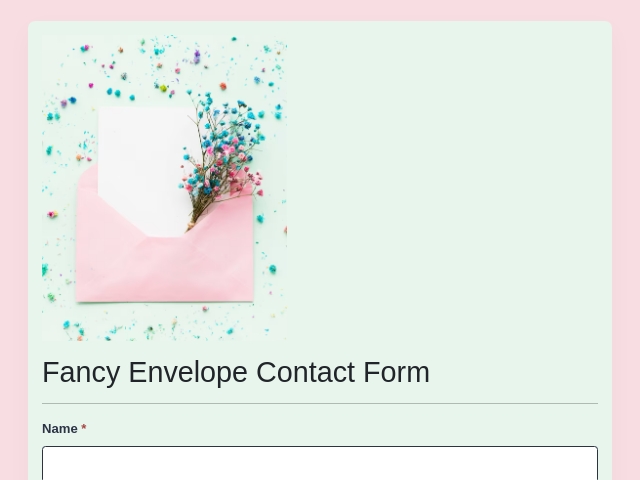

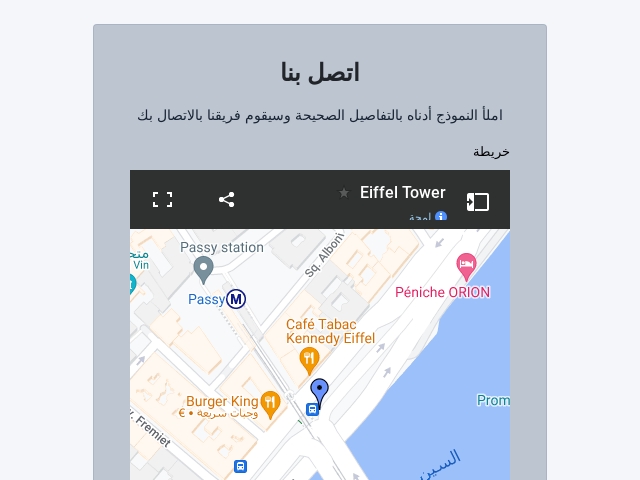
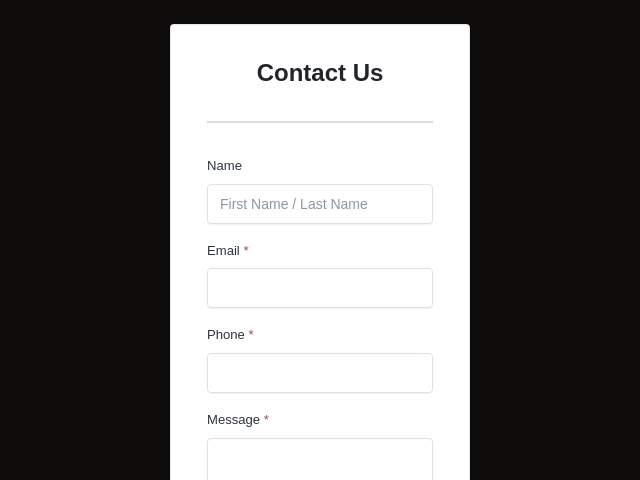
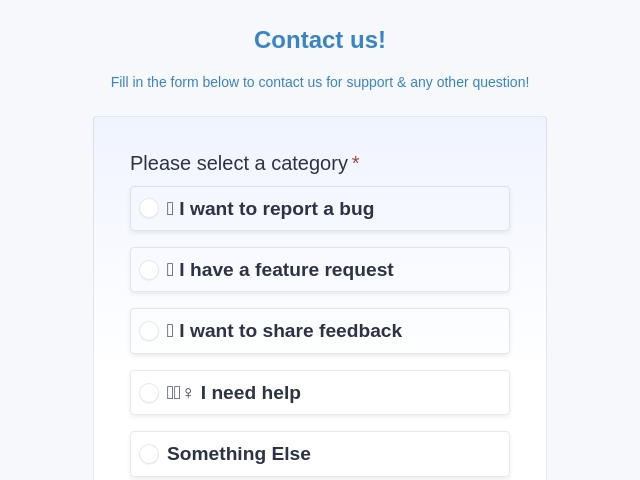
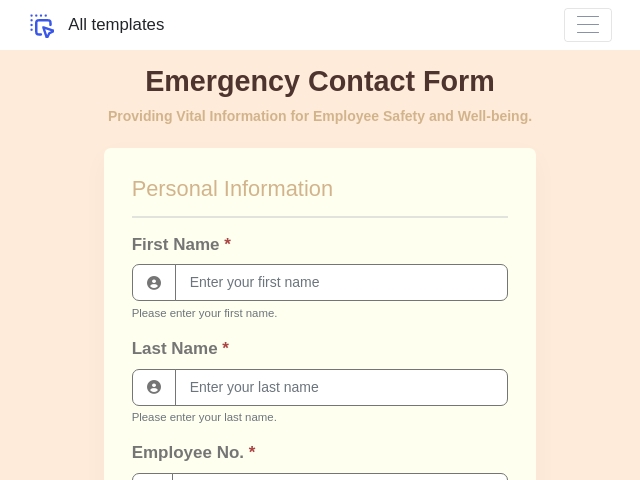
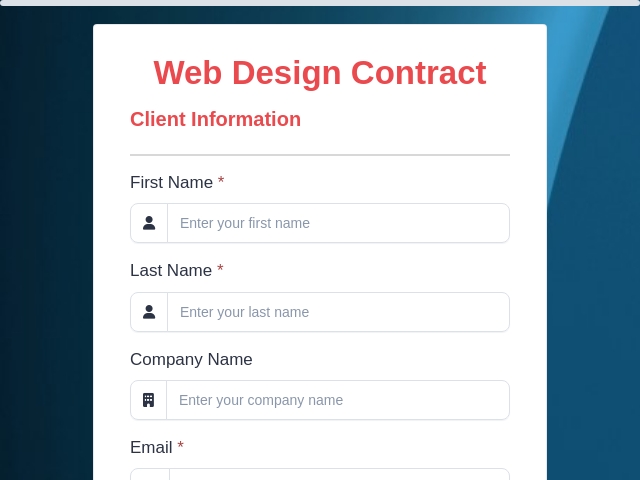
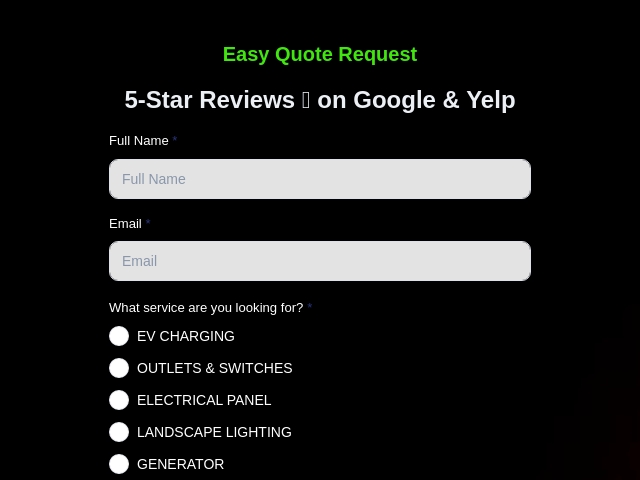
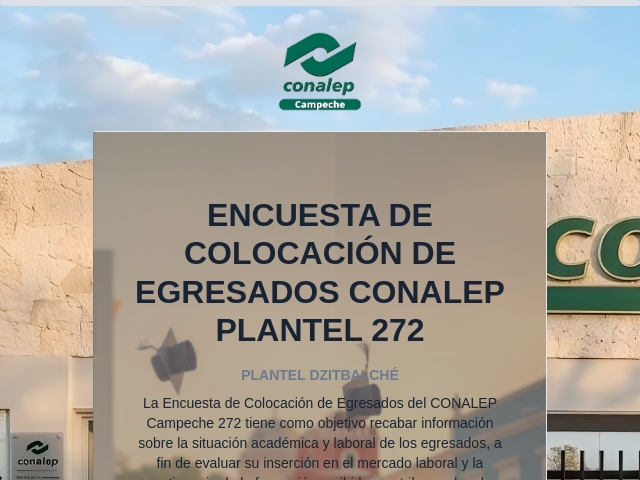
Contact Us Form Templates
Contact us forms are valuable tools for businesses to facilitate communication and engagement with their customers. They provide a user-friendly platform for customers to reach out with inquiries, feedback, or requests for assistance. At FormNX, we understand the importance of well-designed and customizable contact us form templates. Our collection offers a variety of options to suit different business needs and help streamline communication.
What Are Contact Us Forms?
Contact us forms are online forms that can be added to websites, social media, for businesses use to receive inquiries, messages, or feedback from their customers or website visitors. These forms typically include fields for customers to provide their name, email address, phone number, and a message (text area) or specific inquiry. Contact us forms serve as a direct communication channel, allowing businesses to respond to customer inquiries effectively and efficiently.
Why Do You Need a Form for Contact Us?
Using a well-designed contact us form offers several benefits:
- Efficient Communication
- Improved Customer Experience
- Essential Information Capture: Contact us forms allow you to collect essential information from customers, such as their name and contact details, which helps in providing personalized and prompt responses.
- Enables Tracking and Follow-up
What Information to Collect in Contact Us Forms?
When designing a contact us form, it's important to collect relevant information to understand customer inquiries and respond effectively. Consider including the following key elements:
- Name: A field for customers to provide their name
- Email Address: Collect customers' email addresses to enable direct communication.
- Phone Number: Optionally ask for phone number for additional contact options like Skype, Telegram etc.
- Message or Inquiry: Include a text area where customers can write their message, inquiry, or provide specific details about their request or concern.
Sample Contact Forms & Examples
Below are practical contact form samples and examples you can use right away. Each is a working template you can
customize in minutes:
- Sample 1 — Simple Contact Form Example — A clean, minimal contact form sample with name, email, subject,
and message fields. The most-used contact form template across business websites. - Sample 2 — Customer Contact Form Template — A customer contact form template designed for support
inquiries, with fields for order/account number and issue category. - Sample 3 — Sales Inquiry Form — A professional contact form sample for capturing qualified leads, with
fields for company, role, budget, and timeline. - Sample 4 — Technical Support Contact Form — A technical support contact form example with priority
dropdown, browser/device fields, and file upload for screenshots. - Sample 5 — Standard Contact Us Form — A standard contact form following the proven format used by most professional websites.
Every contact form sample on this page is fully customizable, mobile-responsive, and works as both an online form and a downloadable PDF or Word contact form template.
Contact Form Format & Structure
A standard contact form format follows this structure — every template in our gallery uses the same proven layout:
1. Header — short heading like "Contact Us" or "Get in Touch" with a one-line introduction
2. Name field — first and last name (or single name field for simplicity)
3. Email field — required, with format validation
4. Phone number — optional, for follow-up calls
5. Subject or topic — a dropdown to route the inquiry (sales, support, partnership)
6. Message text area — the main inquiry or feedback box
7. File upload (optional) — for screenshots, briefs, or documents
8. Submit button + thank-you message — clear CTA + confirmation
This is the standard contact form format used by professional websites worldwide. You can also export this format as a PDF, Word, or HTML contact form template for offline use.
Contact Us Form Templates Offered in FormNX
FormNX provides a variety of contact us form templates that you can customize to fit your specific requirements:
- General Contact Us Forms — for standard "get in touch" pages on any website
- Customer Contact Form Templates — for ongoing customer support and account inquiries
- Sales Inquiry & Lead Capture Forms — for B2B lead generation with qualifying questions
- Partnership Inquiry Forms — for collaboration, vendor, and reseller requests
- Technical Support Request Forms — with priority and issue category fields
- Feedback & Suggestions Forms — for product feedback and feature requests
- Demo / Quote Request Forms — for SaaS and service business sales pipelines
- Newsletter Signup & Subscriber Forms — for simple email collection
- Customer Service Forms — for complaint, return, and service request handling
- Free Contact Forms for Websites — embeddable HTML contact form templates that work on any site
Can We Customize the Contact Us Form Templates Offered by FormNX?
Yes, Absolutely! All templates offered by formNX can be modified the design, layout, fields, and content to align with your brand identity and specific communication requirements
Tips for Designing an Effective Contact Us Form
To optimize your contact us form and ensure effective communication, consider the following tips:
- Clear and Simple Design: Visually appealing, user-friendly, and easy to navigate.
- Required Fields: Mark only the necessary fields as required to minimize friction and encourage form completion.
- Thank You Message: Show a confirmation or thank you message after submitting the form to reassure customers that their message has been received.
- Response Time Expectations: Set clear expectations regarding response time to manage customer expectations and provide a better customer experience.
By following these tips and utilizing FormNX's customizable contact us form templates, you can simplify communication with your customers, enhance customer engagement, and provide prompt and effective support.
How to Write a Contact Form (Step-by-Step)
Follow these five steps to write a contact form that gets responses:
1. Pick a contact form template from the gallery above that matches your use case (general, support, sales).
2. Limit to 4–6 fields — every extra field drops conversion. Most effective contact forms include just name, email, subject, and message.
3. Use clear field labels — "Name", "Email", "Message" beats creative-but-confusing labels every time.
4. Add a thank-you message — confirm submission and set response-time expectations.
5. Test on mobile — over 60% of contact form submissions now happen on a phone.
How to Create a Contact Form in Word or PDF?
Need PDF responses of the contact form template for offline use.
- Pick any template from the gallery, then click "Use Template" to open it in FormNX form builder.
- Customize the fields to match your needs.
- Create and attach the PDF document created in the form.
- Embed the online form on your website using our HTML embed code — works with WordPress, Wix, Squarespace, and any other site builder.
Contact Form FAQs
What should a contact form include?
A standard contact form should include the visitor's name, email address, an optional phone number, a subject or inquiry type, and a message field. See "Contact Form Format & Structure" above for the full layout.
How do I write a contact form?
Pick a template from the gallery, limit to 4–6 fields, use clear labels (Name / Email / Message), and add a thank-you confirmation. Keep it mobile-friendly and test before publishing.
What is an example of a contact form?
A simple contact form example asks for name, email, subject, and message — see Sample 1 above for a working template you can customize and publish in minutes.
Are these contact form templates free?
Yes — every contact form template in this gallery is completely free to use, customize, and embed. No credit card required.
Can I get the contact form template responses in PDF or Word format?
Yes — every form's responses can be exported to PDF for offline use, or embedded as an online contact form on your website.
Can I use these for WordPress, Wix, or any website builder?
Absolutely. Every contact form template can be embedded with a simple HTML code snippet that works on WordPress, Wix, Squarespace, Webflow, and any other website platform.
What's the difference between a contact form and a contact us form?
There's no real difference — both are used interchangeably. "Contact Us form" is just a more casual name for the same online contact form template.
Start streamlining your communication process today with FormNX's contact us form templates!

 Reviews on G2
 Reviews on Trustpilot
- Alternatives
- Jotform Alternative
- Typeform Alternative
- Google Forms Alternative
- SurveyMonkey Alternative
- Contact Form 7 Alternative
- Paperform Alternative
- Microsoft Forms Alternative
- Fillout Alternative
- Tally Forms Alternative
- Gravity Forms Alternative
- Cognito Forms Alternative
- Formstack Alternative
- All Alternatives
- Pricing Guides
- Jotform Pricing
- Typeform Pricing
- SurveyMonkey Pricing
- Use Cases
- No-Code Form Builder
- Online Survey Builder
- AI Form Builder
- Online Quiz Maker
- Job Application Form Builder
- Order Form Builder
- Screen Printing Order Form
- Wholesale Order Form
- WordPress Form Builder
- Contact Form
- Nonprofit Form Builder
- Squarespace Form Builder
- Wix Form Builder
- Webflow Form Builder
- Framer Form Builder