Tattoo Appointment Form Template
What is a Tattoo Appointment Form?
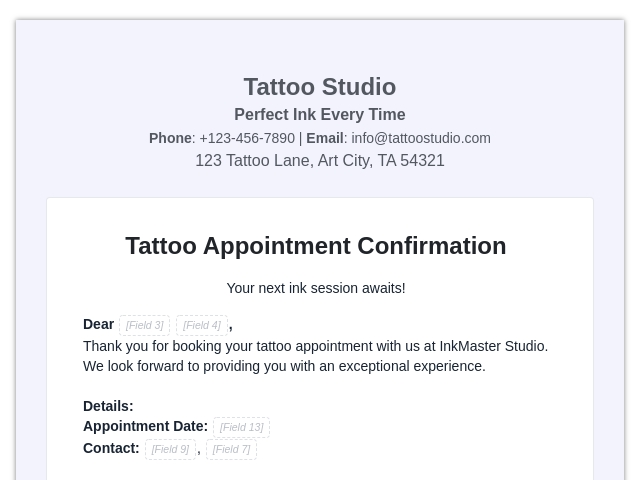
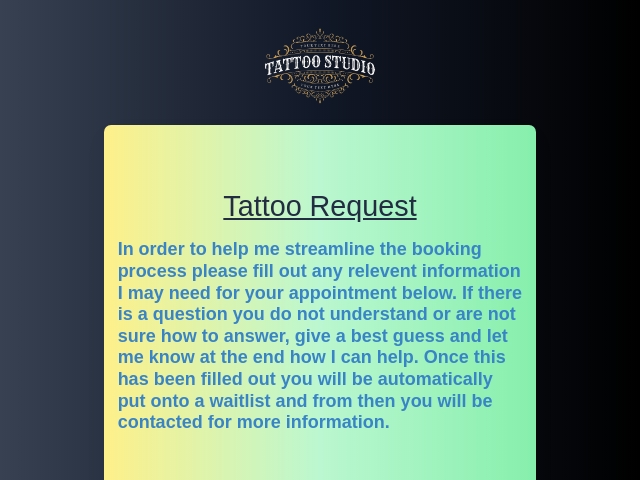
A tattoo appointment form is an online form used by tattoo artists to collect client details before scheduling a tattoo session.
This form helps artists prepare in advance and provide better service.
What is the Purpose of a Tattoo Appointment Form?
The main purpose of a tattoo appointment form is to simplify booking management and improve client experience.
Who Uses This Tattoo Appointment Forms?
- Tattoo Artists: To manage bookings and understand client requirements.
- Tattoo Studios: To organize appointments and client data.
- Freelance Tattoo Professionals: To handle multiple clients efficiently.
- Body Art Businesses: To streamline consultation and booking process.
What Information Should Be Collected in a Tattoo Appointment Form?
- Client Information
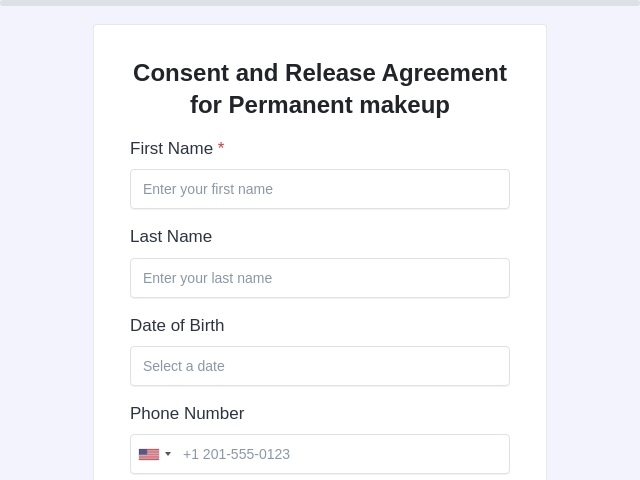
- Full Name
- Email Address
- Phone Number
- Appointment Details
- Tattoo Details
- Design description
- Placement on body
- Size of tattoo
- Color or black & grey
- Reference Upload
- Upload design images or inspiration
- Health Information
- Skin conditions (if any)
- Allergies
- Consent & Agreement
- Acceptance of terms
- Age confirmation
What Are the Benefits of Using an Online Tattoo Appointment Form?
- Easy Booking: Clients can book anytime
- Better Preparation: Artists know requirements in advance
- Organized Data: All bookings in one place
- Reduced No-Shows: Clear scheduling and communication
- Professional Workflow: Improves brand image
With FormNX, managing tattoo appointments becomes simple and efficient.
Tips to Create an Effective Tattoo Appointment Form
- Keep the form simple and clear
- Show relevant form fields that are only necessary.
- Use file upload for design references
- Make fields required for important details
- Include consent and age confirmation
- Use conditional logic for custom questions
- Add images/logos of your brand to give a professional look to the form.
How Can I Create a Tattoo Appointment Form Using FormNX?
- Login or create a new account in FormNX
- Choose a template for your Tattoo Appointment form.
- Customize the fields according to your needs for the appointment form.
- Add logo and background image to your form.
- Customize the design of your appointment form by changing the design of the theme, font style, error message color, field text color, field background color, question color, font size, etc.
- Customize the “Thank you” page to enhance the post-submission experience for users.
- Enable email settings to send or receive notifications when a response is submitted on the form.
- You can integrate Webhook, Google Sheets, Stripe, and much more integration to your forms as per your requirements.
- You can share the link of your form with your users according to your needs.
- You can embed the forms on your websites.
Powerful Features You Can Use in This Form
A tattoo appointment form is essential for managing bookings, understanding client needs, and delivering a professional experience.
With FormNX, you can easily create and customize your appointment forms to streamline your tattoo business.
FAQs About Tattoo Appointment Form
1. Can clients upload tattoo designs?
Yes, FormNX allows file uploads for reference images.
2. Is the form mobile-friendly?
Yes, it works smoothly on all devices.
3. Can I customize the form?
Yes, you can fully customize it based on your needs.
4. How do I manage submissions?
You can track all responses in the Form's submission page.
read more...