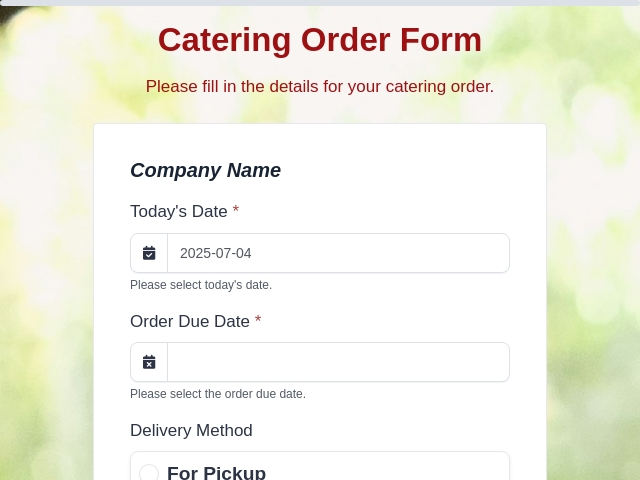
Flower Order Form Template
What is a Flower Order Form?
A Flower Order Form is a simple document that customers fill out to request specific flowers, bouquets, or arrangements. It captures details like flower types, quantities, and delivery info for events, gifts, or daily orders.
What is the use of the Flower Order Form?
The Flower Order Form helps customers clearly share their flower needs while giving florists all the info to prepare and deliver on time. It prevents mistakes, tracks orders easily, and builds trust with accurate records.
What information is collected in the Flower Order Form?
A Flower Order Form typically collects the following information:
- Customer Information (Name, phone, email, and delivery address)
- Order Details (Flower types, colors, sizes, and style like bouquet or centerpiece)
- Quantity and Pricing (Number of stems or items, total cost, and extras like vases)
- Delivery or Pickup (Date, time, location, and any special instructions)
- Payment Info (How to pay, deposits, or balance due)
- Special Requests (Notes for allergies, themes, or surprises)
- Confirmation (Customer sign-off or checkbox to agree)
Who can use this Flower Order Form?
The Flower Order Form can be used by:
- Customers: People ordering flowers for birthdays, weddings, or gifts.
- Florists: Shop owners managing daily and event orders.
- Event Planners: Pros handling floral setups for parties or corporate events.
- Flower Shops: Retailers taking online or walk-in requests.
- Wholesalers: Businesses filling bulk flower orders.
What are the benefits of an online Flower Order Form?
The benefits of an online Flower Order Form include:
- Customers can place orders 24/7 from any device, no need to call.
- Florists get instant notifications and organized order lists.
- Easy to add photos, pricing updates, or seasonal flower options.
- Automatic storage reduces lost papers and speeds up fulfillment.
- Built-in calculation feature for totals.
- Quick confirmations via email keep customers happy.
- Less errors with dropdown menus or select options for flower choices.
- Secure handling of payments and personal details.
Tips to Create an Effective Flower Order Form
Here are simple tips to make your form user-friendly and efficient:
- Add flower photos and descriptions for quick picks.
- Use dropdowns for colors, sizes, and occasions to speed up filling.
- Provide a text box for custom notes for clients.
- Add a date picker to avoid bad delivery days.
- Connect Stripe Integration to collect payment through forms.
- Test it with sample orders and tweak based on feedback.
With FormNX, you can create customizable Flower Order forms according to your needs and streamline your ordering process. Get started now!
read more...