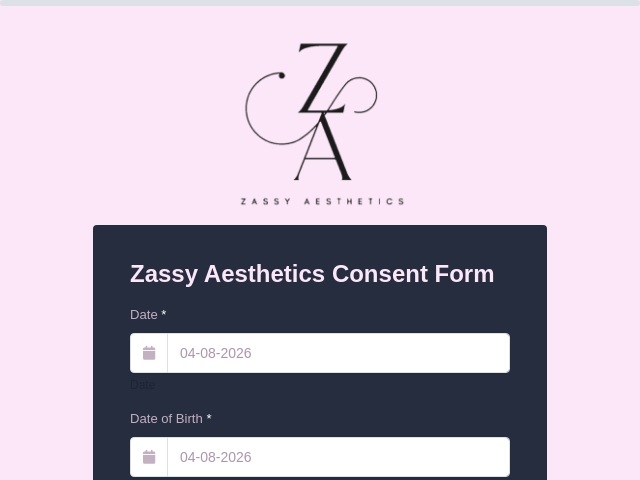
Dental Implant Consent Form Template
What is a Dental Implant Consent Form?
The Dental Implant Consent Form is a document that patients sign to confirm they understand the details and potential risks of the surgical procedure for placing implants.
What is the use of the Dental Implant Consent Form?
The Dental Implant Consent Form ensures that patients understand the implant procedure, its risks, and benefits. It protects both the patient and the dentist by showing the patient's agreement to the treatment. It also collects important health information.
What information is collected in the Dental Implant Consent Form?
A Dental Implant Consent Form typically collects the following information:
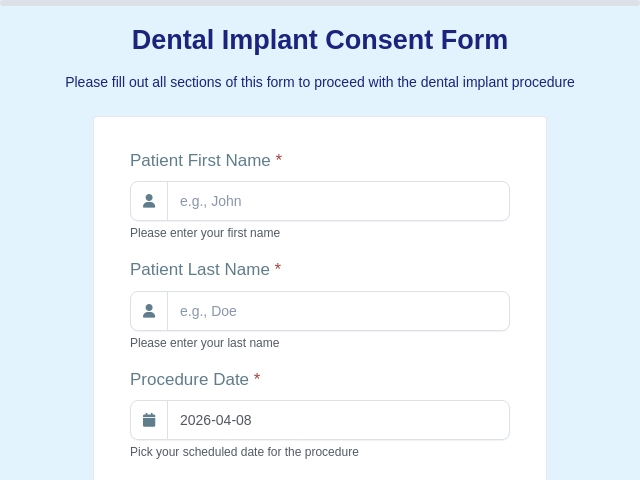
- Patient Information (Name, date of birth, contact details, and medical history)
- Procedure Details (Explanation of the dental implant process and what it involves).
- Risks and Benefits (Information about potential risks (like pain or infection) and the benefits (like improved chewing and appearance)).
- Alternatives (Other options for replacing missing teeth that you might consider)
- A section to ask any questions about the procedure
- Agreement (A statement saying you understand the information and agree to go ahead with the procedure)
- Signature (Patient's signature to confirm that they agree to go ahead with the dental implant.)
Who can use this Dental Implant Consent Form?
The Dental Implant Consent Form can be used by:
- Patients: Anyone who is considering getting a dental implant procedure done.
- Dentists: Dental professionals who perform the implant procedure to ensure patients are informed and consent to the treatment.
- Orthodontists: Specialists who may need to refer patients for dental implants.
- Oral Surgeons: Surgeons performing the implant surgery.
- Dental Hygienists: They may also assist in explaining the consent form to patients.
What are the benefits of an online Dental Implant Consent Form?
The benefits of an online Dental Implant Consent Form include:
- Patients can fill it out anytime and anywhere, making it easier to complete before their appointment.
- The form can be accessed on various devices, such as phones, tablets, or computers.
- Dental offices can quickly update the form with any new information or changes in procedure.
- Online forms can be automatically stored and organized, reducing paperwork and making it easier to retrieve patient information.
- Digital forms can speed up the check-in process, allowing for quicker appointments.
- Reduces paper waste, making it a more eco-friendly option.
- Patients can ask questions directly through the online platform, improving clarity and understanding.
- Online forms can be designed with security features to protect patient information.
Tips to Create an Effective Dental Implant Consent Form
- Use simple and clear language
- Only include relevant fields to collect necessary information
- Explain risks in detail
- Include medical history section
- Allow digital signatures
- Ensure patient confidentiality
- Include Terms and conditions
- Enable Progress Bar
- Enable Email notifications to get notified upon submission.
How Can I Create a Dental Implant Consent Form Using FormNX?
- Login or create a new account in FormNX
- Choose a template and click on “Use This Template” to create your form.
- Customize the fields of the form.
- Customize the design for your consent form.
- Customize the “Thank you” page to show a customized message after submission.
- Enable email settings to send or receive notifications upon submission.
- Preview your form.
- Publish and share it.
A dental implant consent form is essential for ensuring patient safety, legal compliance, and clear communication.
With FormNX, you can easily create and manage consent forms to improve your clinic’s workflow and patient experience.Get started now!
FAQs About Dental Implant Consent Form
1. Is this form legally required?
Yes, it helps ensure informed consent and legal compliance.
2. Can I collect digital signatures?
Yes, FormNX supports e-signatures.
3. Is patient data secure?
Yes, FormNX ensures secure data storage.
4. Can I customize the form?
Yes, the template is fully customizable.
5. Can I generate records?
Yes, you can create and download PDFs.
read more...